

Start with a recording
Record your screen or upload an existing video—from webinars to internal training sessions, recorded with tools like Zoom, Loom, or Gong.

Product
Usecases
Resources
Case Studies
Company
Give Trainn's AI agent a screen recording or a webinar, and it comes back as a professional product video. No manual editing, ever.
Record your screen or upload an existing video—from webinars to internal training sessions, recorded with tools like Zoom, Loom, or Gong.
Recorded your voice? The agent strips the “um’s”, rewrites mistakes, and voices your video.
Said nothing at all? It watches the recording, writes the script, and adds an AI voice.
The agent watches your recording and edits only where needed, removing recording mistakes, keeping what matters to the explanation, and adding zooms, spotlights, and your branding where appropriate.
Trainn's agent only creates the video, never publishes on your behalf. You can still make changes.
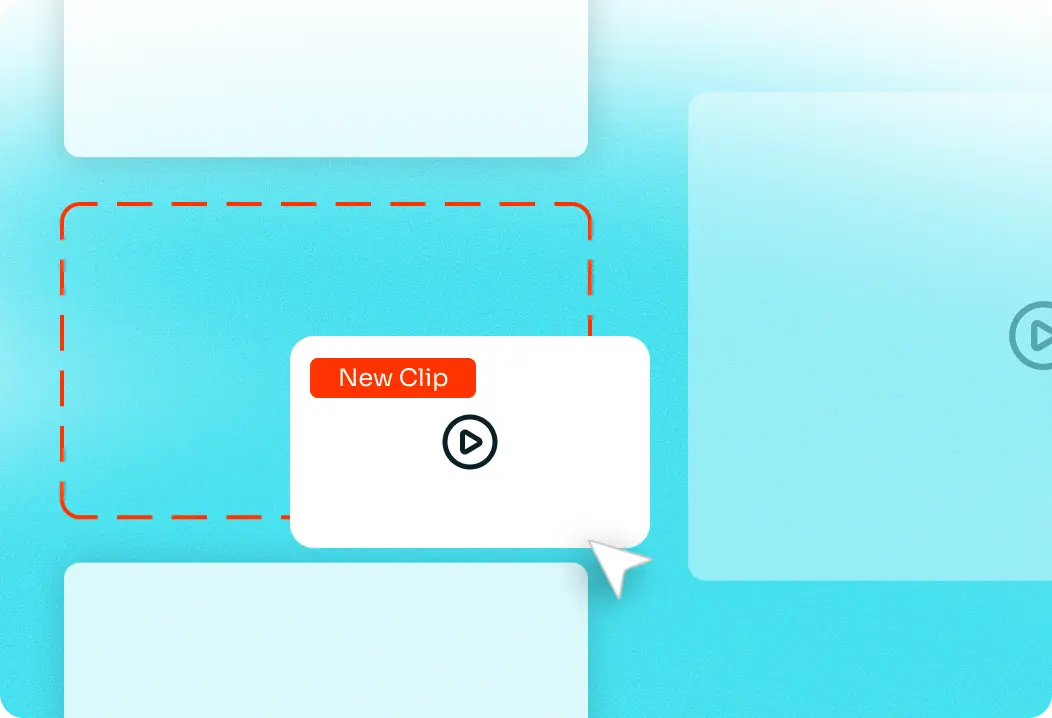
Swap out outdated clips using Trainn's clip-by-clip editor. Never re-record the whole video from scratch.
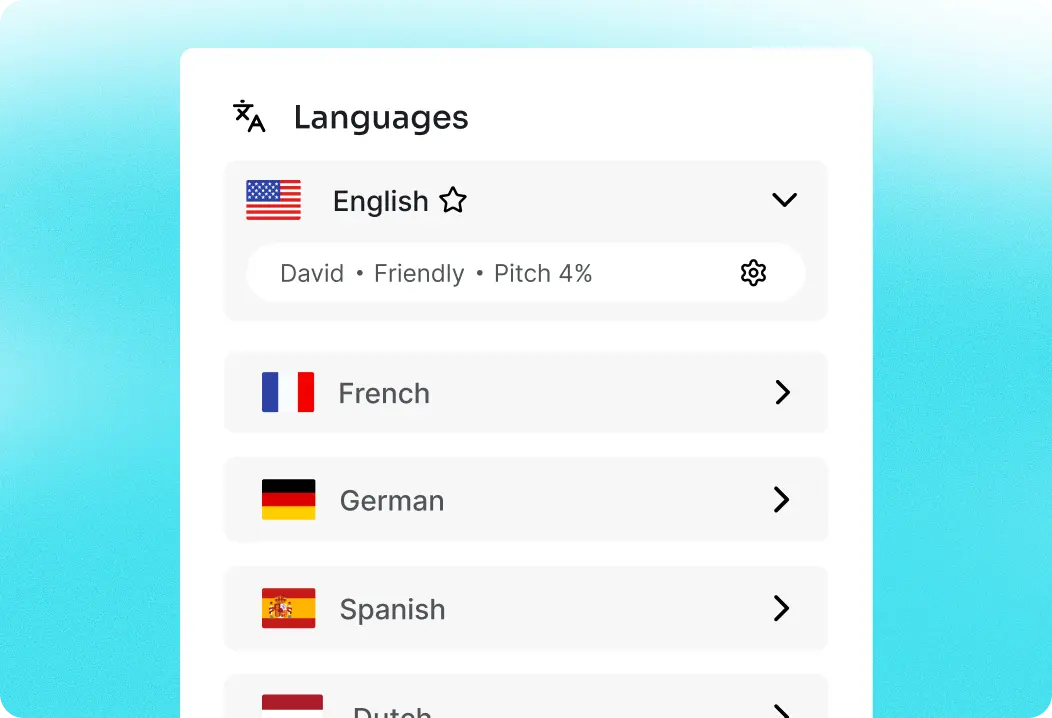
Translate any video in one click: the script, voiceover and description, all translated automatically
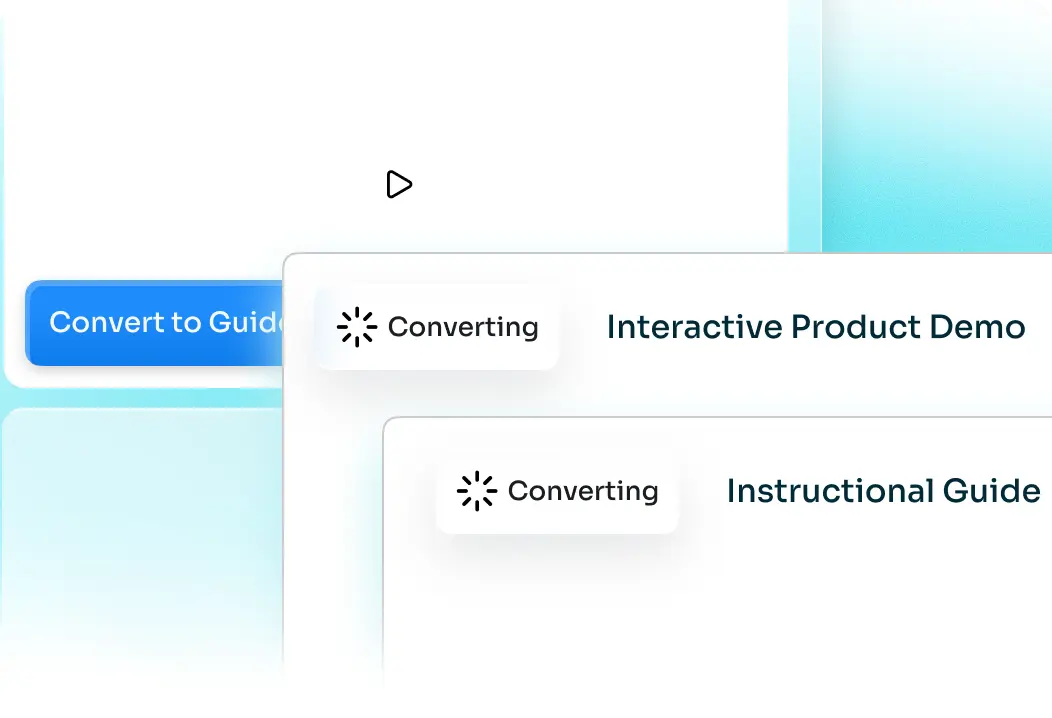
Turn any video into an interactive product demo and step-by-step user guides, with just one click.
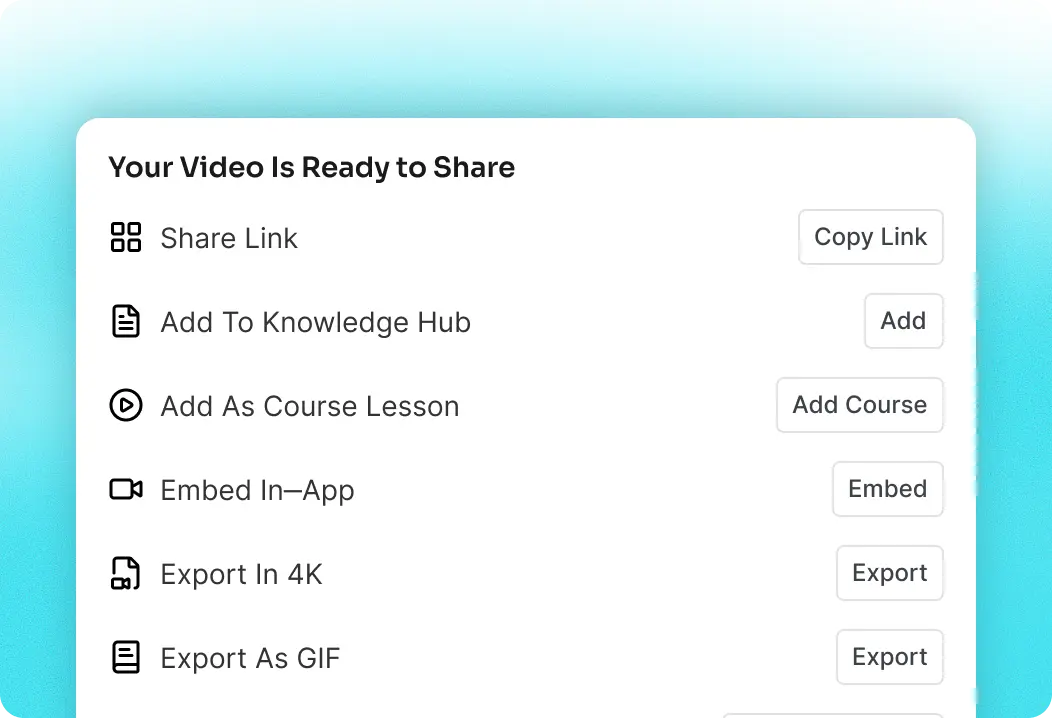
Publish as a knowledge base, course, in-app training, website embed, and more — without stitching multiple tools together.
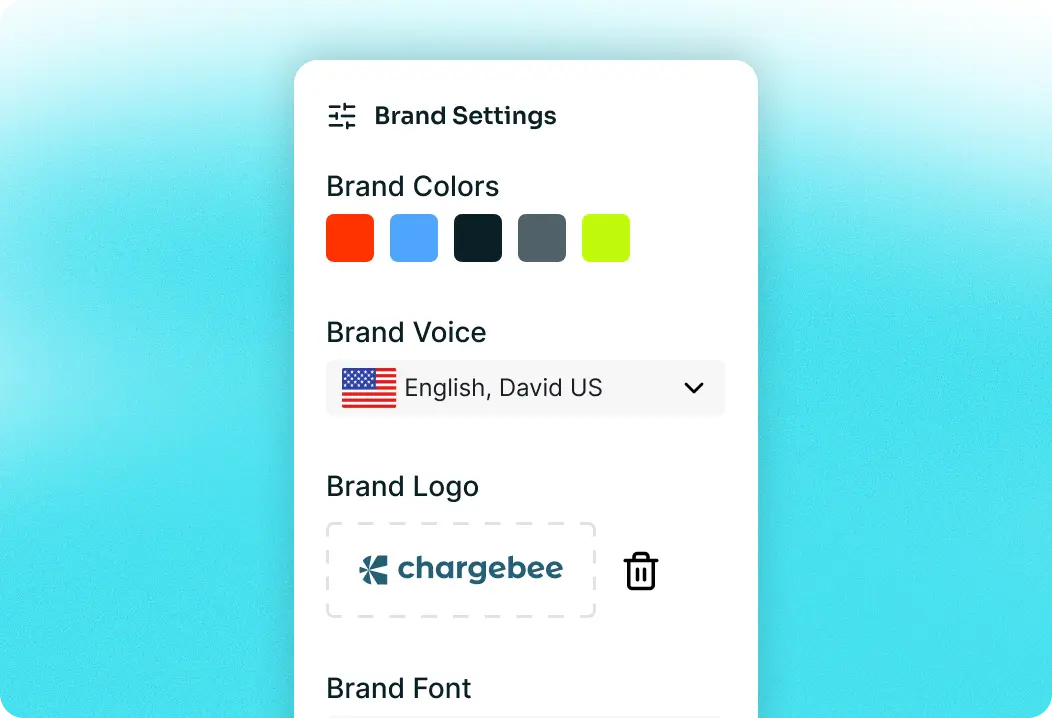
Set your brand font, colors, voice and templates once. Every video created uses them, automatically.
Your data is never used to train Trainn's agent. Every recording, script remains strictly confidential and secure.


Not sure where to start? Record a video for a common support question, or upload that old Loom you've been meaning to update.
Trainn is an AI-powered product video and guide creation platform that turns screen recordings into product demo videos, training videos, onboarding videos, step-by-step guides, and interactive walkthroughs. Trainn also delivers this content externally through a branded no-code LMS, or in-app through embedded tutorials to train customers at scale.

North Bethesda, Maryland 20852


