
- Features
- Resources
- Pricing
- Try Trainn's AI Video Agent


Product
Usecases
Resources
Case Studies
Company
- Customers
- Pricing
- Try Trainn's AI Video Agent
- Expert voices
- Log in
- Book a demo
- Sign up →
Published on: 03 Nov , 2025
Best 6 Camtasia Alternatives for Creating Product Videos at Scale (2025)
On this page
For years, Camtasia has been the go-to for teams creating professional videos. What sets it apart is its depth of timeline editing capabilities, which give users full control over producing professional-grade videos that stand out.
But here's what changed: SaaS moves fast. Your product updates weekly. Your training videos need to keep pace with the content. And your team doesn't have 4 hours to spend editing a 2-minute product demo video.
Enter the new generation of tools - built for speed and scale, not complexity.
Modern platforms like Trainn solve this differently. Instead of "master these 47 editing features to produce one good video," they ask: "What if your first recording was your final product?"
3 Reasons Why SaaS Teams Are Moving Beyond Camtasia
1. Camtasia's Learning Curve Kills Momentum
Camtasia's extensive editing features come with a significant downside: complexity. The platform requires considerable time to master, making it less ideal for teams that need to create videos quickly. Simpler alternatives offer intuitive interfaces where you just record, review, and publish.
2. You Can't Create Videos Faster Than Your Product Evolves
When features change weekly, re-editing videos in Camtasia is painful. Modern tools make updates simple: edit the transcript, update just the outdated clip, and hit publish.
3. Automations in Camtasia Feel Like Add-Ons
Camtasia's text-to-speech, zooms, and translations work, but feel disconnected. You still spend time stitching them together. Next-gen platforms automate the entire process: record → polish → translate → publish, all in one workflow and one tool.
The platforms below solved these problems by prioritizing what most SaaS teams actually need: speed, simplicity, and the ability to create quality product and training videos at scale.
Camtasia Alternatives: How I Tested and Evaluated
To give you honest, practical recommendations, we tested each tool the same way: recorded a typical SaaS product demo, used the platform's editing and automation features, and evaluated how easy it was to share the final video.
I focused on five criteria that matter most when replacing Camtasia:
1. Recording flexibility – Does it support browser recording, desktop recording (Windows/Mac), or both?
2. Editing simplicity – How intuitive is the interface compared to Camtasia's timeline editor?
3. Automation power – How much manual work gets eliminated? We tested AI voiceovers, auto-zooms on clicks, spotlight effects, pause removal, and more to see what's actually automated versus what requires manual editing.
4. Multilingual support – Can it make content accessible globally through subtitle or voiceover translations? Critical for teams serving international audiences.
5. Collaboration & sharing – Does it support cloud editing, team feedback on timelines, and simple link sharing? We evaluated how well teams can work together.
Camtasia Alternatives Compared: Side-by-Side Feature Breakdown
I’ve selected six leading alternatives that addresses Camtasia's biggest challenges while each bringing something unique to the table.
Here's a side-by-side comparison of important features to create product videos at scale:
| Feature | Trainn | WeVideo | Synthesia | Screencastify | Loom | Screen Studio |
|---|---|---|---|---|---|---|
| Chrome Screen recording | ✅ | ✅ | ✅ | ✅ | ✅ | ❌ |
| Desktop screen recording | ✅ | ✅ | ✅ | ❌ | ✅ | ✅ Only MacOs |
| AI voiceover / narrations | ✅ | ✅ Text to speech only |
✅ | ✅ | ❌ | ❌ |
| Language translations | ✅ | ❌ Only generated subtitles |
✅ | ✅ | ❌ Only subtitles can be translated |
❌ |
| Editing tools (trim, split, speed) | ✅ | ❌ Only trim |
❌ Script-based editing |
✅ Only split |
✅ | ✅ |
| Auto-apply zooms and spotlights | ✅ | ❌ | ❌ Manually add zooms |
❌ Manually add zooms |
❌ | ✅ Auto-add zooms |
| Export options | ✅ | ✅ | ✅ | ✅ | ✅ | ✅ |
| Link sharing | ✅ | ✅ | ✅ | ✅ | ✅ | ✅ |
| Cloud editing | ✅ | ✅ | ✅ | ✅ | ✅ | ❌ |
| Video analytics | ✅ | ✅ | ❌ | ✅ | ✅ | ❌ |
Let's explore each tool in detail to help you find the best fit for your needs.
#1 Trainn
Best for: Creating product videos at scale
Who is it for: Perfect for SaaS companies and their customer education, product training and onboarding teams
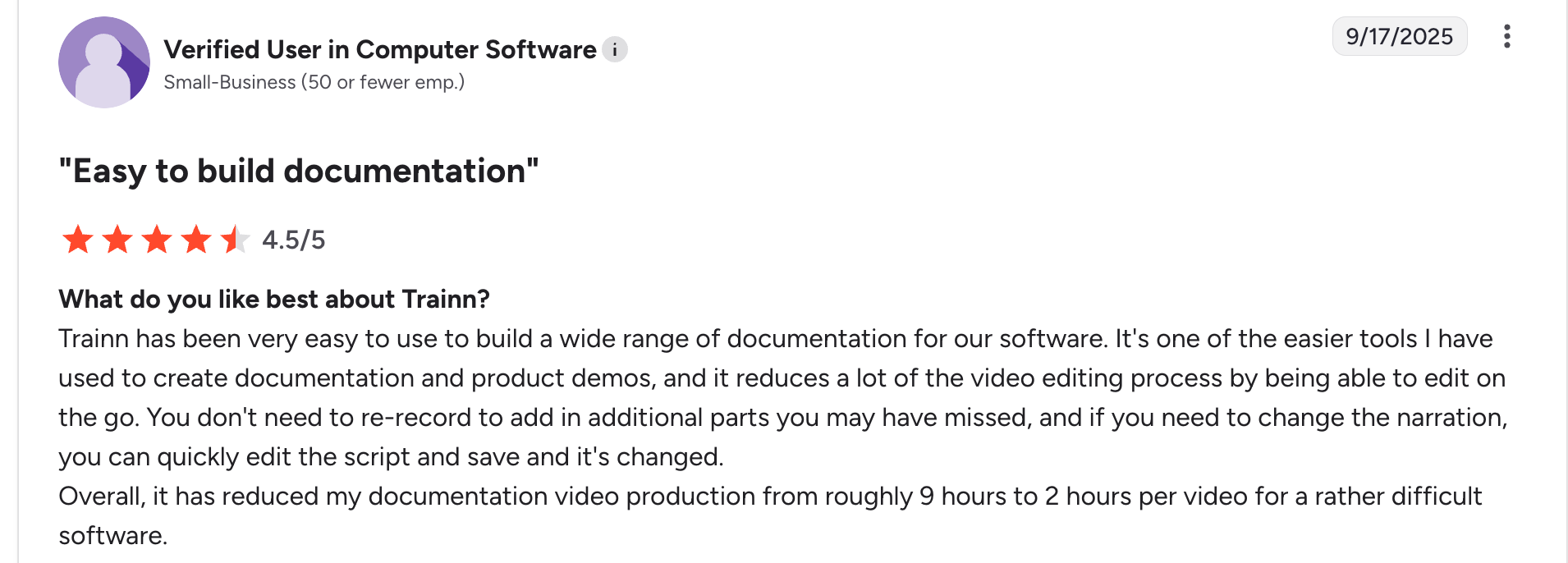
Trainn is built for one thing: turning plain screen recordings into publish-ready videos without the editing headache. Just record your screen, and Trainn's AI automatically handles the rest.
What does "the rest" mean? Your videos get intelligent zooms and spotlights, AI voiceovers (or use your own voice), one-click translations to 25+ languages, custom thumbnails, and video summaries—all in minutes.
For product demos, training videos, and sales enablement, Trainn eliminates the bottleneck that trips up most teams: the gap between "we recorded it" and "it's ready to share."
Trainn is used for customer training, sales enablement, employee onboarding, and product demos. It reduces the time delay between "we recorded it" and "it's ready to share."
| Pros | Cons |
|---|---|
| Automations - narrations, zooms, spotlights, convert your voice to an AI voiceover. | Limited third-party integrations |
| Clip-by-clip editor for seamless editing | No avatar-based presenter videos |
| One-click translation from English to 25+ global languages | |
| Translate English video to 25+ languages in 1 click | |
| Brand styles - Preset brand settings to your videos and save time |
Pricing
Launch - $2,400/year
Free trial available for 14 days
Trainn vs Camtasia
If Camtasia is for perfectionists, Trainn is for pragmatists. Trainn is purpose-built for SaaS teams creating 10+ videos monthly without the resources (or patience) for deep editing. You get studio-quality output at a fraction of the time and learning curve. Cloud-based, zero software to install, and you get videos shipped faster than your product updates.
#2 WeVideo
Best for: Collaborative Video Editing
Who is it for: Learning & Development, Marketing teams
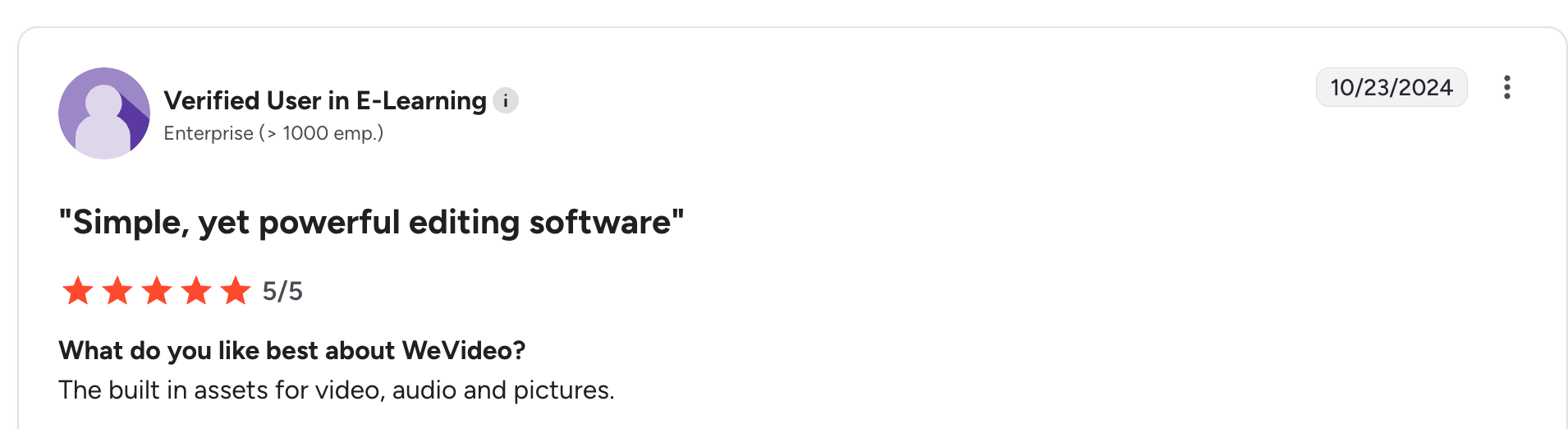
WeVideo is a cloud-based video editing platform designed for team collaboration. Multiple users can co-edit projects and share time-stamped feedback directly on the video timeline.
The platform enables you to add interactive elements, such as multiple-choice quizzes, open-ended questions, and discussions, to make videos more engaging. It's ideal for small businesses creating internal training videos without needing advanced editing features.
| Pros | Cons |
|---|---|
| Cloud-based editing | No language translations |
| Share timeline-specific feedback | Basic AI features - No auto-generated Zooms & spotlights, |
| Auto-generated quizzes, subtitles, noise reduction |
Pricing
| PLAN | Creators | Teams | Enterprise |
|---|---|---|---|
| Billed annually | $20/month | $52/month | Contact support |
| Billed monthly | $28/month | $75/month | Contact support |
WeVideo vs Camtasia
WeVideo excels with cloud-based editing and real-time collaboration, while Camtasia is a desktop-centric recorder.
#3 Loom
Best for - Asynchronous Communication
Who is it for - Sales team, Product team, Support teams to share demo or updates
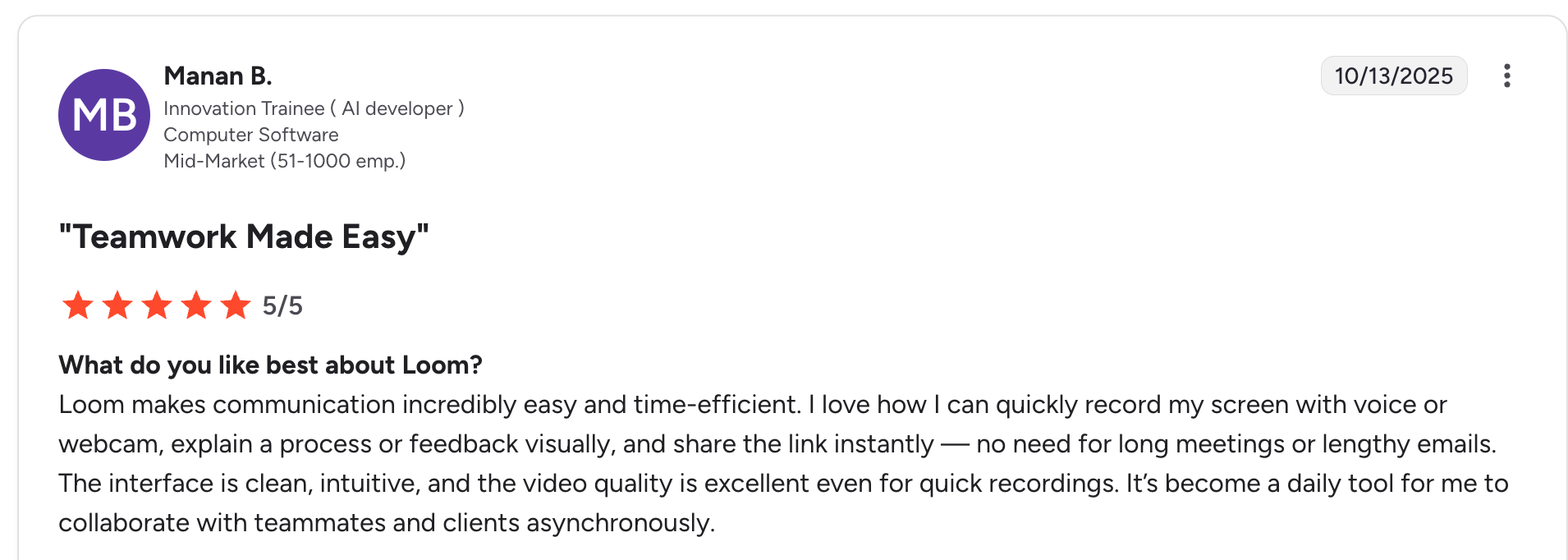
Loom is built for quick video communication when your team is distributed across time zones or schedules don't align. Instead of coordinating live meetings, you can record your screen to share updates, demos, or feedback, and your teammates can respond with timestamped comments and reactions at their own convenience.
On the production side, Loom’s AI features help you save time by automatically generating titles, summaries, and chapter markers.
| Pros | Cons |
|---|---|
| Share timestamp-based feedback | Only basic editing - you can trim & split, but cannot insert clips in mid-video |
| Automatically removes silences and filler words | Translates only subtitles and not the audio/voiceover |
| Transcript-based editing | AI voiceovers are not available |
| AI-generated titles, summaries & chapters |
Pricing
| Plan | Starters | Business | Business + AI | Enterprise |
|---|---|---|---|---|
| Billed Annually | Free | $15/month/user | $20/month/user | Contact support |
| Billed Monthly | Free | $18/month/user | $24/month/user | Contact support |
Loom vs Camtasia
Loom is designed for quickly creating and sharing short one-time training videos internally within teams, while Camtasia’s full-scale editing capabilities make it less ideal for large volumes of videos at scale.
Ready to Trainn your customers?
- Create videos & guides
- Setup Knowledge Base
- Launch an Academy

Trainn is an AI-powered product video and guide creation platform that turns screen recordings into product demo videos, training videos, onboarding videos, step-by-step guides, and interactive walkthroughs. Trainn also delivers this content externally through a branded no-code LMS, or in-app through embedded tutorials to train customers at scale.

North Bethesda, Maryland 20852


