

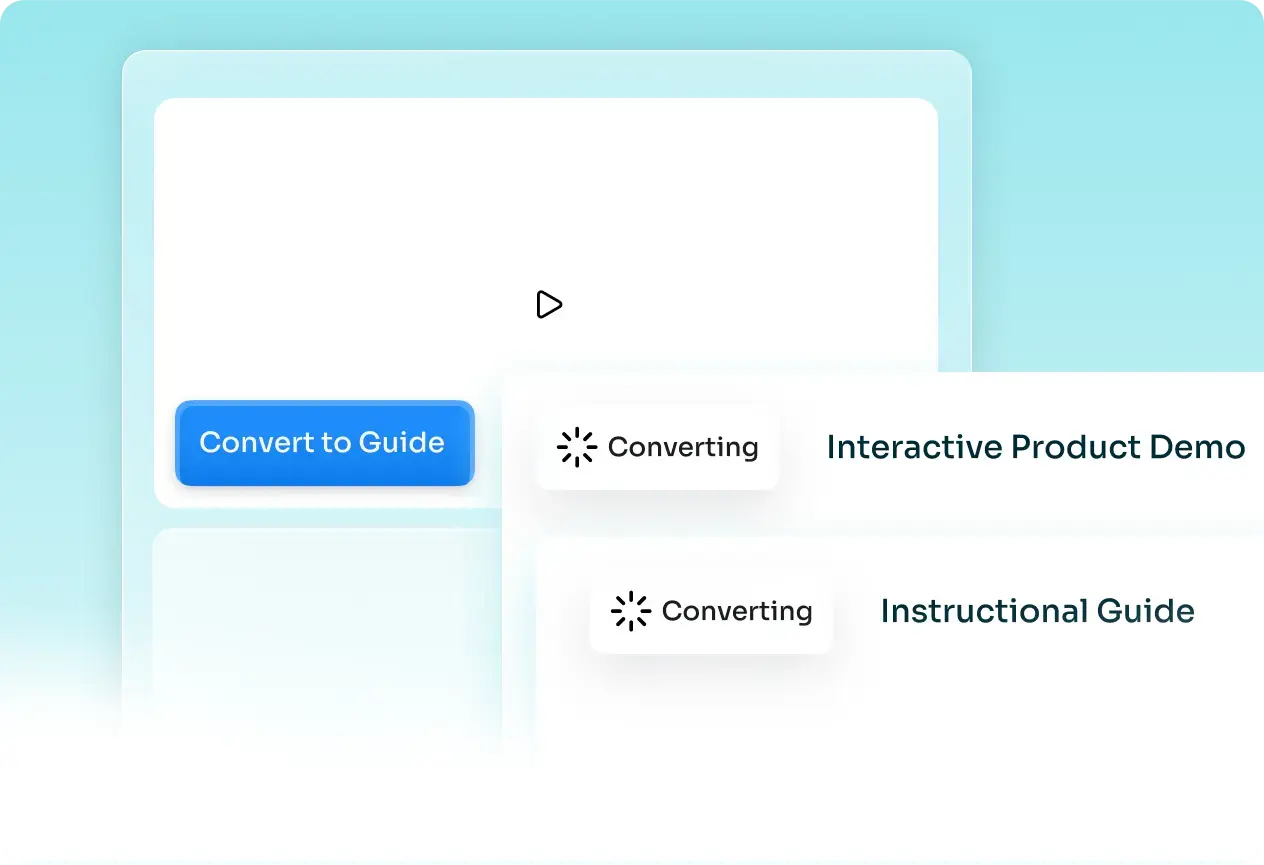
One recording, every format
A video, a step-by-step guide, an interactive demo, and an article from one recording, each ready for a product demo, an onboarding flow, a help center, or a course. Guidde gives you a how-to video and a doc.

Product
Usecases
Resources
Case Studies
Company
#1 Guidde Alternative
Guidde stitches screenshots into a slideshow-style how-to video. Trainn turns the same recording into polished videos, guides, and interactive demos that show your product in motion.
Teams creating with Trainn





Capability Comparison
Guidde stitches your screenshots into a slideshow-style how-to video with an AI voiceover, shared by link or embed. The result plays more like an animated screenshot guide than a recording of your product, and it stops at video documentation, with no interactive walkthrough and no place to host and measure it.
Trainn turns one screen recording into a narrated product video, a step-by-step guide, an interactive demo, and an article, for marketing, sales demos, onboarding, training, and support. It updates by swapping a single clip, and hosts and measures all of it in your app, a branded knowledge base, or an academy.
| What Changes | Trainn | Guidde |
|---|---|---|
| Use cases | Product launches, marketing, sales demos, onboarding, training, and support | How-to video documentation, SOPs, and support answers |
| Final output | Videos, guides, interactive demos, and articles, hosted and measured | A how-to video and a matching document to share |
| Multiple outputs from one recording | A video, a guide, an interactive demo, and an article | A how-to video and a step-by-step doc |
| AI capabilities | AI video agent edits the recording, writes narration, times zooms and spotlights, and reviews the result. AI script, voiceover, titles, transcripts, one-click translation | AI generates a how-to video and doc with AI voiceover and text-to-voice; magic PII redaction on higher tiers |
| Interactive walkthroughs | Yes | No |
| Updates | Swap the one clip that changed; the voiceover re-syncs | Recapture to update |
| Delivery | Knowledge hub, in-app widget, in-app tutorials, academy, embeds | Share link, embed, export |
| Analytics | Who watched, who finished, where they dropped off, plus Self-Serve Training Delivered and Cost Avoided | Video engagement analytics |
| Translation | One-click video and guide translation, 30+ languages | Multi-language on higher tiers |
| Plan | Transparent plans from $19/month, 14-day trial | Per-creator pricing; 7-day Business trial |
Why Teams Switch
A video, a step-by-step guide, an interactive demo, and an article from one recording, each ready for a product demo, an onboarding flow, a help center, or a course. Guidde gives you a how-to video and a doc.
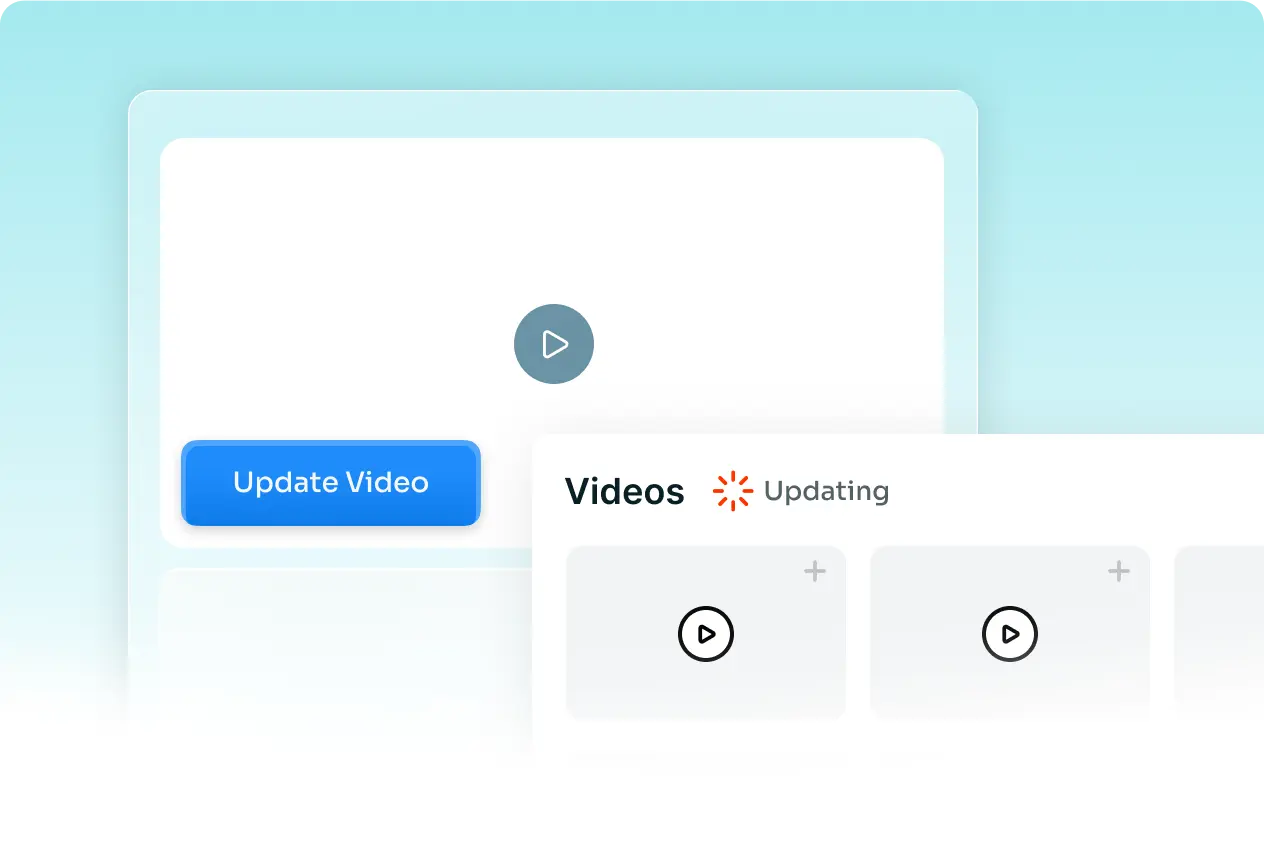
Swap the single clip that changed and the rest stays as it was; edit the script and the voiceover re-syncs. No recapturing the workflow. POSIST updates videos in about 10 minutes after a product change.
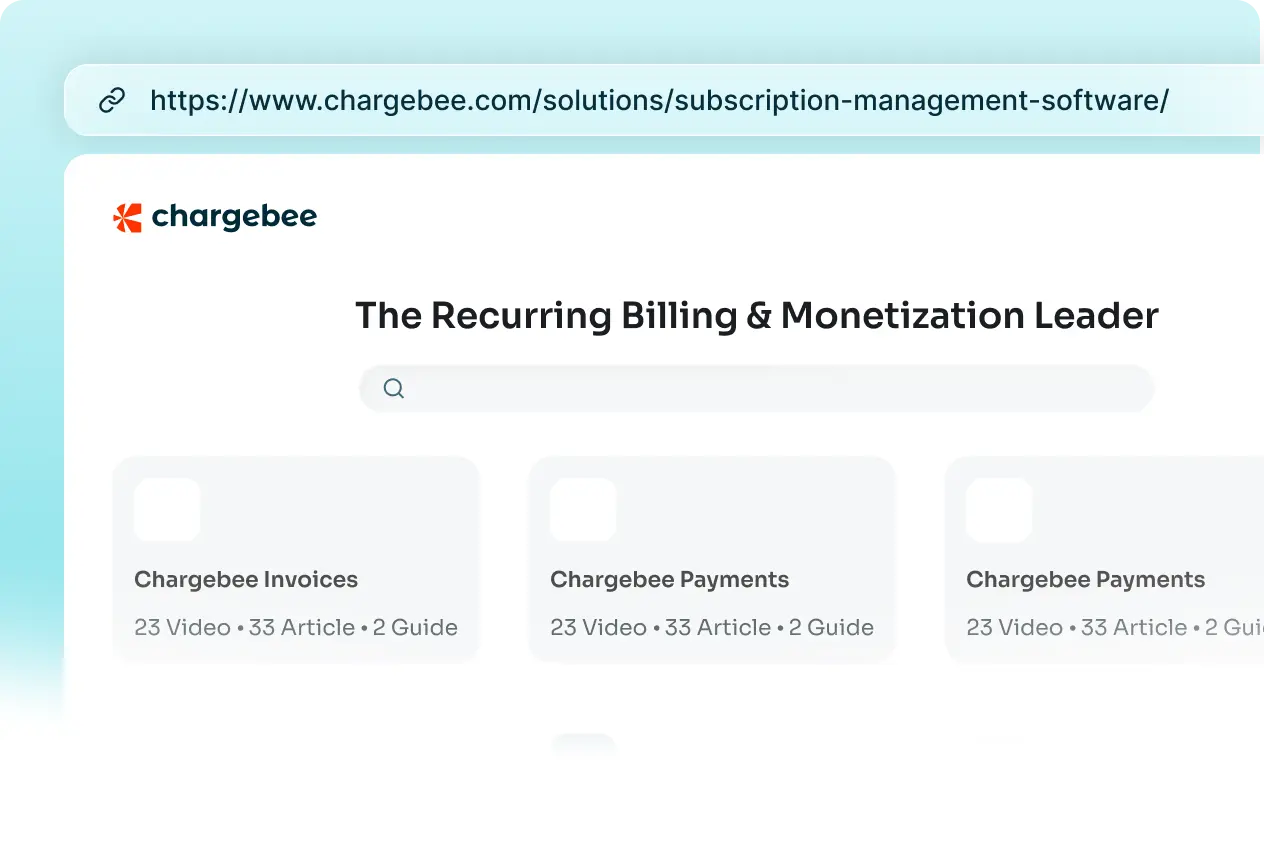
A branded knowledge base, in-app tutorials, and a no-code academy with courses, quizzes, and certifications, not just a share link and an export.
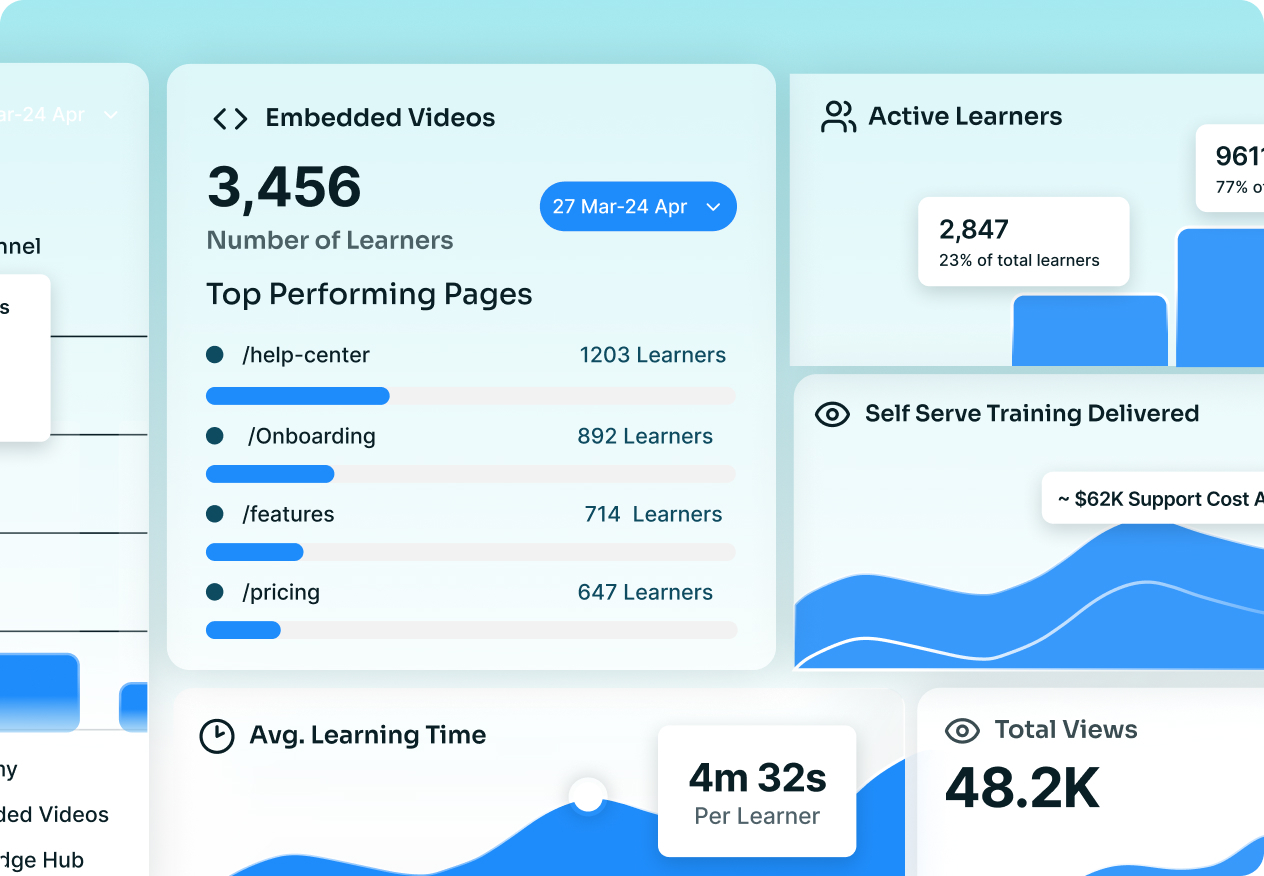
See who watched and finished, by learner and by channel, plus Self-Serve Training Delivered and Cost Avoided, the dollars training saved. Guidde reports video engagement.
Customer Stories
"The tool is simple to use and gives excellent results on the first pass. We're seeing people who never made videos before making videos now."

Fa Lujan Waisberg
Sr. Manager, Strategic Programs, ServiceNow
"Best platform for end-user training and support. A shallow learning curve, with no need for a radio voice, a good microphone, or the right ambiance to record."

Rob B.
Technical Training Strategy Manager, AVEVA
"In two weeks, I built and launched our first course, without any video editing background. Vendors had quoted months for the same work."

Eldho John
Lead, Business Strategy and Growth, Neutrinos
Trainn is an AI-powered product video and guide creation platform. Record a product workflow once and its AI turns it into a narrated video, an interactive walkthrough, and a step-by-step guide for demos, onboarding, training, and support, then delivers them through a knowledge base, in-app tutorials, or a branded academy. Analytics show who watched and completed.
Yes. Guidde makes how-to videos and docs to share or embed. Trainn turns one recording into a video, a guide, an interactive demo, and an article, lets you update by swapping a clip, and delivers and measures all of it through a knowledge base, in-app, or an academy.
Guidde generates a how-to video and a matching document. Trainn generates more formats from one recording, uses a clip-by-clip editor so you swap one clip instead of recapturing, and adds in-app and academy delivery with learner-level analytics.
Both generate AI voiceover. Trainn goes further: its AI video agent edits the whole video, times the zooms and spotlights, reviews the result, and writes titles, descriptions, and transcripts, and it also builds interactive demos and articles from the same recording.
Export your existing Guidde videos and upload them to Trainn, which adds an AI voiceover and visual effects and turns each into a product video plus a step-by-step guide. New content records once in the browser and produces every format at the same time.
Trainn splits each recording into clips, so you swap the one clip that changed and the rest stays as it was. If the message changed rather than the screen, you edit the script and the voiceover re-syncs.
Yes. Trainn delivers through a branded knowledge base, in-app tutorials, and a no-code academy, and shows who watched, who finished, and where they dropped off, plus Self-Serve Training Delivered and Cost Avoided.
Yes. A 14-day free trial with no credit card. Paid plans start at $19/month.
See Trainn in a 20-minute demo. We'll show you how one recording becomes a video, a guide, an interactive demo, and an article, delivered and measured in one place.
Trainn is an AI-powered product video and guide creation platform that turns screen recordings into product demo videos, training videos, onboarding videos, step-by-step guides, and interactive walkthroughs. Trainn also delivers this content externally through a branded no-code LMS, or in-app through embedded tutorials to train customers at scale.

North Bethesda, Maryland 20852


