#1 Trupeer Alternative

Trainn vs Trupeer: Which Video Tool Is Right for You?

Trupeer makes an AI video and docs, and changing a step means re-recording the whole video. Trainn turns one recording into videos, guides, and interactive demos, where changing a step is a quick clip swap.

Teams creating with Trainn

ServiceNow logo — teams using Trainn as a Trupeer alternative BuildOps logo — teams using Trainn as a Trupeer alternative POSIST logo — teams using Trainn as a Trupeer alternative WebEngage logo — teams using Trainn as a Trupeer alternative Neutrinos logo — teams using Trainn as a Trupeer alternative

Capability Comparison

Trainn vs Trupeer

Trupeer turns a screen recording into a video and step-by-step documentation on a credit-based model. The gaps show up after you create: reviewers report re-recording entire videos to make a change, an editor that hits a ceiling, and no LMS or in-app delivery.

Trainn turns the same recording into more formats as standalone content, for demos, onboarding, training, and support, lets you fix one clip instead of re-recording, and hosts and measures everything in one place.

What Changes Trainn Trupeer
Use cases
Product launches, marketing, sales demos, onboarding, training, and support
AI videos and documentation, for training and SOPs
Final output
Customer-ready videos, guides, interactive demos, and articles
AI videos and step-by-step documentation
Multiple outputs from one recording
A video, a guide, an interactive demo, and an article, each shareable on its own
A video and a step-by-step doc, bundled together
AI capabilities
AI video agent edits, rewrites narration for clarity, times zooms and spotlights, and reviews the video. AI script, voiceover, titles, transcripts, one-click translation
AI generates a video and documentation from a recording. AI voiceover, translation, auto-blur, custom skills. Manual editing for changes
Updates
Swap or clone the one clip that changed, in place; the voiceover re-syncs on publish
Re-record the whole video, no option to re-record one part
Voiceover after a script edit
Re-syncs automatically on publish
Two steps: "Keep Changes," then "Refresh Voiceover"; skip step two and the old audio ships
Delivery
Knowledge hub, in-app widget, in-app tutorials, academy, embeds
Share links, collections, knowledge base (paid add-on); no LMS or in-app
Analytics
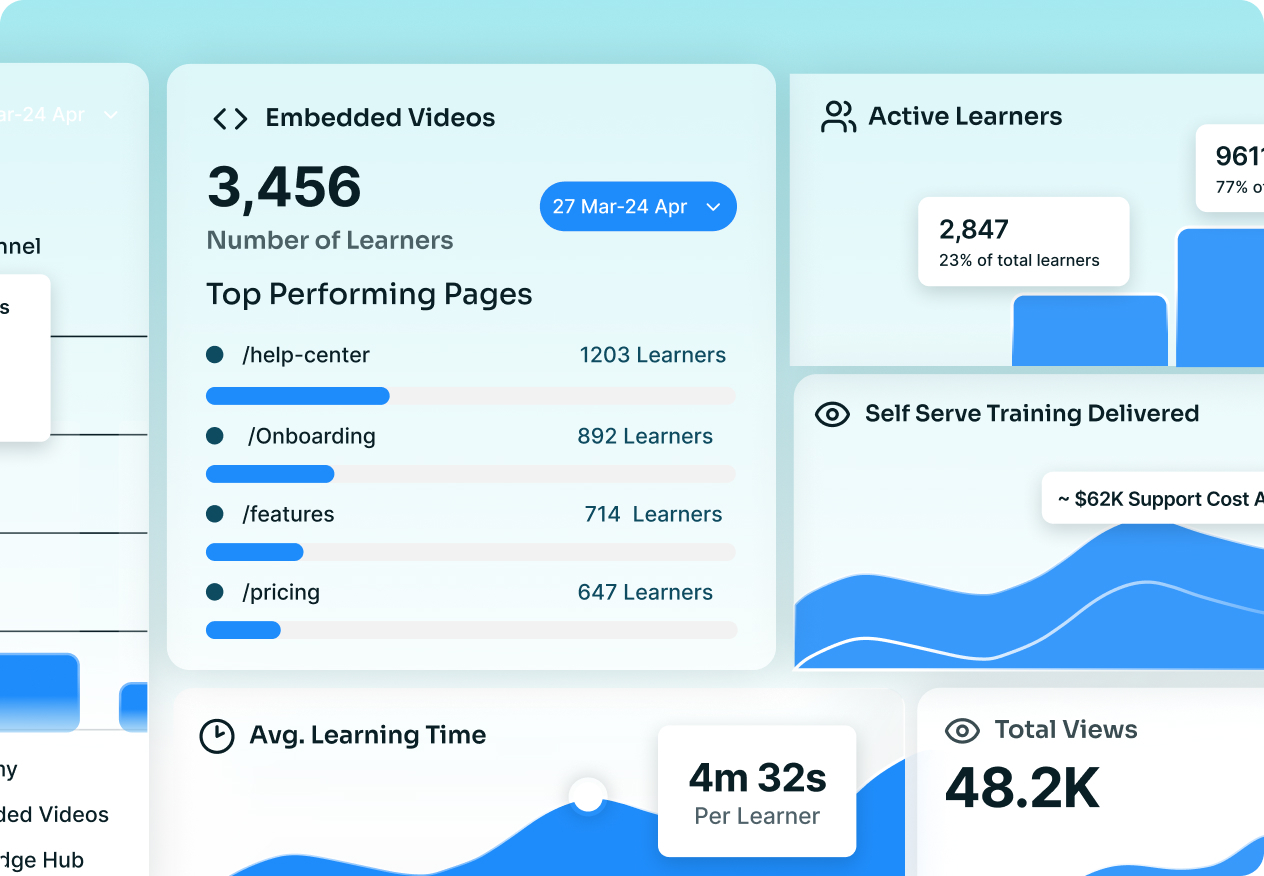
One dashboard across content, channels, and learners, plus Self-Serve Training Delivered and Cost Avoided
Per-video only; no unified dashboard, no learner-level view
Translation
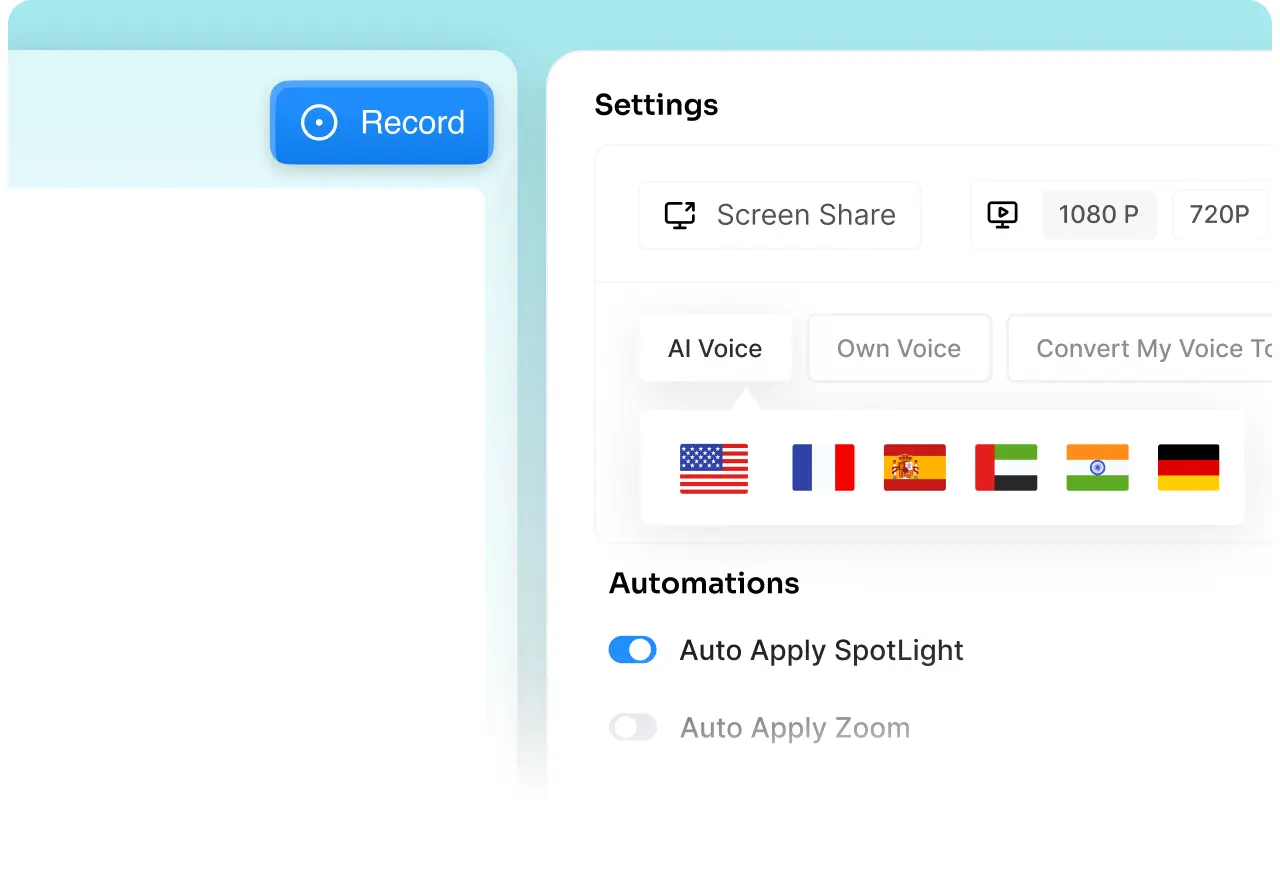
One-click video and guide translation, 30+ languages
Supported, each multilingual video consumes more credits
Plan
Flat plans from $19/month, AI video included, 14-day trial
Credit-based; AI video consumes credits per minute, so the bill climbs with volume

Why Teams Switch

4 Reasons Teams Choose Trainn Over Trupeer

Trainn vs Trupeer — Fix one clip, never re-record the whole video

Fix one clip, never re-record the whole video

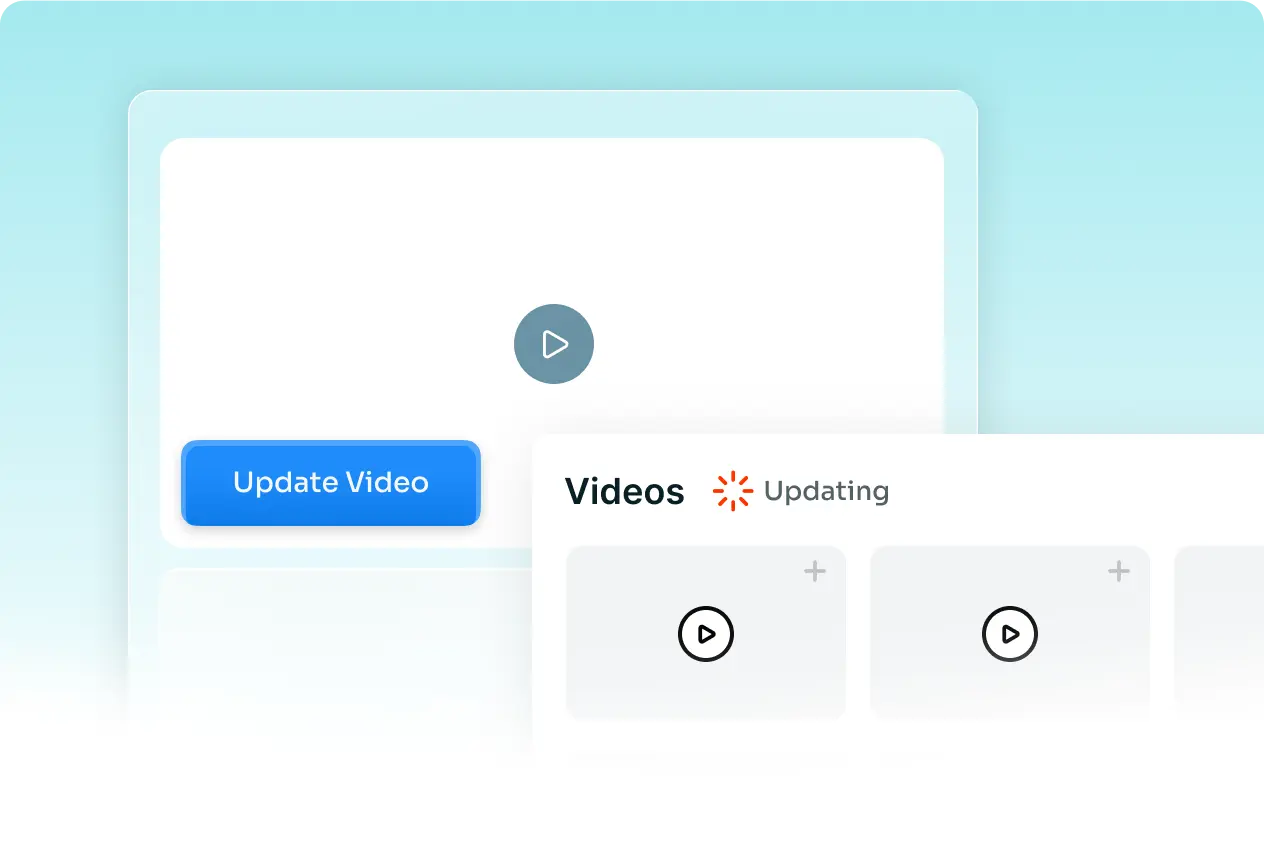
Re-record or clone the one segment that changed, in place, and the voiceover re-syncs on publish. Trupeer users report re-recording the entire video for a single change, with no way to re-record just one part. Reviewers also ask Trupeer for a fuller editor and clip merging.

Trainn vs Trupeer — Every format, as standalone content

Every format, as standalone content

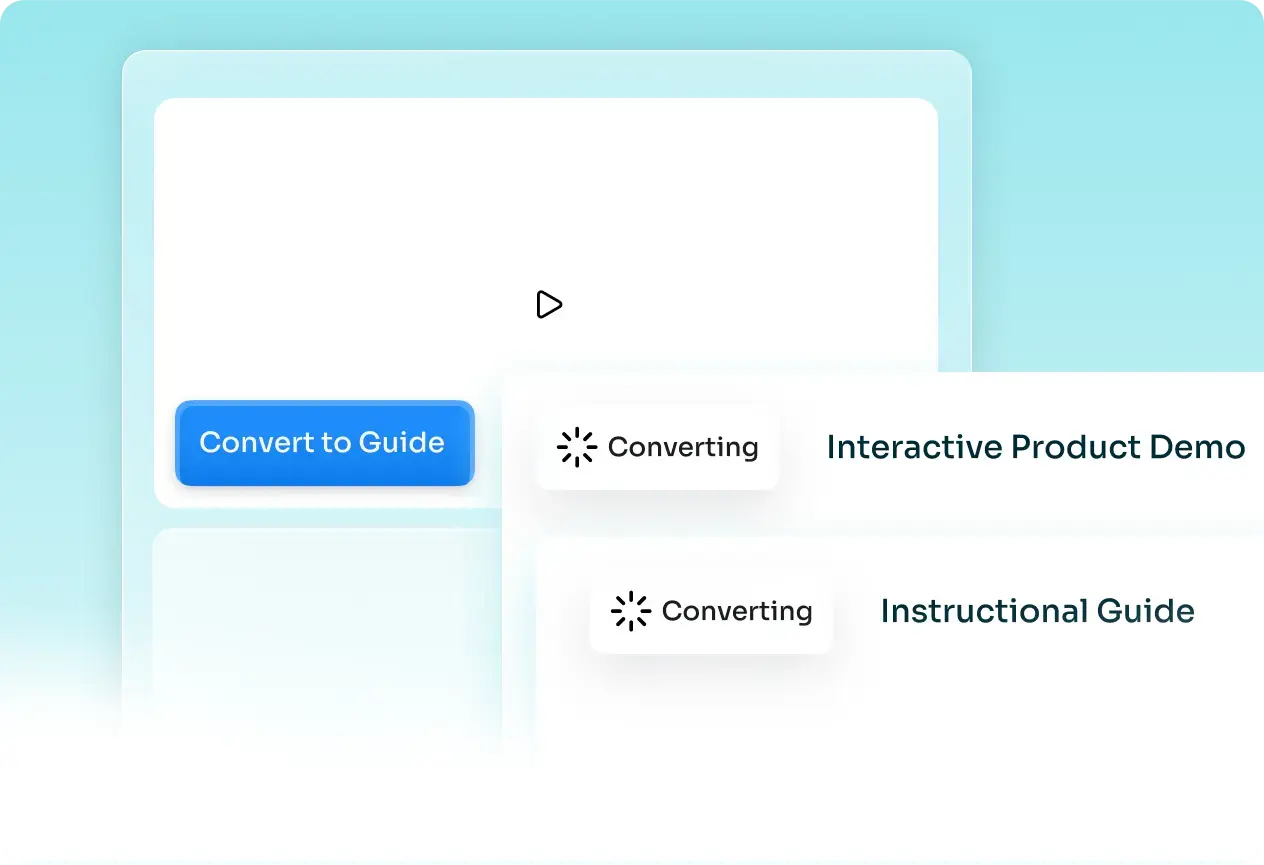
One recording becomes a video, a step-by-step guide, an interactive demo, and an article, each ready for a demo, an onboarding flow, a help center, or a course. Trupeer bundles its outputs and has no interactive guide and no standalone article writer.

Trainn vs Trupeer — Flat, predictable pricing instead of credits

Flat, predictable pricing instead of credits

Trainn's plans include AI video and guides, so creating more does not burn credits per minute and every extra language does not raise the bill. Trupeer meters AI video by the minute.

Trainn vs Trupeer — Prove it worked, and deliver it anywhere

Prove it worked, and deliver it anywhere

Performance across content, channels, and individual learners in one dashboard, plus Self-Serve Training Delivered and Cost Avoided, with delivery through in-app tutorials, a knowledge base, and a no-code academy. Trupeer stops at per-video analytics with no LMS or in-app.

Customer Stories

What Customers Say

3x video output, year over year

"The tool is simple to use and gives excellent results on the first pass. We're seeing people who never made videos before making videos now."
Fa Lujan Waisberg — Trainn vs Trupeer customer story

Fa Lujan Waisberg

Sr. Manager, Strategic Programs, ServiceNow

80% less time to create and maintain videos

"Best platform for end-user training and support. A shallow learning curve, with no need for a radio voice, a good microphone, or the right ambiance to record."
Rob B. — Trainn vs Trupeer customer story

Rob B.

Technical Training Strategy Manager, AVEVA

100+ training videos in 45 days

"Since our customer base was growing, our 1:1 training for every new customer was not enough. We had to offer more resources for their success with BuildOps."
Sabina Rana — Trainn vs Trupeer customer story

Sabina Rana

Head of Customer Support, BuildOps

Frequently Asked Questions

What is Trainn? +

Trainn is an AI-powered product video and guide creation platform. Record a product workflow once and its AI turns it into a narrated video, an interactive walkthrough, and a step-by-step guide for demos, onboarding, training, and support, then delivers them through a knowledge base, in-app tutorials, or a branded academy. Analytics show who watched and completed.

Is Trainn a good alternative to Trupeer? +

Yes. Trupeer creates product videos and documentation on a credit-based model, but updates mean re-recording, and there is no LMS, in-app delivery, or learner-level analytics. Trainn turns the same recording into more formats as standalone content, lets you swap one clip to update, and delivers and measures everything in one platform.

What's the difference between Trainn and Trupeer? +

Trainn uses a clip-by-clip editor, so you fix the one clip that changed instead of re-recording, and the voiceover re-syncs automatically. Trainn also adds interactive demos, a standalone article writer, in-app and LMS delivery, and a connected analytics dashboard Trupeer does not have.

How do the AI features compare? +

Both generate AI video and voiceover from a recording. Trainn's AI video agent also edits the whole video, rewrites narration for clarity, times the zooms and spotlights, reviews the result, and writes titles, descriptions, and transcripts, so updates are a clip swap rather than a manual re-edit.

How easy is it to switch from Trupeer to Trainn? +

Export your existing Trupeer videos and upload them to Trainn, which adds an AI voiceover and visual effects and turns each into a product video plus a guide. New content records once in the browser, and Trainn's flat plans mean you are not tracking credits as you rebuild.

Do I have to re-record a whole video in Trainn when my product changes? +

No. Trainn splits each recording into clips, so you re-record or clone the single clip that changed, in place, and the rest stays as it was. Trupeer reviewers report re-recording the entire video.

Does Trainn show learner-level analytics? +

Yes. Trainn connects overall content analytics, per-content performance, and learner-level engagement in one dashboard, plus Self-Serve Training Delivered and Cost Avoided. Trupeer offers per-video analytics only.

Is there a free trial? +

Yes. A 14-day free trial with no credit card. Paid plans start at $19/month.

Ready to Stop Re-Recording Every Time Your Product Changes?

See Trainn in a 20-minute demo. We'll show you how one recording becomes a video, a guide, an interactive demo, and an article, how you swap a single clip to update, and how it all gets delivered and measured in one place.