Guidde Turns Your Screen Recording Into a Slideshow. Trainn Turns It Into
A Training Video
Customers Actually Watch.

Teams That Outgrew Guidde

Chargebee Daniplan

Capability Comparison

Trainn vs Guidde

Guidde records your screen, then throws away the recording and stitches the steps into a slideshow of screenshots. If you scrolled, opened a popup, or clicked through a dropdown, that motion is gone — the viewer sees just screenshots snapped together.

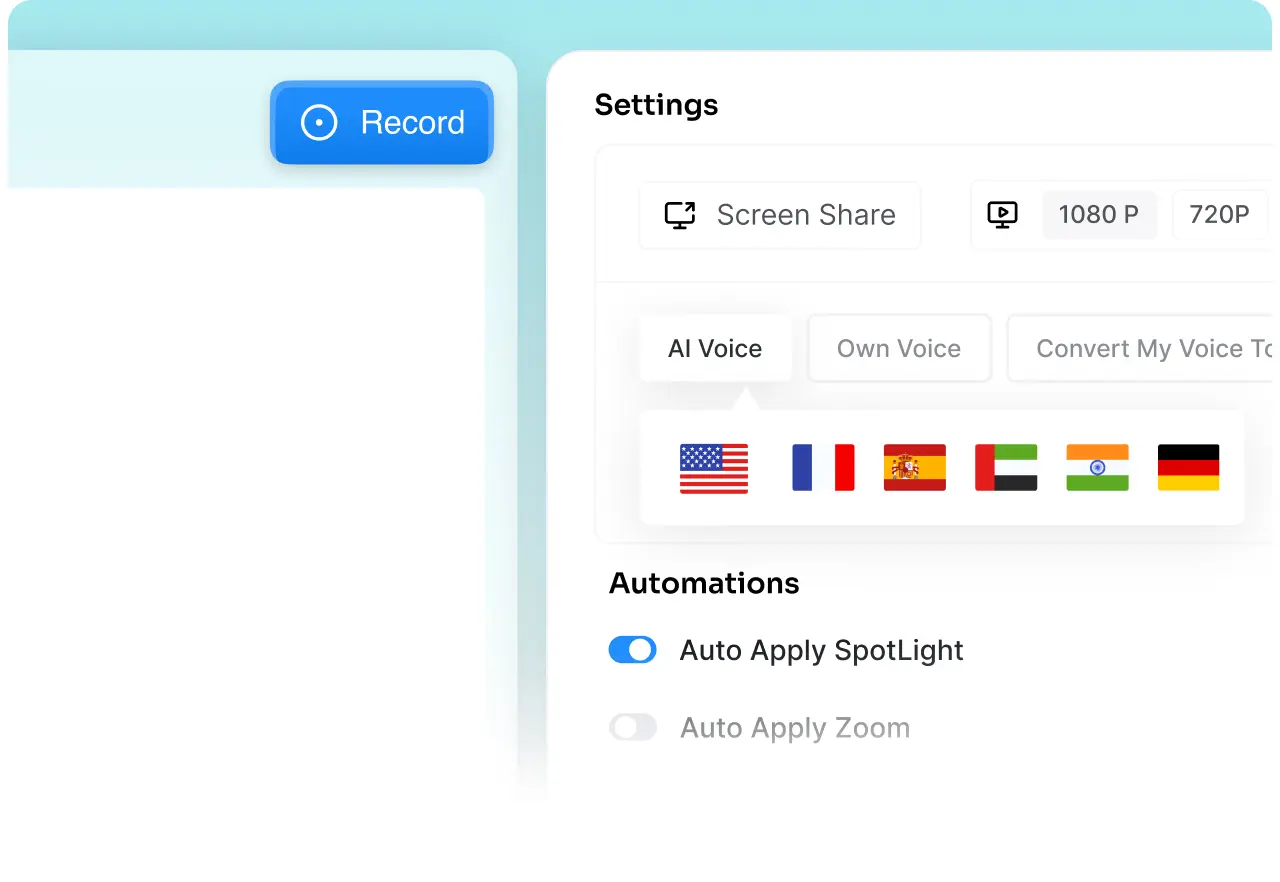
Trainn keeps the full screen recording intact and layers AI voiceover, zooms, and spotlights on top of it. The result is a video that plays like something a real person actually did — not a slideshow someone assembled after the fact.

Capability Trainn Guidde
Primary Purpose
Customer training at scale: videos, guides, walkthroughs, academy, analytics.
Quick internal documentation.
Content formats supported
Videos Step- by - step Guides Interactive Guides Help Articles.
Step-by-step guide and video slideshow.
Video output
Engaging product video with human like voiceovers, zooms, spotlights, annotations.
Screenshots stitched into a slideshow.
Voiceover & narration
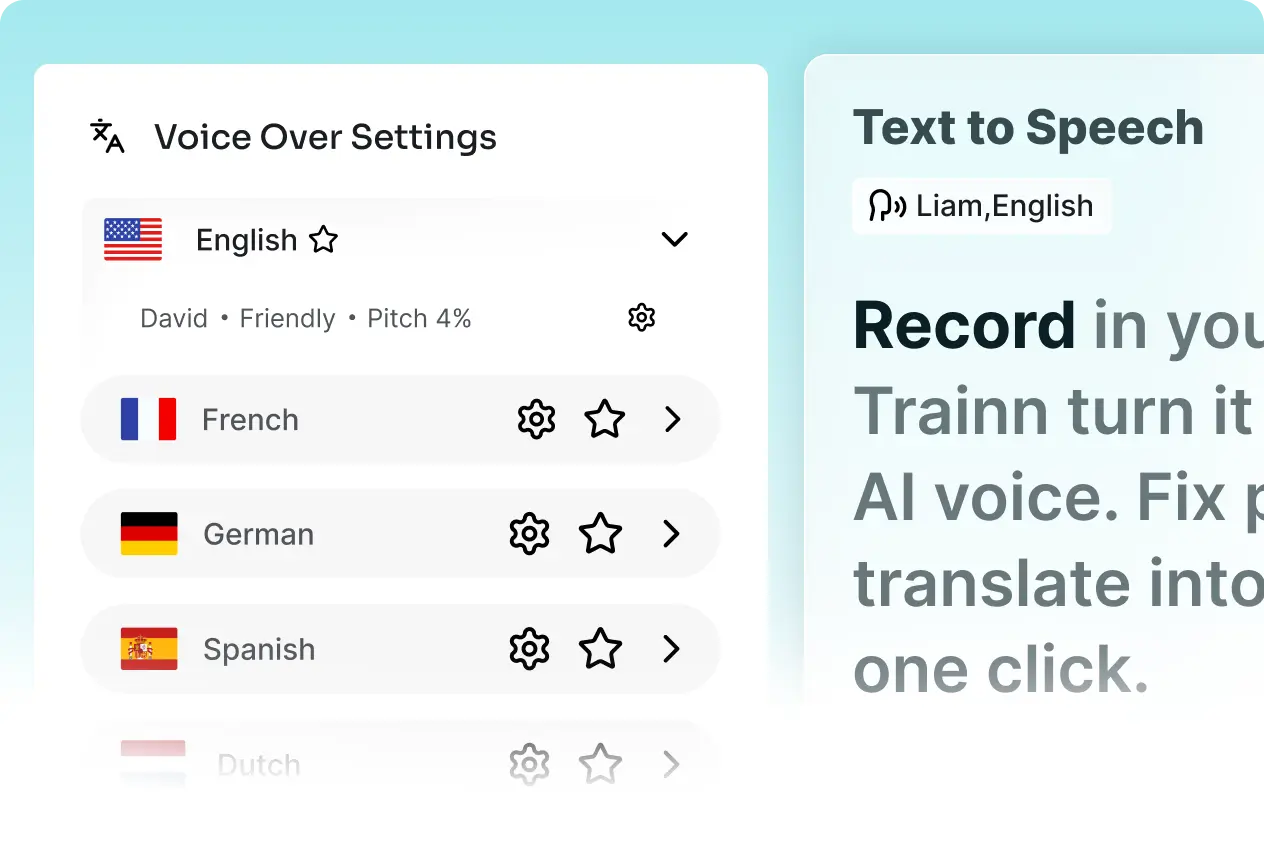
Contextual AI voiceover based on what you actually did on screen ("Click the schedule button to choose when to send your email") 100+ accents to choose from.
Generic, templated narration ("Click here. Click there.") Users report voices can sound robotic.
Interactive experience
Generates interactive walkthroughs.
Generates only a step-by-step guide with video. No interactive format.
Video editing
Clip-based editor — trim, split, merge, rearrange, delete, with audio-video sync maintained.
Slide-based editing only — add, delete, or reorder steps. No timeline trimming or splitting of actual video clips.
Translations
One-click translations of videos and guides into 30 languages.
Only video translations
Knowledge base
Branded, searchable knowledge hub with in-app widget, SSO, and analytics.
Not available
Customer training academy
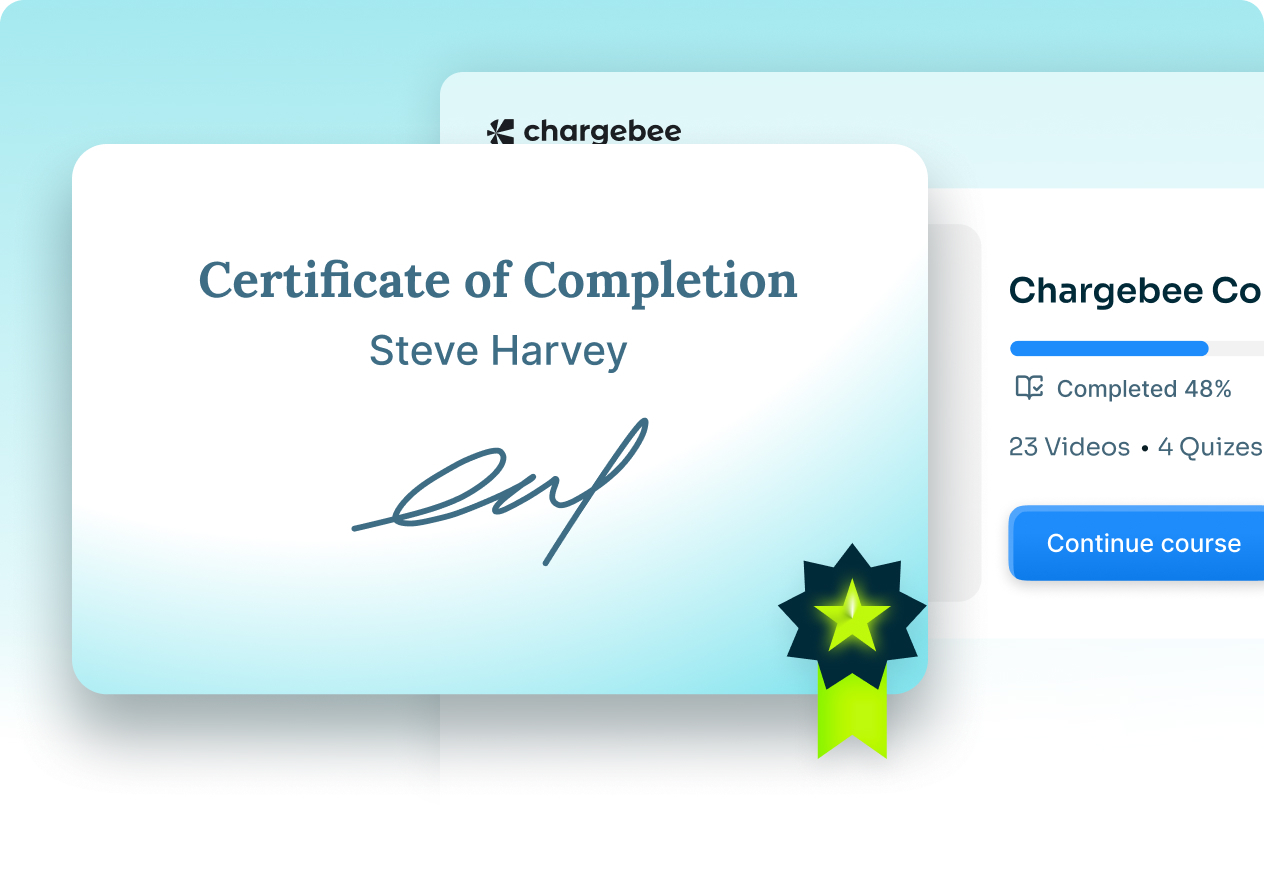
Courses, quizzes, certifications built-in
Not available
Distribution
Knowledge hub, in-app, academy, embeds — all in just one platform
Option to deliver videos at the bottom of your app.
Learner analytics
Video-level and learner-level: engagement, drop-off, completion, feedback
Limited video analytics. Engagement data limited to 30 days on Business, 180 days on Enterprise.

Why Customer-Facing Teams Switch

4 Reasons Why CS Teams Pick Trainn for
Customer Training Use cases

Multiple formats from one recording

A real video, not a slideshow

Guidde breaks your screen recording into screenshots played back as a slideshow. Trainn keeps the full recording and adds contextual AI voiceovers, zooms, and spotlights — so the video shows your product exactly as users experience it.

A complete training platform

AI voiceover that describes what you did

Guidde's narration is generic: 'Click here.Click there.' Trainn's AI writes contextual narration based on each step — so the video actually explains the why, not just the where.

Faster content production with AI

One recording, three formats

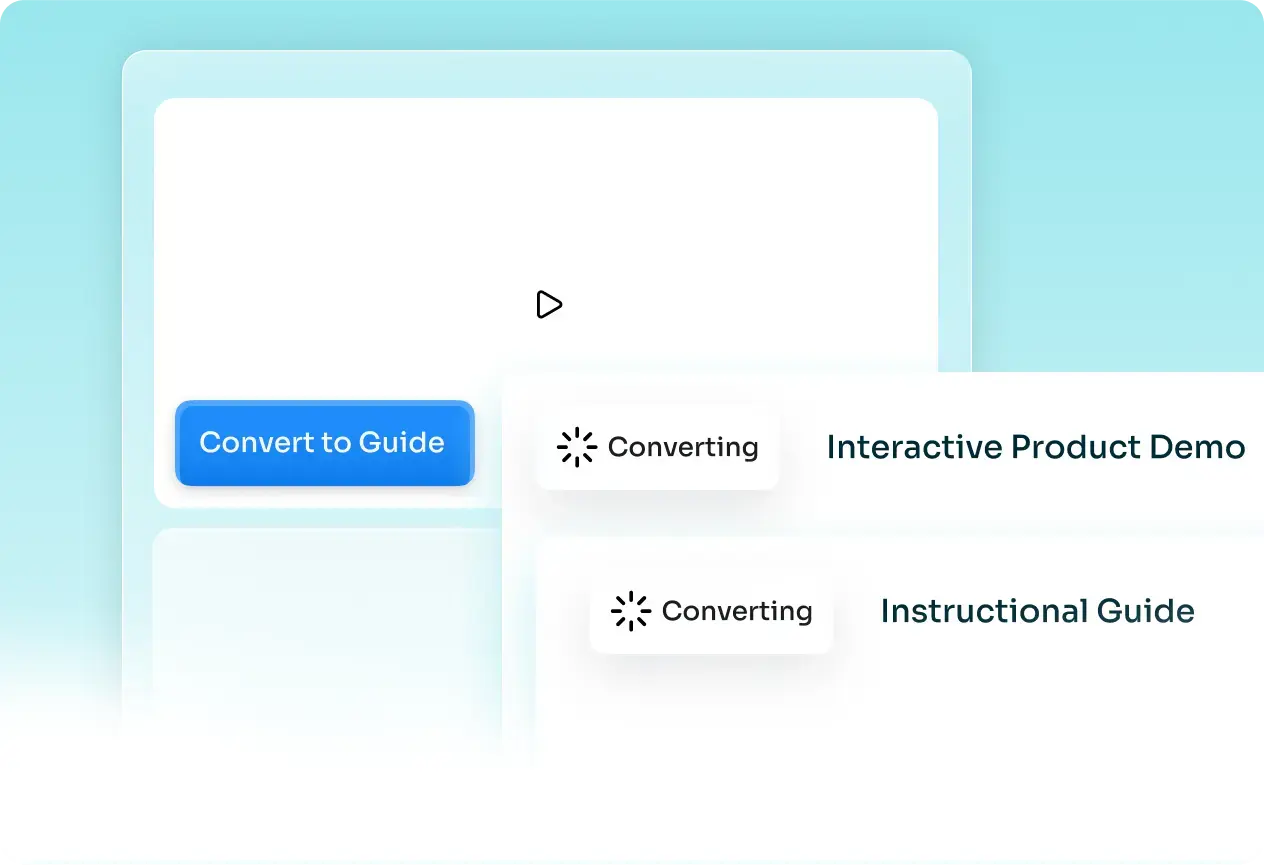
Guidde just gives you a static guide and a slideshow video. Trainn turns your plain screen recording into training videos, step-by-step guides, and interactive walkthroughs. It gives you the flexibility to deliver training content based on how your customers learn best.

End-to-end learner analytics

Videos, Guides, and Academy — One Platform

Trainn bundles creation, delivery (academy, knowledge hub, in-app), and analytics in one place. You can run a full customer training program without stitching five tools together.

3X VIDEO OUTPUT YOY

50% Reduction in Video Production Time

"We compared this year to last, and the difference was clear — production time dropped by half, and our output on Trainn-driven videos tripled. Pages with video score noticeably higher than the ones without."

Fa Lujan Waisberg

Sr. Manager, Strategic Programs, ServiceNow

ELIMINATED 1:1 TRAINING

100+ Videos in 45 Days

"Our team was stuck repeating the same walkthroughs on every call. Now customers self-serve through the BuildOps Learning Center, and support finally gets its time back instead of spending it on training."

Sabina Rana

Head of Customer Support, BuildOps

SMES TURNED INTO CONTENT CREATORS

80% Less Time to Create Training Videos

"Best screen-recording and streaming platform for end-user training and support. Very shallow learning curve. No need for a radio-voice, good microphone or ambiance to record."

Rob B.

Technical Training Strategy Manager, AVEVA

Frequently Asked Questions

Is Trainn a good alternative to Guidde? +

Yes. Guidde is built for quick documentation — screen recordings turned into annotated slideshows shared via links. Trainn is built for customer training at scale: real videos with AI voiceover, step-by-step guides, interactive walkthroughs, a branded academy, a knowledge hub, and learner analytics. If you need more than documentation, Trainn replaces Guidde and the three other tools you're stitching together around it.

What's the actual difference between a Trainn video and a Guidde video? +

Guidde takes your screen recording and breaks it into individual screenshots played one after another. If you scrolled, opened a popup, or clicked through a dropdown mid-recording, that action doesn't appear — it's cut between frames. Trainn keeps the full screen recording intact, then layers AI voiceover, automatic zooms, and spotlights on top, so every interaction plays back exactly the way it happened.

Guidde also has AI voiceover. How is Trainn different? +

Two differences. First, quality: Guidde auto-generates generic step descriptions ("Click here. Click there.") while Trainn writes contextual narration based on your actual screen actions ("Click the schedule button to choose when to send your email"). Second, access: in Guidde, AI text-to-voice is locked behind the Business tier at $39/month per creator. On the Free and Pro plans, you record your own voice every time. Trainn includes AI voiceover on all plans.

I'm comparing Guidde vs Scribe — how does Trainn fit in? +

Guidde gives you screenshots stitched into a slideshow. Scribe gives you screenshots with text annotations. Neither produces a real video. Trainn produces a narrated video, a step-by-step guide, and an interactive walkthrough from the same recording — plus gives you a knowledge base and academy to host and track all of it. If you're evaluating Guidde and Scribe, you're looking for documentation. Trainn gives you a complete customer training program.

Does Guidde have an academy or LMS? +

No. Guidde stops at documentation and sharing. Trainn includes a built-in academy with courses, quizzes, certifications, and learner analytics — so you can run a full customer training program, not just hand out guides.

Can I bring my existing Guidde content into Trainn? +

Yes. You can upload your existing recordings and documentation into Trainn, and it turns them into narrated videos, step-by-step guides, and interactive walkthroughs. You don't start from zero.

Is there a free trial? +

Yes. A 14-day free trial with no credit card. Paid plans start at $2,400/year.

Ready to Turn Recordings into a Real Training Program ?

See Trainn in a 20-minute demo. We'll show you how to replace Guidde's slideshows with training videos your customers actually watch — plus a knowledge hub and academy to deliver them.