

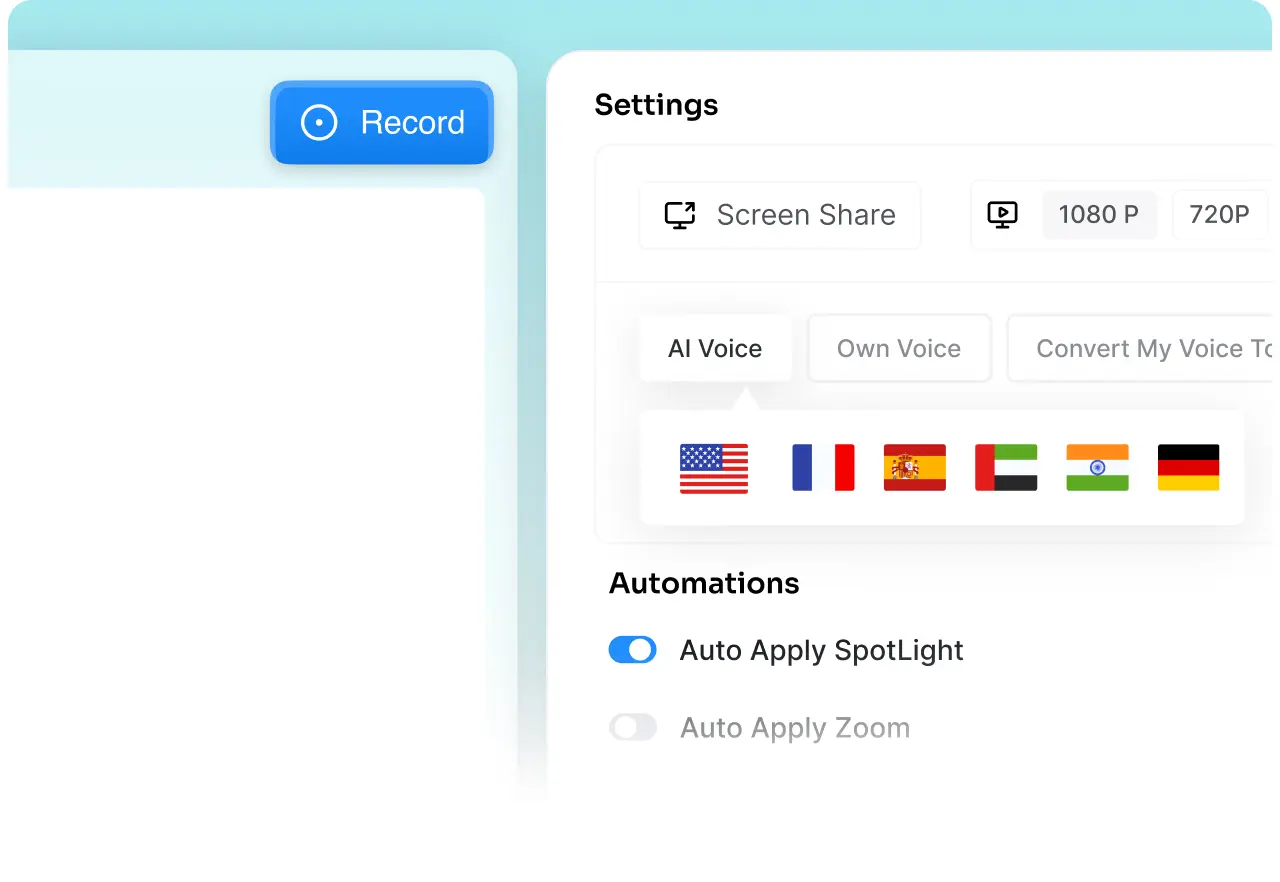
Advanced Video Editing Tools
Trainn automates 90% of the editing work, but you still have access to advanced editing tools to control speed, pacing of voiceovers, pronunciations, voice styles, trim, split, cut, and more.

Product
Usecases
Resources
Case Studies
Company
Upload a Loom. Trainn turns it into a professional product video with AI voiceovers and visual effects.
We uploaded a Loom. Trainn turned it into a professional product video, on its own. Slide to see the difference.
With Loom, quality depends on how well you've recorded it — every fumbled word and wrong click is yours to fix. Trainn rebuilds the same recording automatically — a clean AI voiceover in any language or accent, plus visual effects that draw attention to what matters. No matter who recorded it, the result is a customer-ready video.
| What Changes | Trainn | Loom |
|---|---|---|
| Price |
$19/month onwards
* Videos + Guides, AI features included |
$0/month onwards
* Max 25 basic screen recordings |
| Final Output |
A customer-ready product video
|
A screen recording to share
|
| How You Record |
Record silently and Trainn writes the script and generates the AI voice. Or narrate naturally and let Trainn rewrite it for clarity.
|
Plan the flow, narrate live, and get each click right while recording.
|
| AI Voiceovers |
Keep your voice or switch to an AI voice. Update narration as text. Choose from 100+ voices and accents.
|
Only human narrations allowed. TTS only patches selected existing audio.
|
| Languages and Accents |
1-click translation in any language. Control translation rules and pronunciations.
|
No translated voiceover. Translation is limited to the transcripts and captions.
|
| Automated Mistake Correction |
Trainn identifies fumbles and misclicks, removes them, and rewrites narration for clarity.
|
Manually ask AI to remove filler words and noise. It still keeps your voice, while removing filler sections, creating abrupt cuts in the video.
|
| Video Automation |
Trainn adds zooms, spotlights, transitions, and branding automatically.
|
Manually add callouts, arrows, and overlays.
|
| Quick Video Updates |
Swap the outdated clip. Trainn re-syncs the narration and video instantly.
|
Stitch or edit an updated section, then re-edit the explanation around it.
|
| Multiple Outputs from One Recording |
Video + guide + interactive demo
|
Video only
|
Trainn automates 90% of the editing work, but you still have access to advanced editing tools to control speed, pacing of voiceovers, pronunciations, voice styles, trim, split, cut, and more.
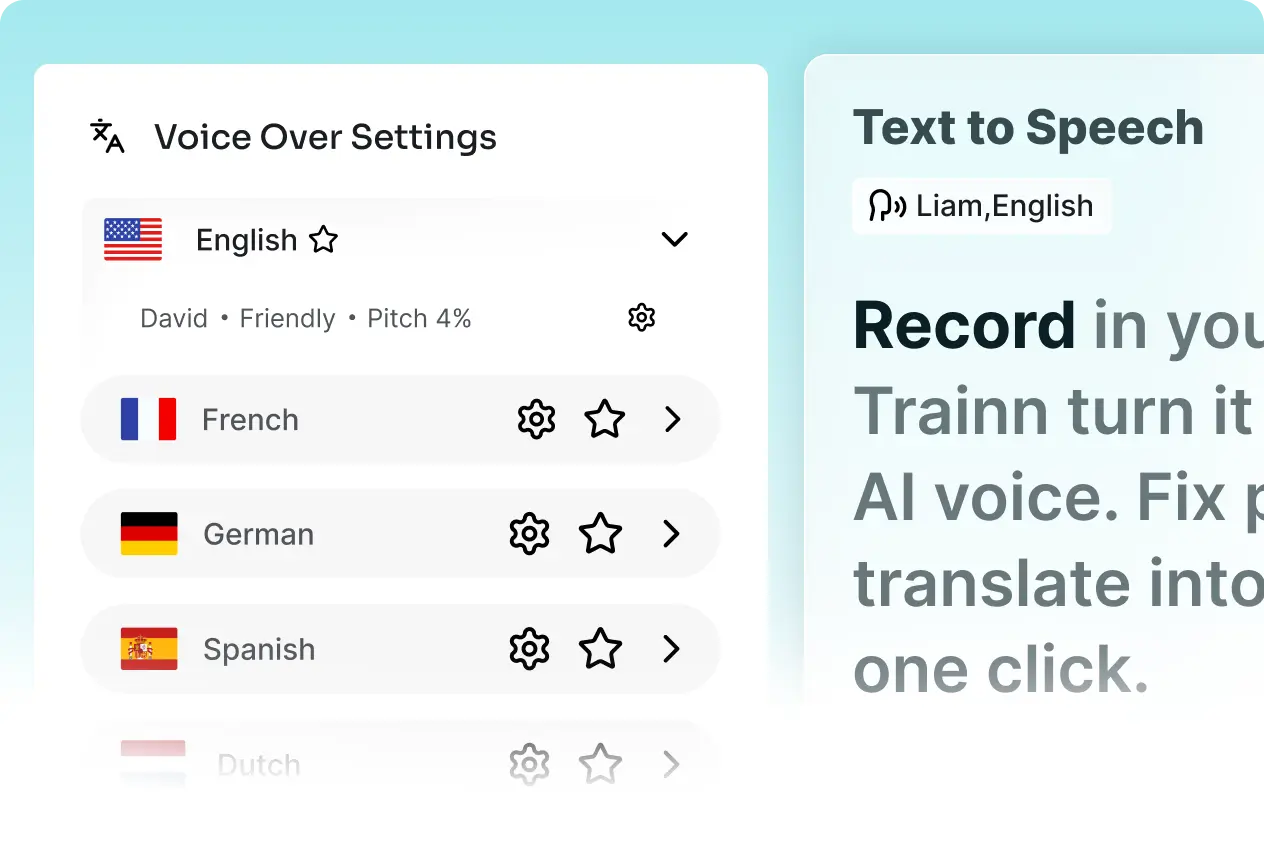
Need the same video in Spanish, German, and Japanese? In Loom, you need someone who speaks each language. In Trainn, your voice becomes an editable AI track — change the script, change the language, and the voiceover updates itself.
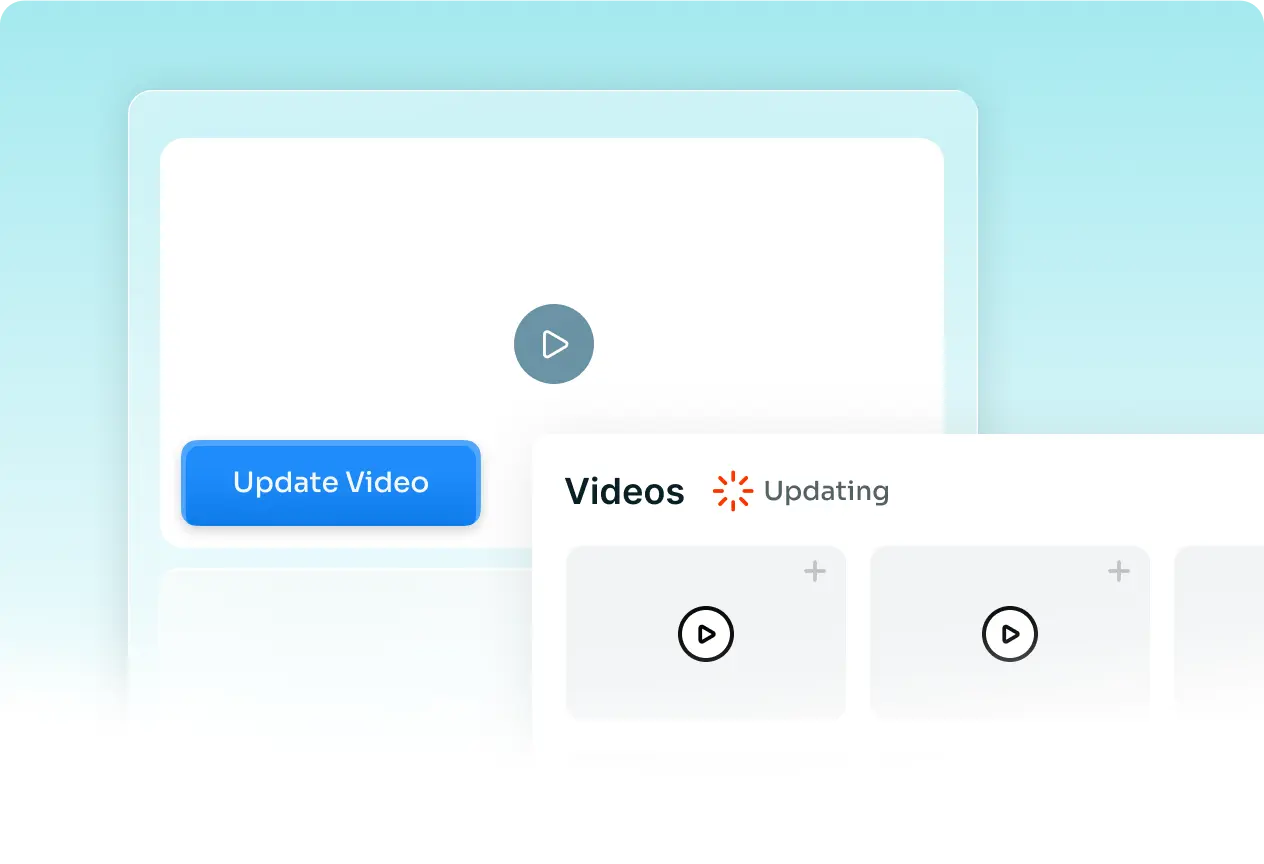
Ship a UI change and your Loom is instantly out of date — there's no way to patch it, only re-record it start to finish. In Trainn, swap out the one scene that changed. The rest of the video stays exactly as it was.
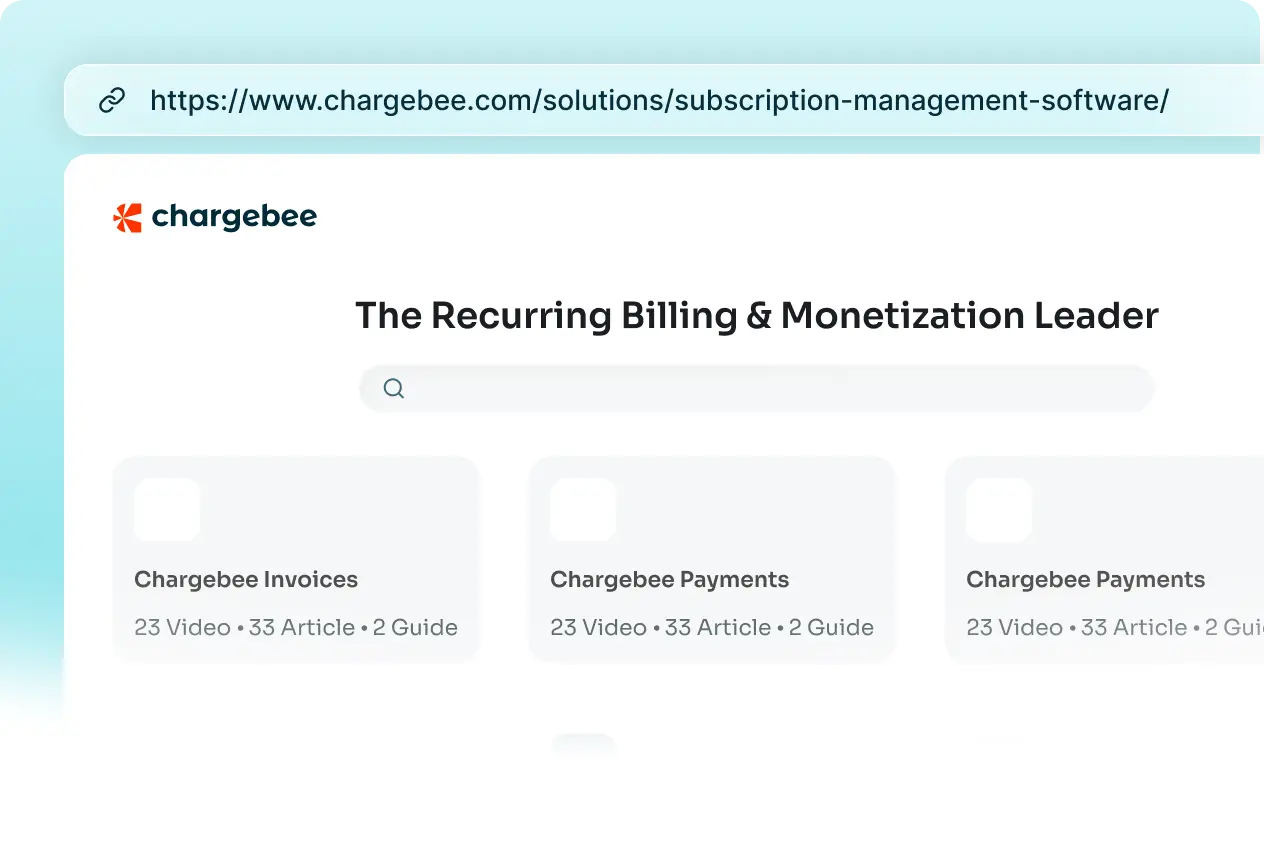
Loom offers only screen recordings. With Trainn, one recording becomes a product video, interactive demo, and step-by-step documentation instantly.
"Best screen-recording and streaming platform for end-user training and support. Very shallow learning curve. No need for a radio-voice, good microphone or ambiance to record."

Rob B.
Technical Training Strategy Manager, AVEVA
"Our team was stuck repeating the same walkthroughs on every call. Now customers self-serve through our training videos, and support finally gets its time back instead of spending it on training."

Sabina Rana.
Head of Customer Support, BuildOps
"Our product changes every month. Keeping videos up to date was never possible before Trainn. Now I just remove sections and replace them with new clips."
Annika S.
Marketing Manager, IT- Labs
Yes. We offer a 14-day free trial. Our plans start at $19/month.
Choose Loom for quick internal updates, feedback, and async video messages where a simple screen recording is enough. Choose Trainn when the video needs to teach customers how to use your product. Trainn turns a recording into a customer-ready product video with AI narration, visual guidance, and branding, so you spend less time trying to get the recording perfect or editing it afterward.
Yes. You can upload silent or narrated Loom recordings. Trainn can generate an AI voiceover and add visual effects to enhance the video.
No. Record silently and Trainn writes the script and generates a synced AI voiceover. If you prefer to narrate yourself, you can keep your own voice or turn it into an AI voice automatically.
Yes. With Trainn's In-App Tutorials, you can place videos and interactive demos directly inside your product without code. Customers get help where they need it, without leaving your product.
Yes. Trainn's text-to-speech voiceover tool can generate narration in multiple languages, accents, and paces from a single script, so one recorded workflow can serve customers in different regions without re-recording.
Yes. Most teams don't rip out Loom entirely — they keep it for quick internal messages and use Trainn specifically for anything customer-facing: onboarding, product walkthroughs, and training content that needs to stay organized and up to date.
Upload a Loom to see it become a professional video, or book a demo and let our experts show you how Trainn helps.
Trainn is an AI-powered product video and guide creation platform that turns screen recordings into product demo videos, training videos, onboarding videos, step-by-step guides, and interactive walkthroughs. Trainn also delivers this content externally through a branded no-code LMS, or in-app through embedded tutorials to train customers at scale.

North Bethesda, Maryland 20852


