Screen Studio Makes Your Recordings Cinematic. Trainn Makes Training Videos Customers Actually Learn From.

Teams That Outgrew Screen Studio

Chargebee SpotDraft Revsure

Capability Comparison

Trainn vs Screen Studio

Screen Studio makes your recordings look cinematic — smooth cursor, auto-zoom on clicks, polished backgrounds. But the recording itself is still silent unless you narrate it yourself. If you're creating training content for customers, you need more than visual polish. You need the video to actually explain what's happening on screen. And your whole team needs to be able to use the tool, not just the people on Macs.

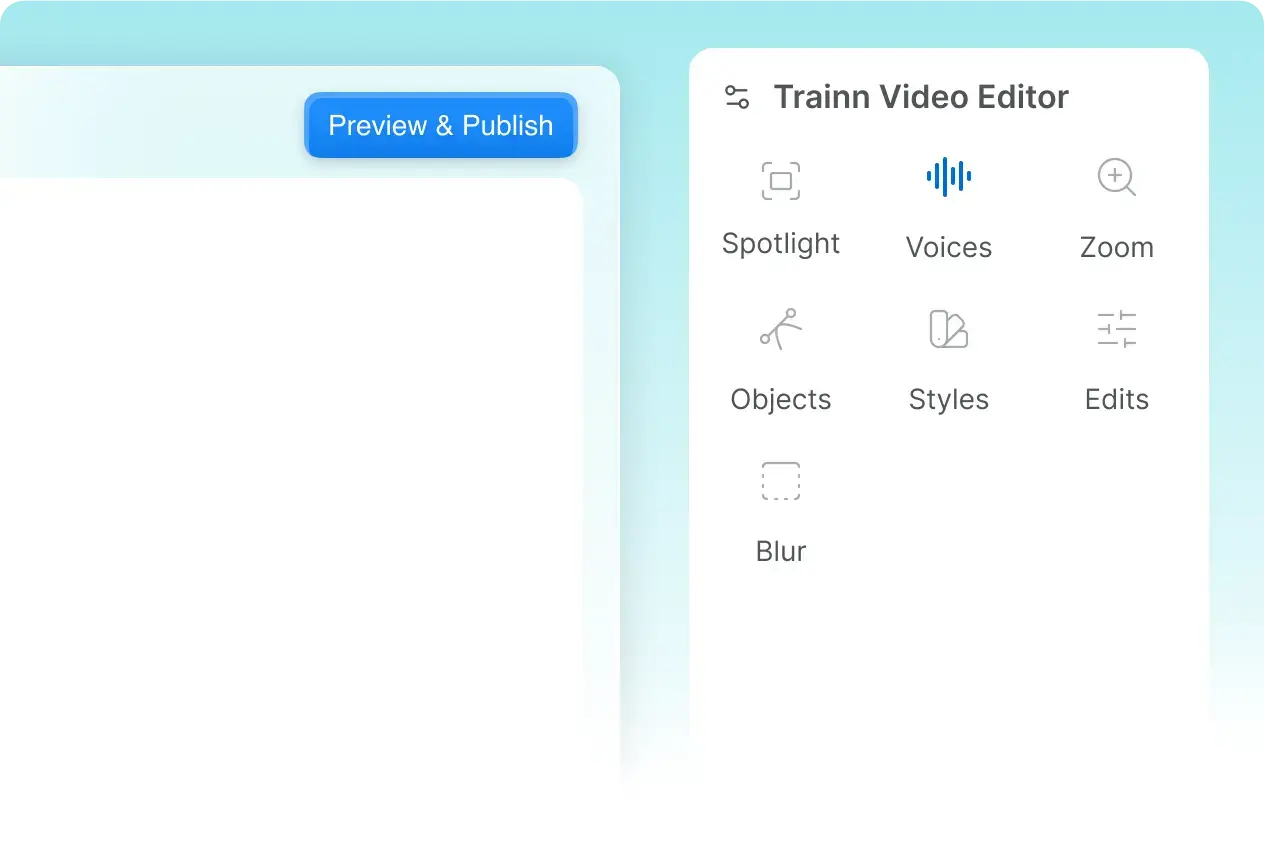
Trainn records your screen and adds AI voiceover, contextual narration, zooms, and spotlights automatically — then produces a video, a scrollable guide, and an interactive walkthrough from that single recording.

Capability Trainn Screen Studio
Primary Purpose
Product training videos with AI voiceover, scrollable guides, walkthroughs
Cinematic screen recordings for social media
Platform
Web-based — works on any OS, Chrome browsers
macOS only (requires macOS 13.1+). No Windows, no Linux, no browser access
Content formats supported
Videos Step-by-step Guides Interactive Guides Help Articles
Video only (MP4 or GIF export)
Video output
Full screen recording with AI voiceovers, zooms, spotlights, annotations, and branding
Screen recording with smooth cursor, auto-zoom, cinematic backgrounds
AI voiceover
AI writes contextual narration and voices it automatically. 100+ accents
No AI voiceover. Record your own voice or export a silent video
Spotlight & annotations
Automatic spotlights, and add annotations to draw attention to key actions
No spotlights or annotations.
Update content when product changes
Recapture just the changed step, auto publishes everywhere
Rerecord from scratch
Translations
One-click video and guide translation into 30 languages
No translations
Distribution
Academy, Knowledge hub, In-app embeds — all in just one platform
Not available
Learner analytics
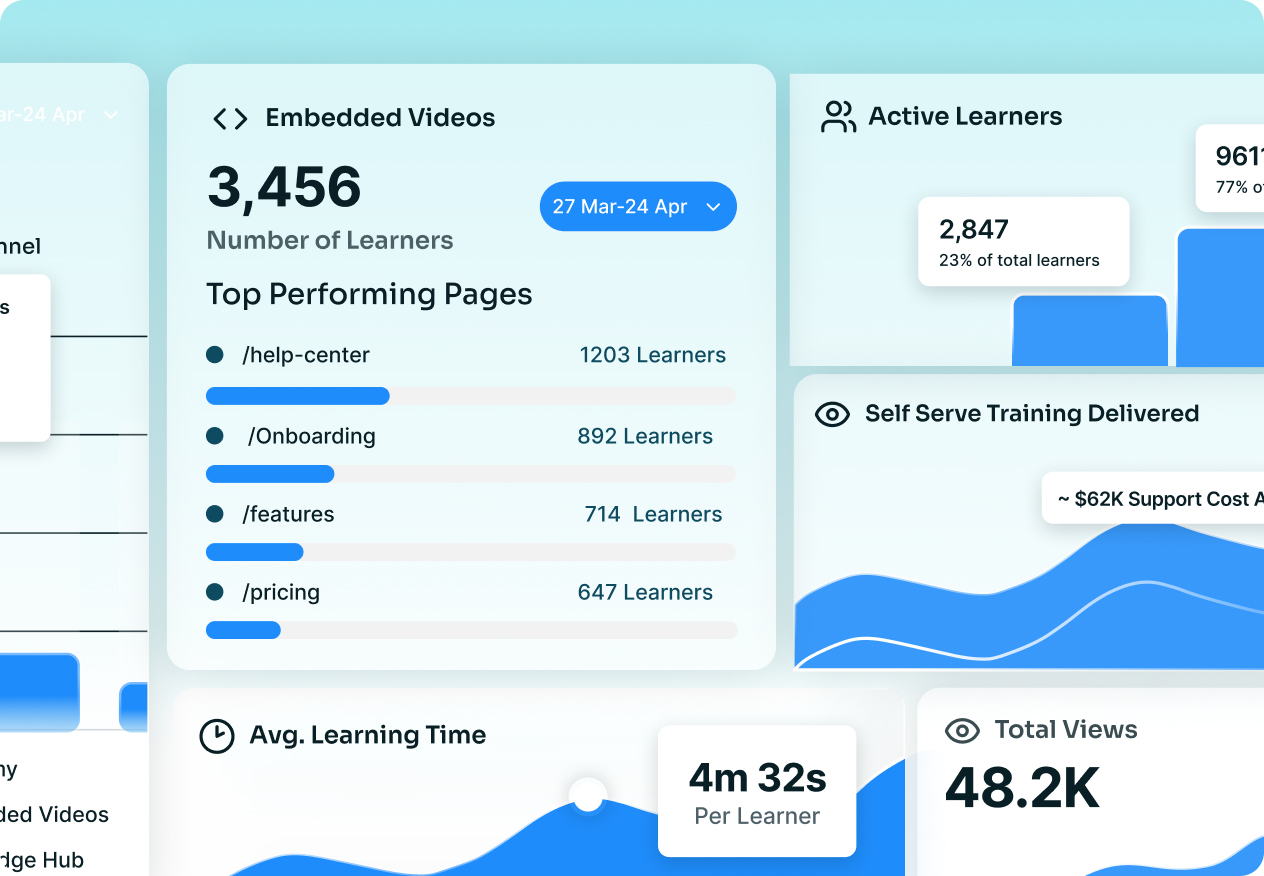
Video-level and learner-level: engagement, drop-off, completion
No tracking

Why Customer-Facing Teams Switch

4 Reasons Why CS Teams Pick Trainn for
Customer Training Use cases

Your recording should explain itself

Your recording should explain itself

Screen Studio gives you a polished silent film. Trainn's AI writes contextual narration based on what you actually did on screen — then voices it automatically in 100+ accents. Your customers watch a video that tells them what to do, not one they have to decode.

One recording, three training formats

One recording, three training formats

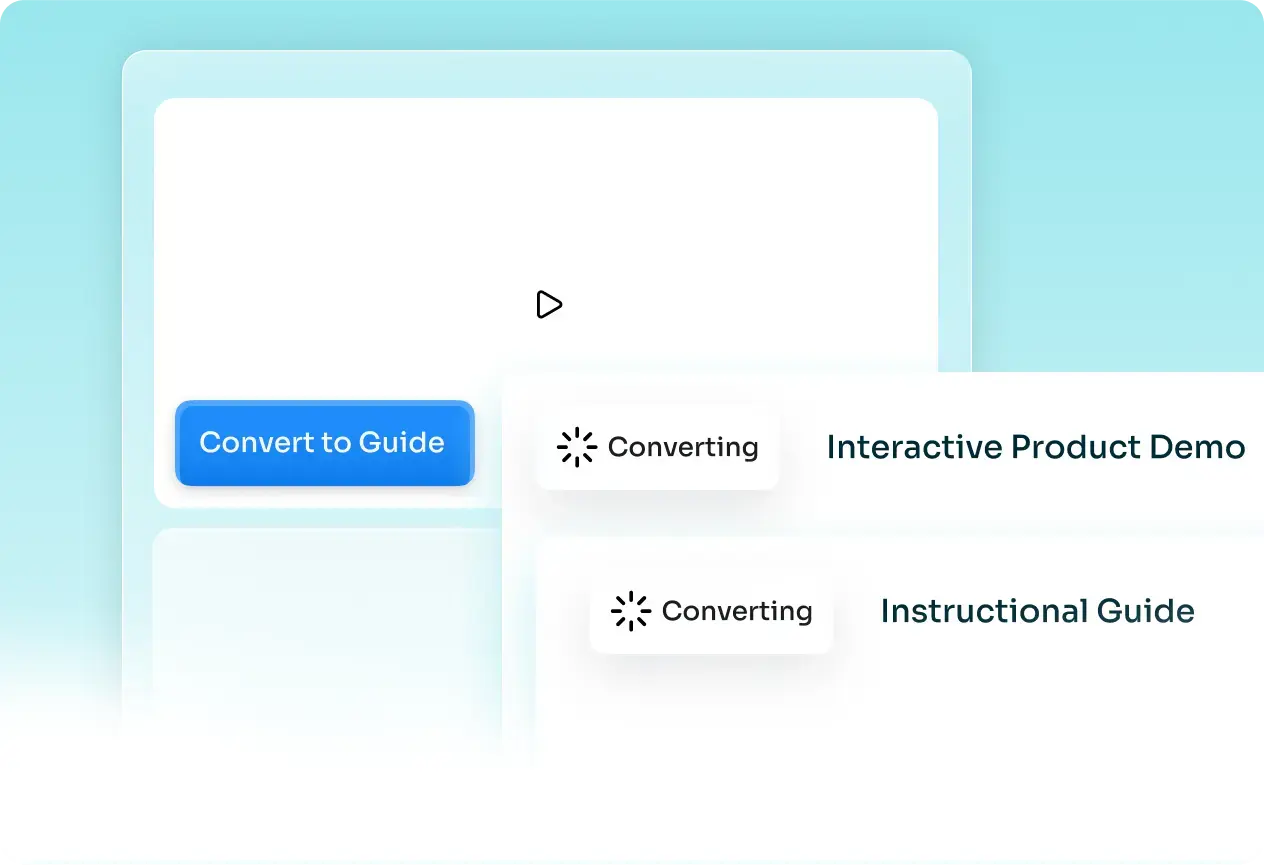
Screen Studio exports an MP4. That's it. Trainn turns the same screen recording into a narrated video, a scrollable guide, and an interactive walkthrough — so customers get training in the format they prefer.

A complete training platform

A complete training platform

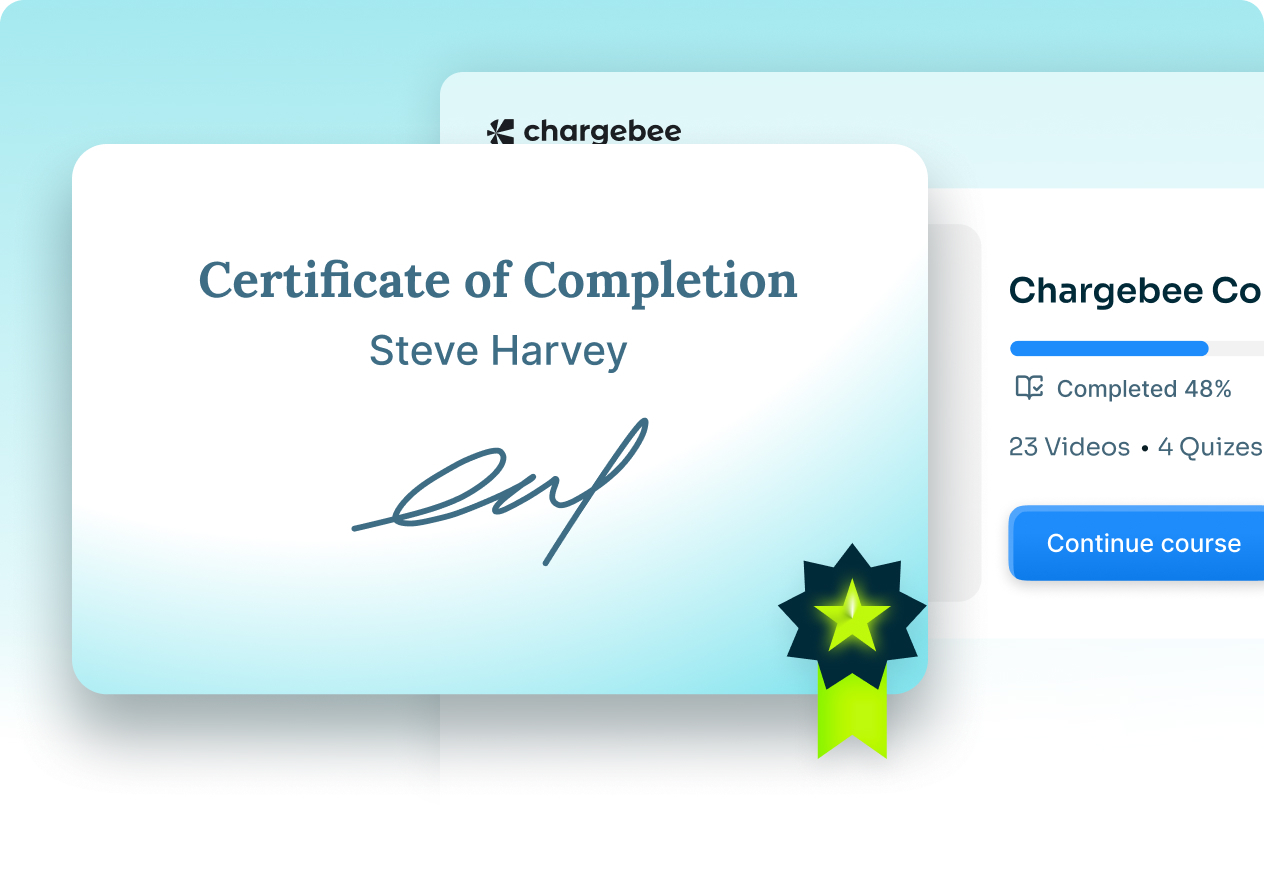
Screen Studio stops at exports. Trainn gives you a branded knowledge hub customers can search, an academy with courses and certifications, and in-app tutorials. Run a full customer training program from one place.

Your whole team can use it, not just Mac users

Your whole team can use it, not just Mac users

Screen Studio requires macOS 13.1+. If anyone on your CS or onboarding team uses Windows or if your team is distributed across operating systems, Screen Studio is out. Trainn is web-based and works on any OS, any browser.

3X VIDEO OUTPUT YOY

50% Reduction in Video Production Time

"We compared this year to last, and the difference was clear — production time dropped by half, and our output on Trainn-driven videos tripled. Pages with video score noticeably higher than the ones without."

Fa Lujan Waisberg

Sr. Manager, Strategic Programs, ServiceNow

ELIMINATED 1:1 TRAINING

100+ Videos in 45 Days

"Our team was stuck repeating the same walkthroughs on every call. Now customers self-serve through the BuildOps Learning Center, and support finally gets its time back instead of spending it on training."

Sabina Rana

Head of Customer Support, BuildOps

SMES TURNED INTO CONTENT CREATORS

80% Less Time to Create Training Videos

"Best screen-recording and streaming platform for end-user training and support. Very shallow learning curve. No need for a radio-voice, good microphone or ambiance to record."

Rob B.

Technical Training Strategy Manager, AVEVA

Frequently Asked Questions

What is Trainn? +

Trainn is an AI-powered customer education platform for software companies. Record a product workflow once and its AI turns it into a narrated video, an interactive walkthrough, and a step-by-step guide, then delivers them through a knowledge base, in-app tutorials, or a branded academy with courses and certifications. Analytics show who completed the training.

Is Trainn a good alternative to Screen Studio? +

Yes. Screen Studio is a macOS screen recorder built for creating visually polished social media clips. Trainn is built to create product training videos with AI voiceover, scrollable guides, and interactive walkthroughs — and it works on any operating system. If your goal is training customers, not just recording a beautiful clip, Trainn replaces Screen Studio and does more with every recording.

What's the difference between Trainn and Screen Studio? +

Screen Studio records your screen and adds cinematic effects — smooth cursor, auto-zoom, custom backgrounds. But the output is a single video file with no voiceover, no scrollable guide, no interactivity. Trainn records your screen and adds AI voiceover, contextual narration, zooms, and spotlights, then produces a video, a scrollable guide, and an interactive walkthrough from the same recording.

Screen Studio has auto-zoom too. How is Trainn different? +

Screen Studio's auto-zoom is cosmetic — it follows your cursor to make the recording feel dynamic. Trainn's zoom is instructional — it highlights the specific UI element you interacted with, paired with narration explaining what you just did and why. One makes recordings look good. The other makes them teach.

Does Screen Studio work on Windows? +

No. Screen Studio is macOS-only and requires macOS 13.1 or later. Trainn is web-based and works on any operating system, any browser.

Does Screen Studio have AI voiceover? +

No. Screen Studio records your microphone audio and can generate on-device subtitles, but it has no AI voiceover or narration. You either record your own voice or export a silent video. Trainn writes and narrates automatically.

Can Screen Studio create scrollable guides or walkthroughs? +

No. Screen Studio exports MP4 video files and GIFs. Trainn produces a narrated video, a scrollable guide, and an interactive clickable walkthrough from the same recording.

Is there a free trial? +

Yes. A 14-day free trial with no credit card. Paid plans start at $2,400/year.

Ready to Turn Recordings into a Real Training Program ?

See Trainn in a 20-minute demo. We'll show you how to replace Screen Studio's plain screen recordings with training videos customers actually learn from — plus a knowledge hub and academy to deliver them.