
Product
Usecases
Resources
Case Studies
Company
- Customers
- Pricing
- Try Trainn's AI Video Agent
- Expert voices
- Book a demo
- Sign up →
How to Make ChatGPT Sound More Human
Created with Trainn AI
Here's a step-by-step walkthrough on how to make ChatGPT sound more human
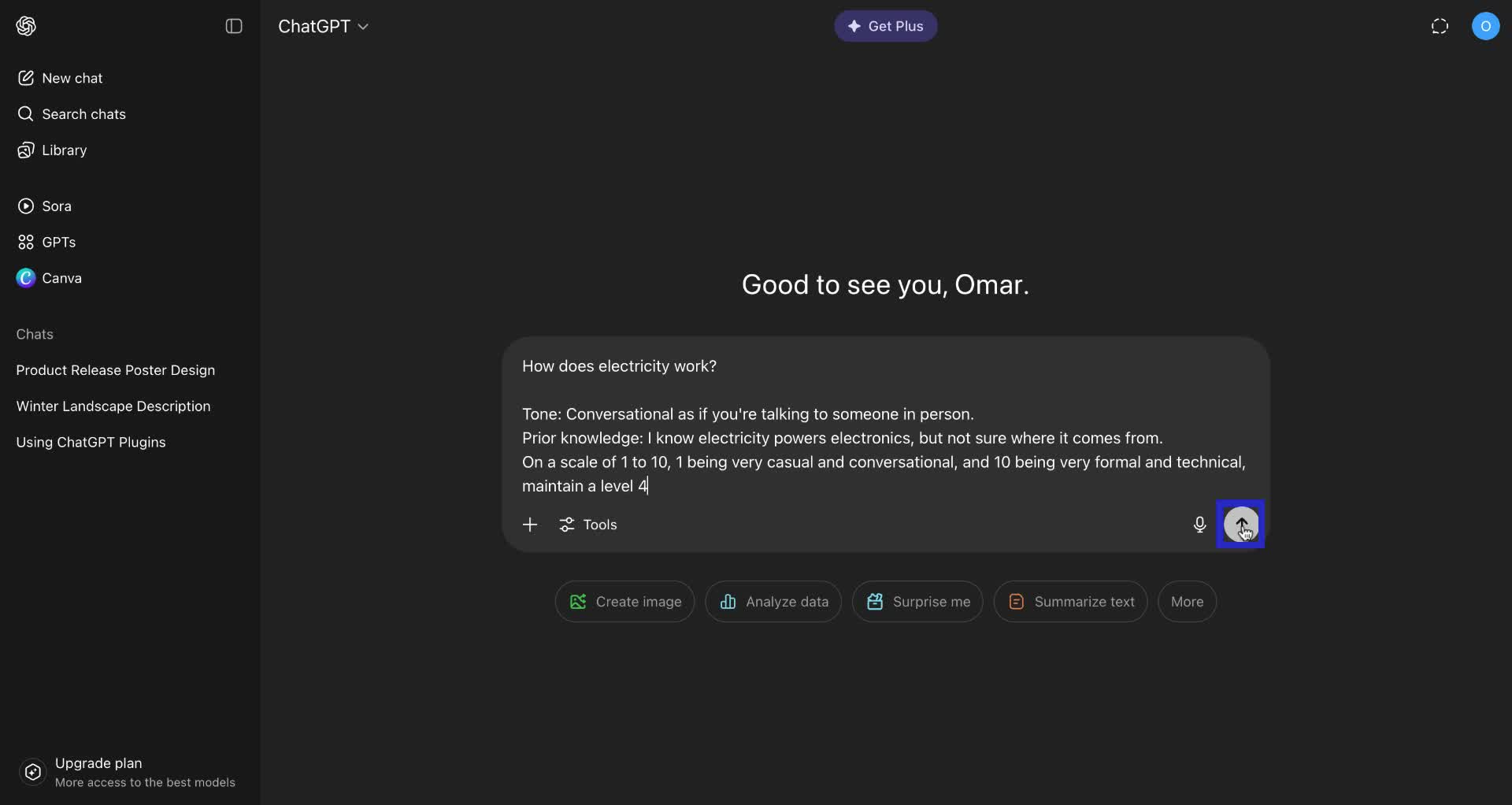
1. Write the question you want to ask.
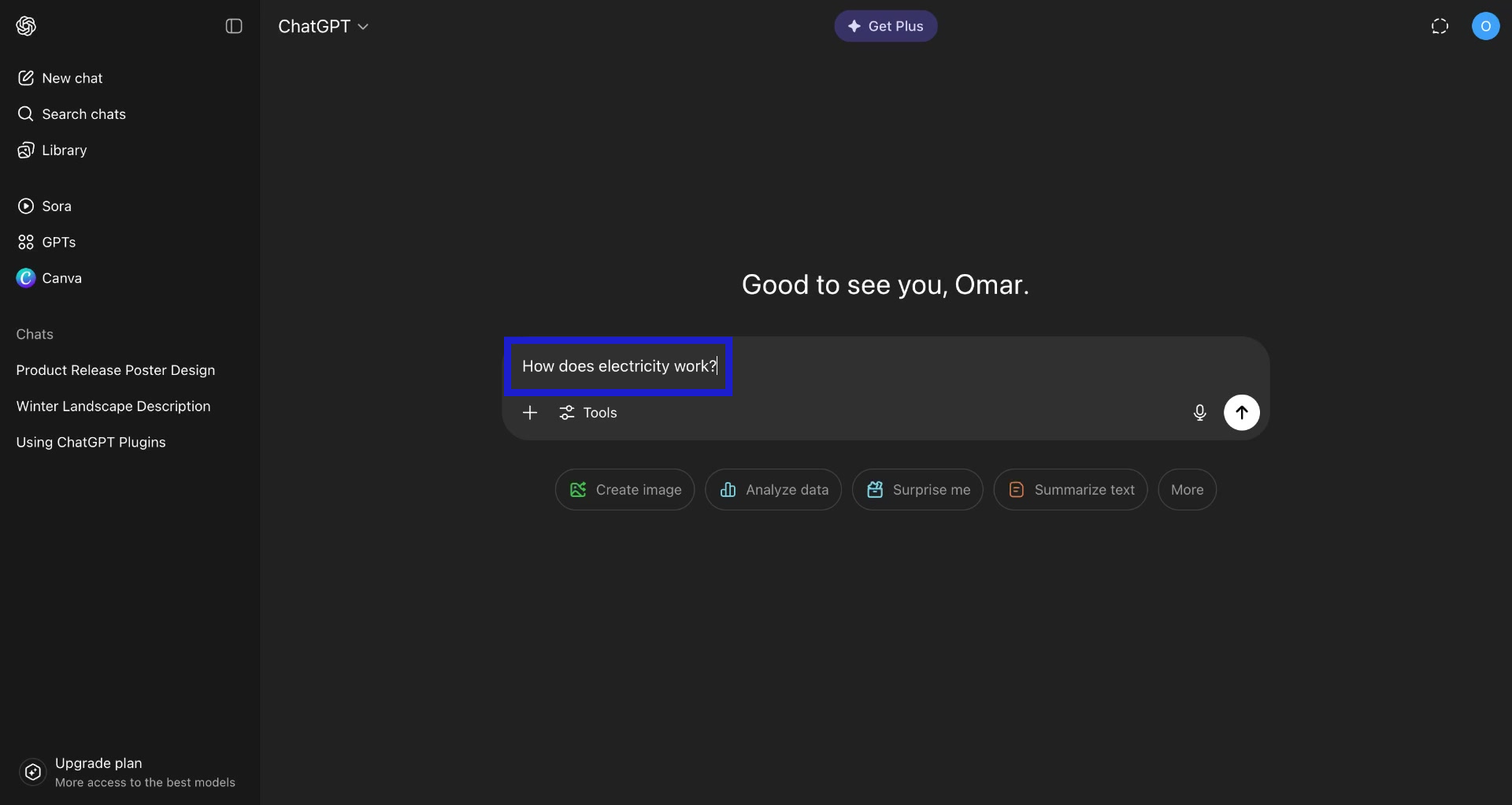
2. Set the Tone as Conversational.
This helps it understand that the user wants to gain knowledge and not just an explanation.
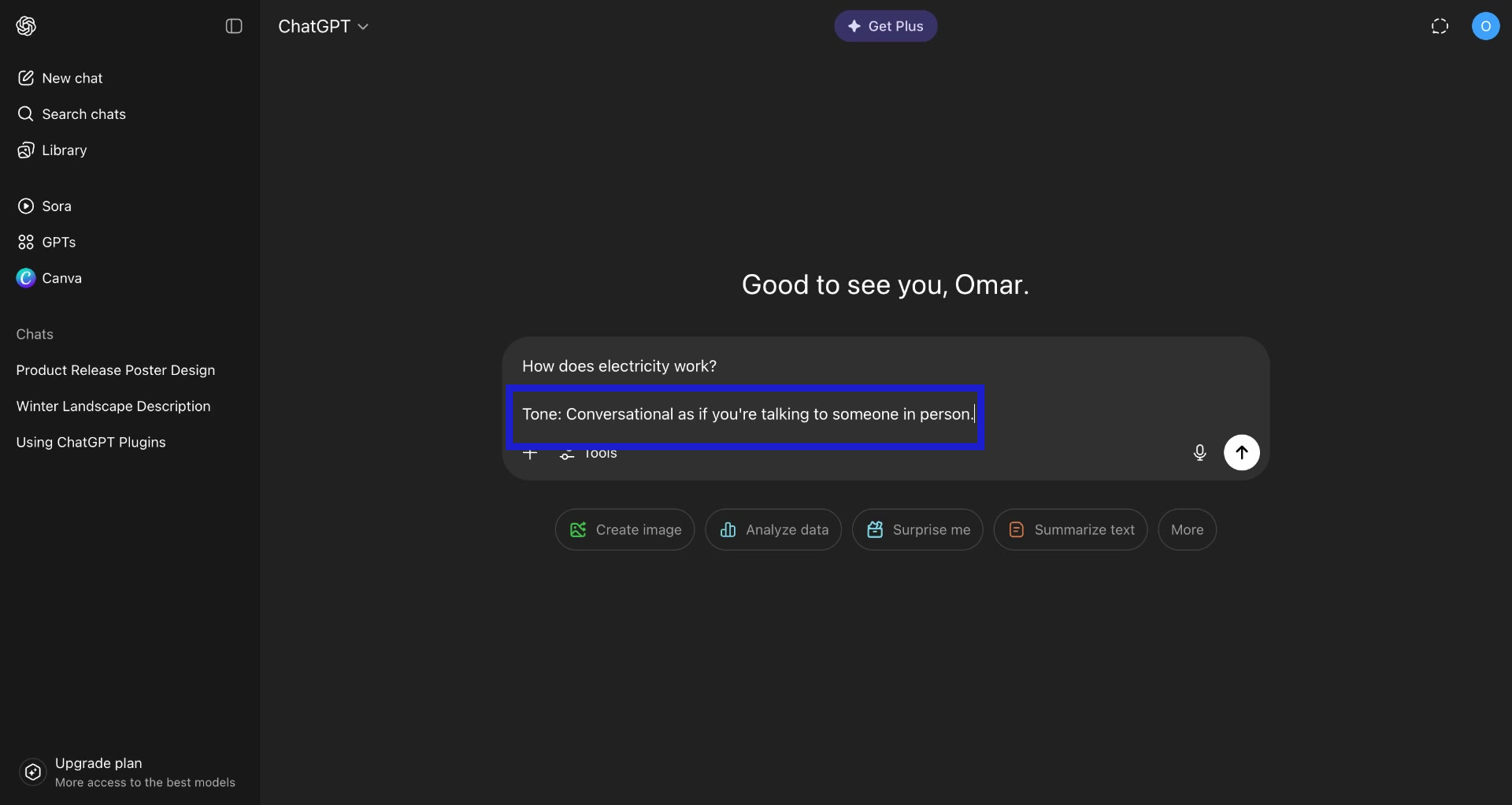
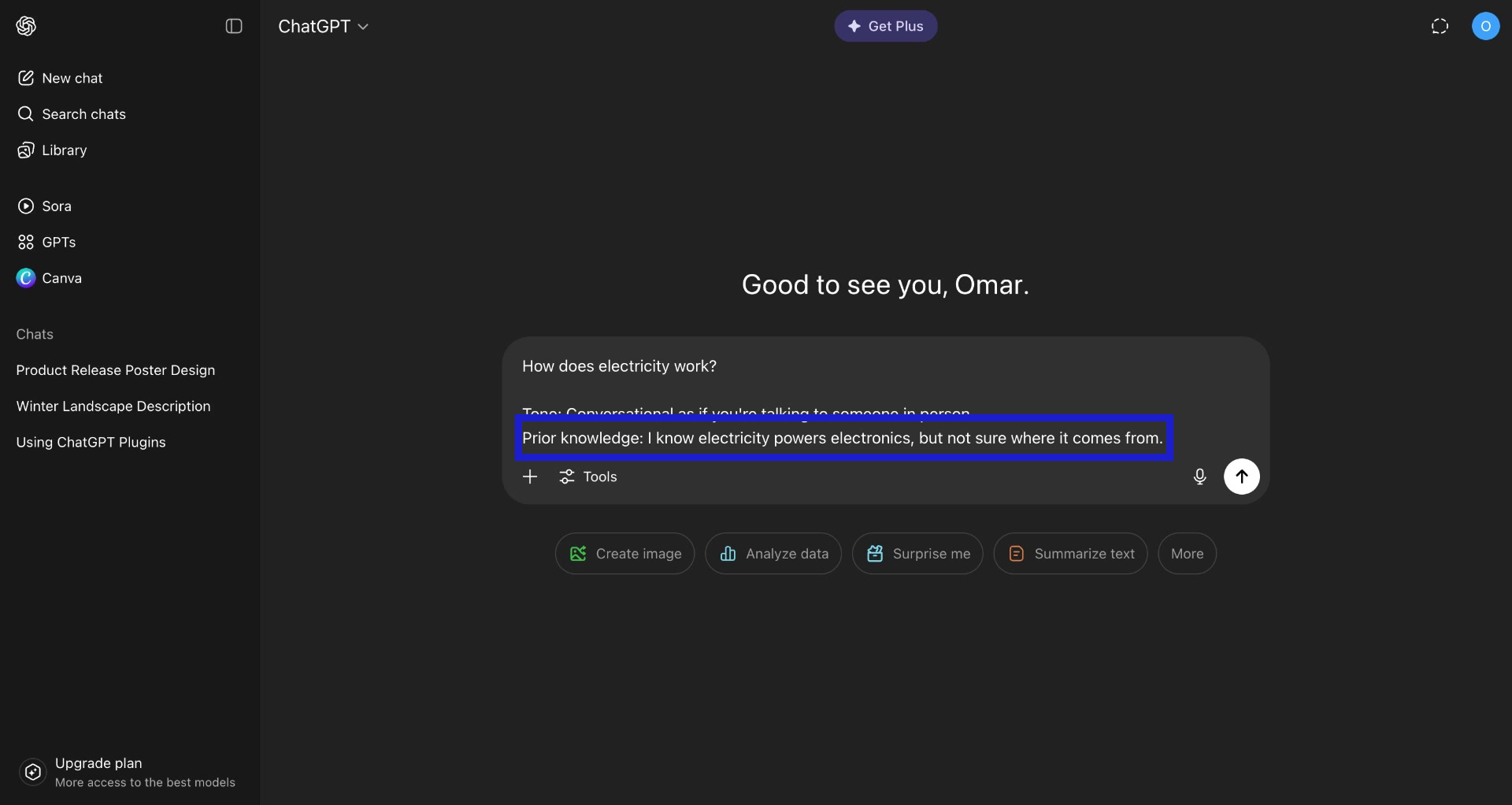
3. Provide context on your prior knowledge on the topic.
You can also ask it to respond as someone who is very experienced in that field. This helps ChatGPT to explain in a way that you can understand and does not just provide jargons.
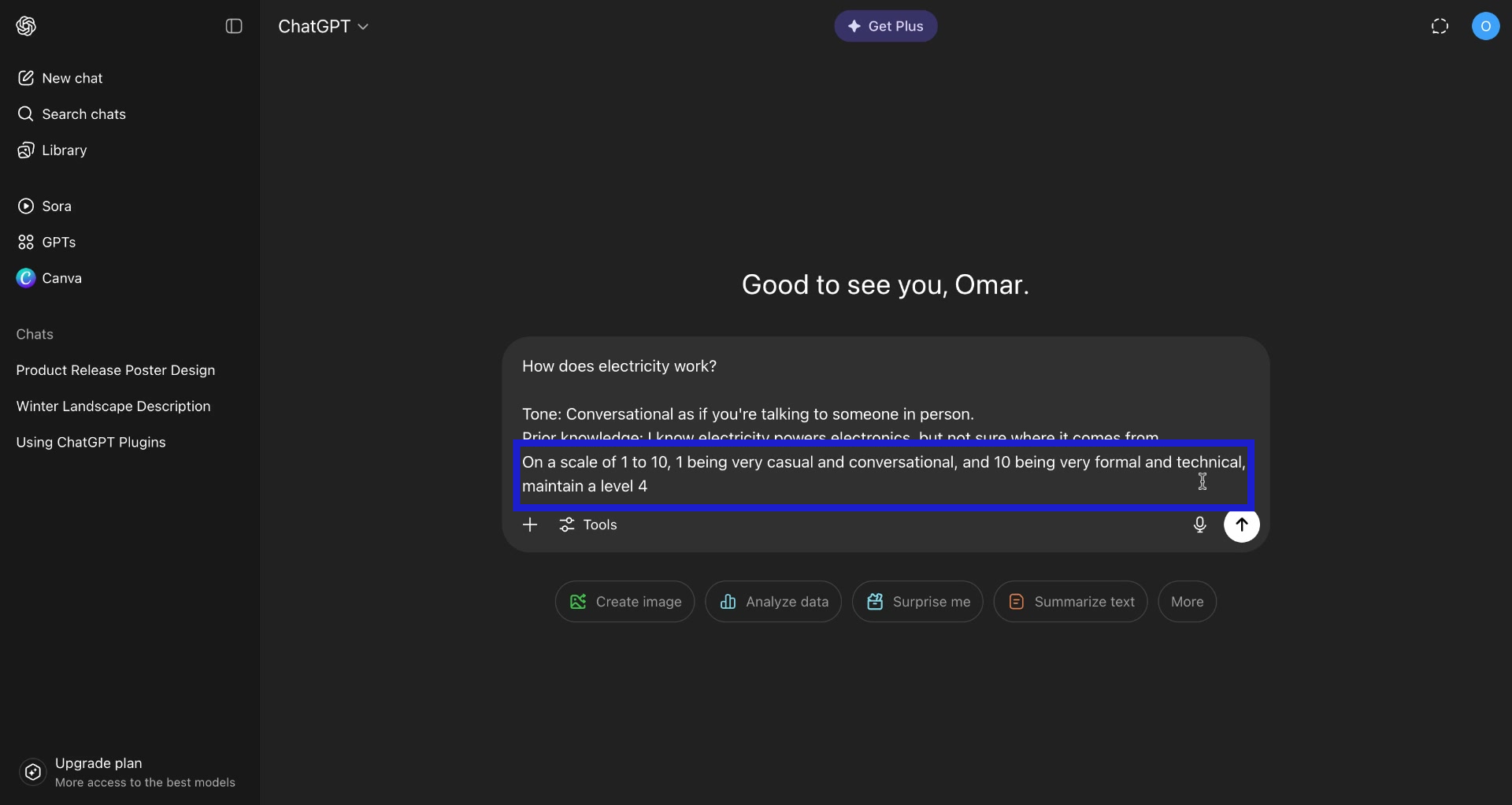
4. Provide a scale of the tone.
I usually use a 4 on a scale of 1 to 10 from Very Casual to Very Professional. This let's ChatGPT know what kind of words and sentences to use.
5. Click the "Submit" button and check the output.
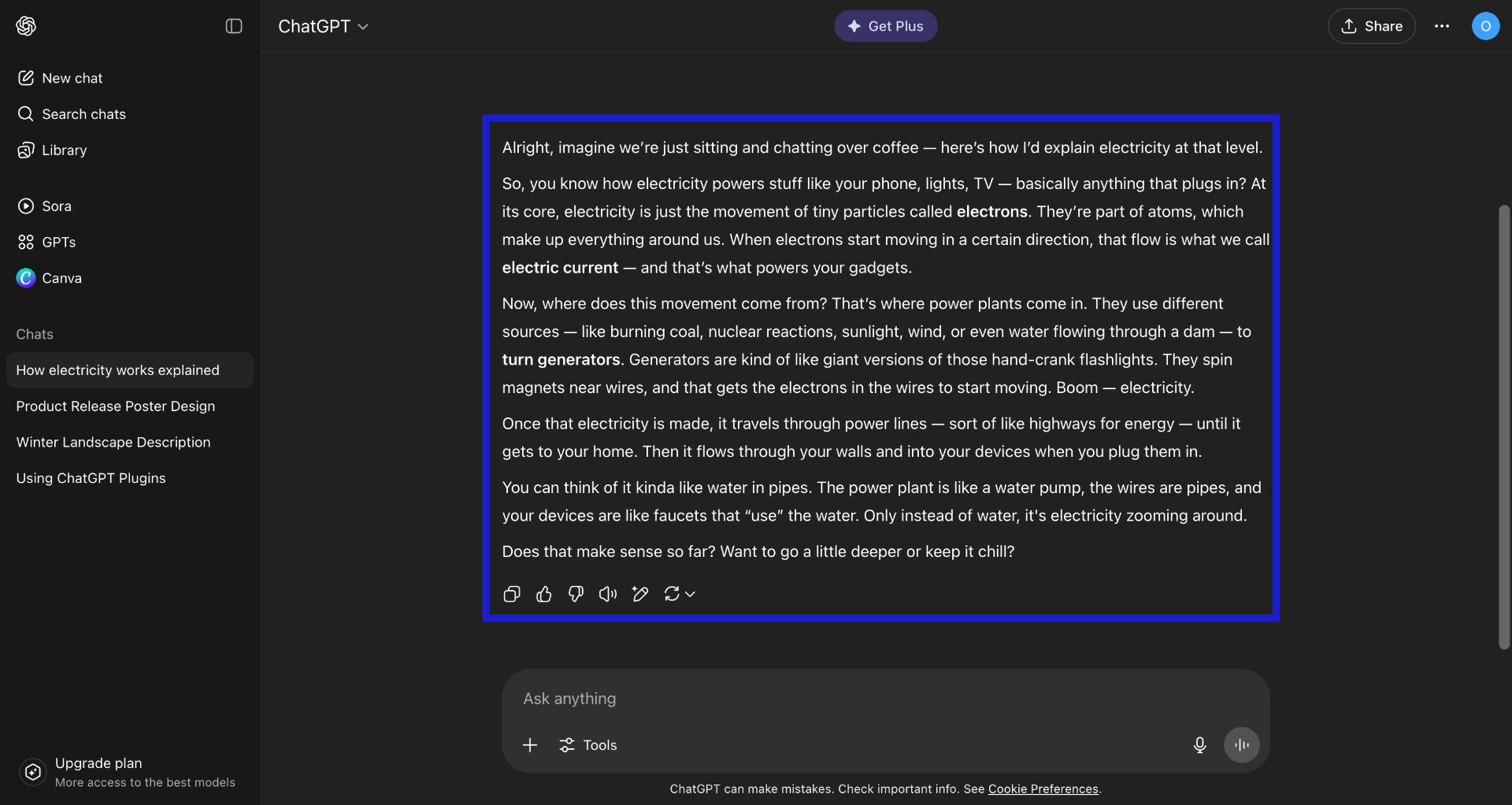
6. Check the response.
As you can see here, ChatGPT has taken into account of my conditions and has provided a human-like response.
Congrats! You have successfully made ChatGPT sound more human!
Trainn is an AI-powered product video and guide creation platform that turns screen recordings into product demo videos, training videos, onboarding videos, step-by-step guides, and interactive walkthroughs. Trainn also delivers this content externally through a branded no-code LMS, or in-app through embedded tutorials to train customers at scale.

North Bethesda, Maryland 20852


