


Customer training videos
Create the Training That Keeps Customers Past Onboarding
Most customer training stops after onboarding. Trainn lets your customer success team create training for every stage that leads to renewal.
The problem
Keep Training Customers Long After Onboarding Ends
Most customer training investment lands at the start of the relationship, not where churn risk sits. The State of Customer Education 2026 from Absorb and Lighthouse Research found 57% of programs name retention as their top objective, yet 42% concentrate their spending on onboarding.
Retention needs a steady supply of training after onboarding: new features, advanced workflows, and the use cases that make an account harder to replace. The customer success managers who see what each account needs know exactly which video would help. Producing a new training video every few weeks is not something they were trained to do, so post-onboarding training rarely gets made.
That is the skills gap at the retention stage: the customer success team knows what customers need next, and lacks the production skills to keep creating it.
The Solution
Trainn Lets Customer Success Teams Create Training for Every Stage After Onboarding
Trainn's AI video agent turns a customer success manager's screen recording into a finished training video. The people closest to each account record new features, advanced workflows, and use cases as accounts need them. Trainn adds the narration and highlights. With Trainn's training video creator, retention training keeps pace with the customer base without a production team.
The features
Three Trainn Features That Help You Create Customer Retention Training Videos
Record a Video
A customer success manager records an advanced workflow the way they would show it in a quarterly business review. Trainn writes the narration, adds steps and zooms, and returns a finished training video. No editing is needed between recording and sending.
Collections
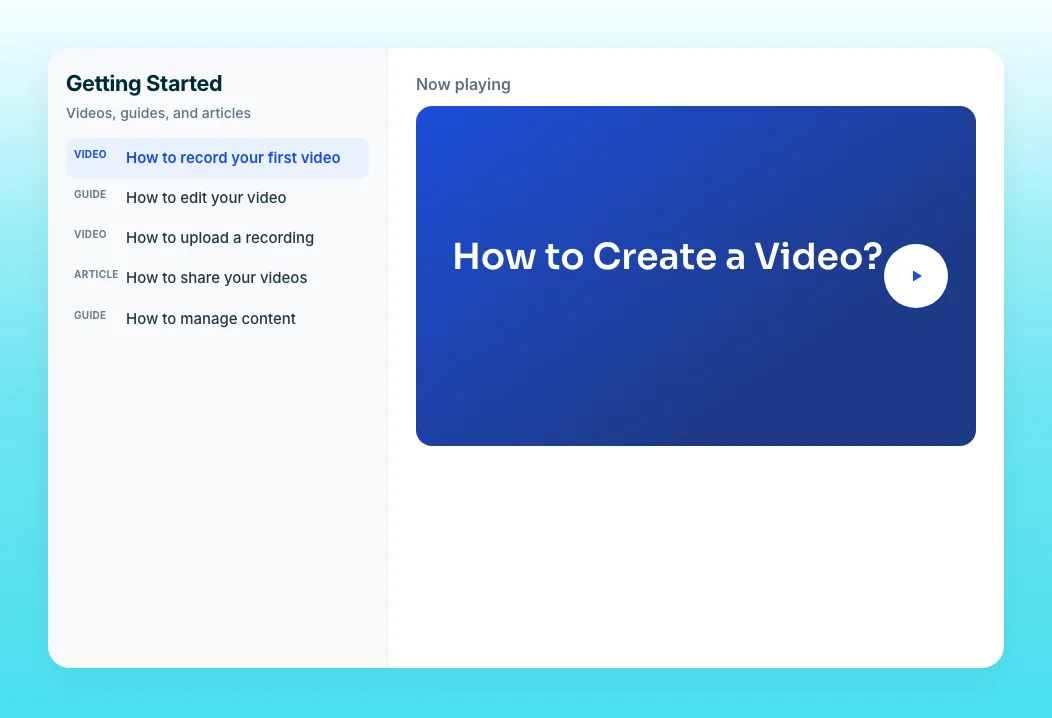
Group post-onboarding training into modules, such as advanced reporting or a new product line, each with a progress bar. Customers see what to learn next, and customer success managers see who is progressing. Learner Groups tailor one collection by role or account segment.
Video Analytics
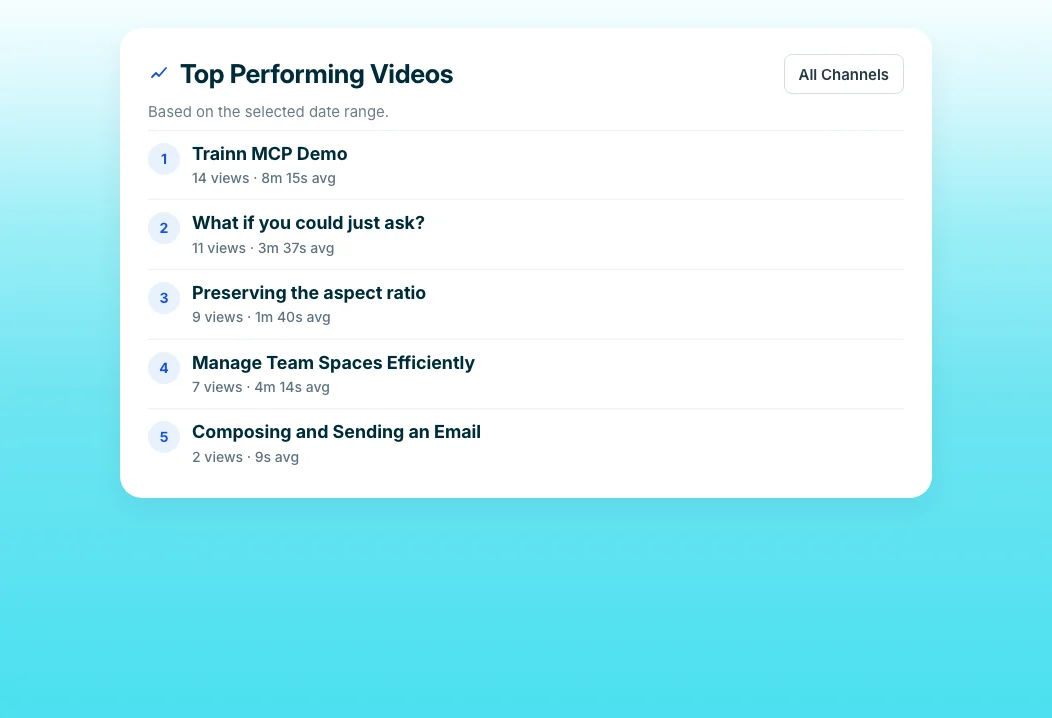
See which accounts are watching which training, and track Self-Serve Training Delivered and Cost Avoided. Customer success leaders can show what training contributes before renewal conversations. Learner-level data shows which accounts are building skills ahead of renewal.
“Earlier when I used to do instructor-led training, I'll be able to train only 15 users per session. Now with Neutrinos academy I can train 100 people.”
Neutrinos launched its first course in two weeks, and Eldho created the training himself with no video editing background. Training that once reached 15 users per live session now reaches more than 100 at once, which is the reach retention training needs.
Who this is for

Customer success managers
Create training on the features that keep your accounts growing, without a production request.

Customer success leaders
Fund training past onboarding and show its impact with learner-level data before renewals.

Customer education managers
Build a training path for every stage between onboarding and renewal.
FAQ


