#1 Camtasia Alternative

Trainn vs Camtasia: Which Video Tool Is Right for You?

Camtasia is a desktop editor, so every video is hours on the timeline. Trainn's AI does the editing, turning one recording into polished videos, guides, and interactive demos in minutes, not hours.

Teams creating with Trainn

ServiceNow logo — teams using Trainn as a Camtasia alternative BuildOps logo — teams using Trainn as a Camtasia alternative POSIST logo — teams using Trainn as a Camtasia alternative WebEngage logo — teams using Trainn as a Camtasia alternative Neutrinos logo — teams using Trainn as a Camtasia alternative

Capability Comparison

Trainn vs Camtasia

Camtasia is a desktop app for recording your screen and editing video on a timeline. It is powerful, and it has AI features on higher tiers, but the editing is still yours to do, it runs on your machine, and it stops at a video file you then host and track somewhere else.

Trainn does the editing with AI, turns one recording into several formats for demos, marketing, onboarding, training, and support, and hosts and measures everything in one place.

What Changes Trainn Camtasia
Use cases
Product launches, marketing, sales demos, onboarding, training, and support
Edited tutorial, course, and demo videos
Final output
Customer-ready product videos and guides, editing automated, hosted and measured
A video file you edit by hand and host elsewhere
Multiple outputs from one recording
A video, a guide, an interactive demo, and an article
A video file
AI capabilities
AI video agent edits the recording, writes narration, times zooms and spotlights, and reviews the result. AI script, voiceover, titles, transcripts, one-click translation
AI voiceover and avatar generation on higher tiers, inside a manual editor. No AI agent that edits the whole video
Editing model
Clip-by-clip; the AI does the editing, no editing skills needed
Manual timeline editor, with AI tools on higher tiers
Time to a finished video
About a minute
Hours of manual editing
Updates
Swap the one clip that changed; updates everywhere it is shared
Re-edit the project, re-export, and re-upload
Runs in
The browser, nothing to install
A desktop app you download
Delivery
Knowledge hub, in-app, academy, embeds, all in one platform
Export the file and host it elsewhere
Analytics
Who watched, who finished, where they dropped off, plus Self-Serve Training Delivered and Cost Avoided
Not available
Translation
One-click video and guide translation, 30+ languages
Manual
Plan
Cloud plans from $19/month, AI included, 14-day trial
Annual desktop subscription; AI features gated to higher tiers

Why Teams Switch

4 Reasons Teams Choose Trainn Over Camtasia

Trainn vs Camtasia — AI does the editing, you don't

AI does the editing, you don't

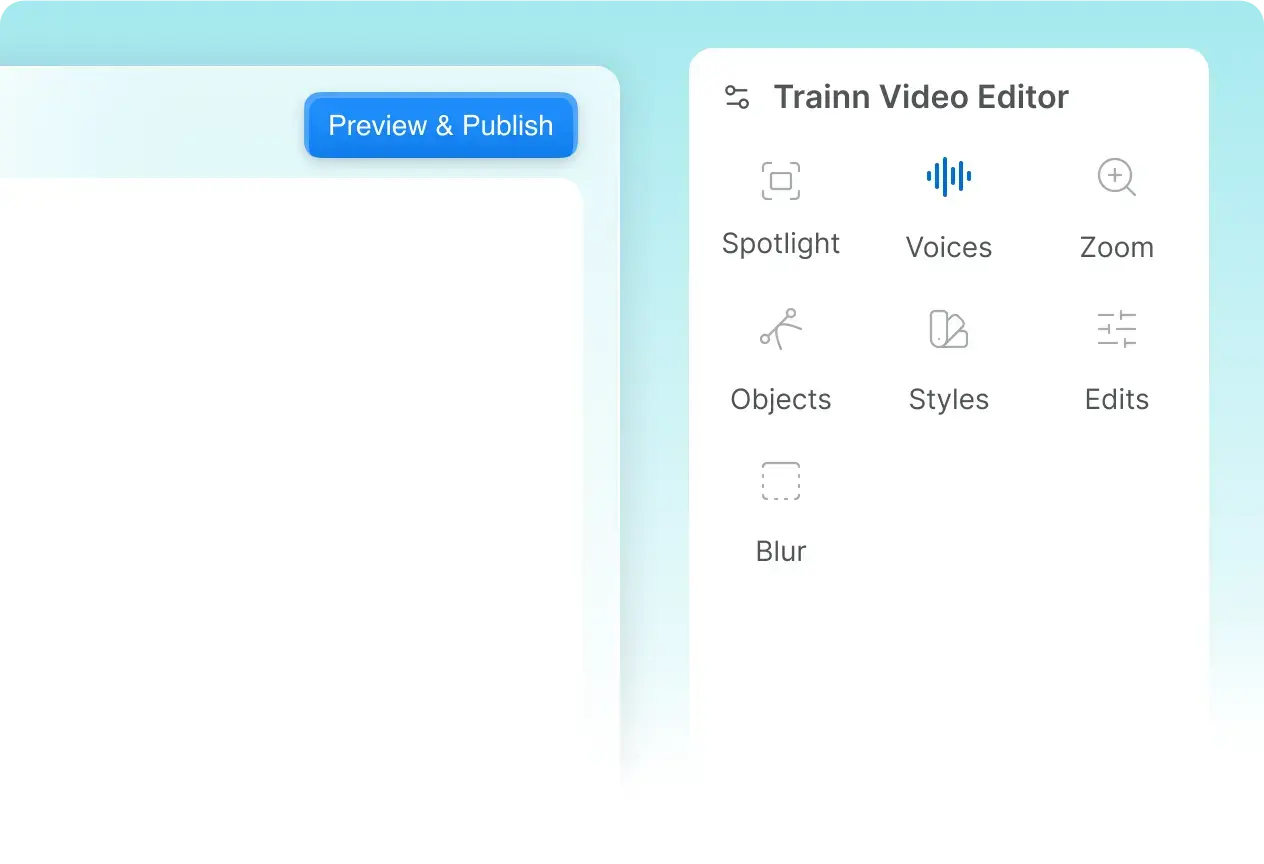
Trainn's AI video agent groups your clicks into steps, writes and voices the narration, times the spotlights and zooms, and reviews the video before you see it. About a minute, not hours. AVEVA cut video creation and maintenance time by 80%.

Trainn vs Camtasia — Built for product video at scale, not one-off clips

Built for product video at scale, not one-off clips

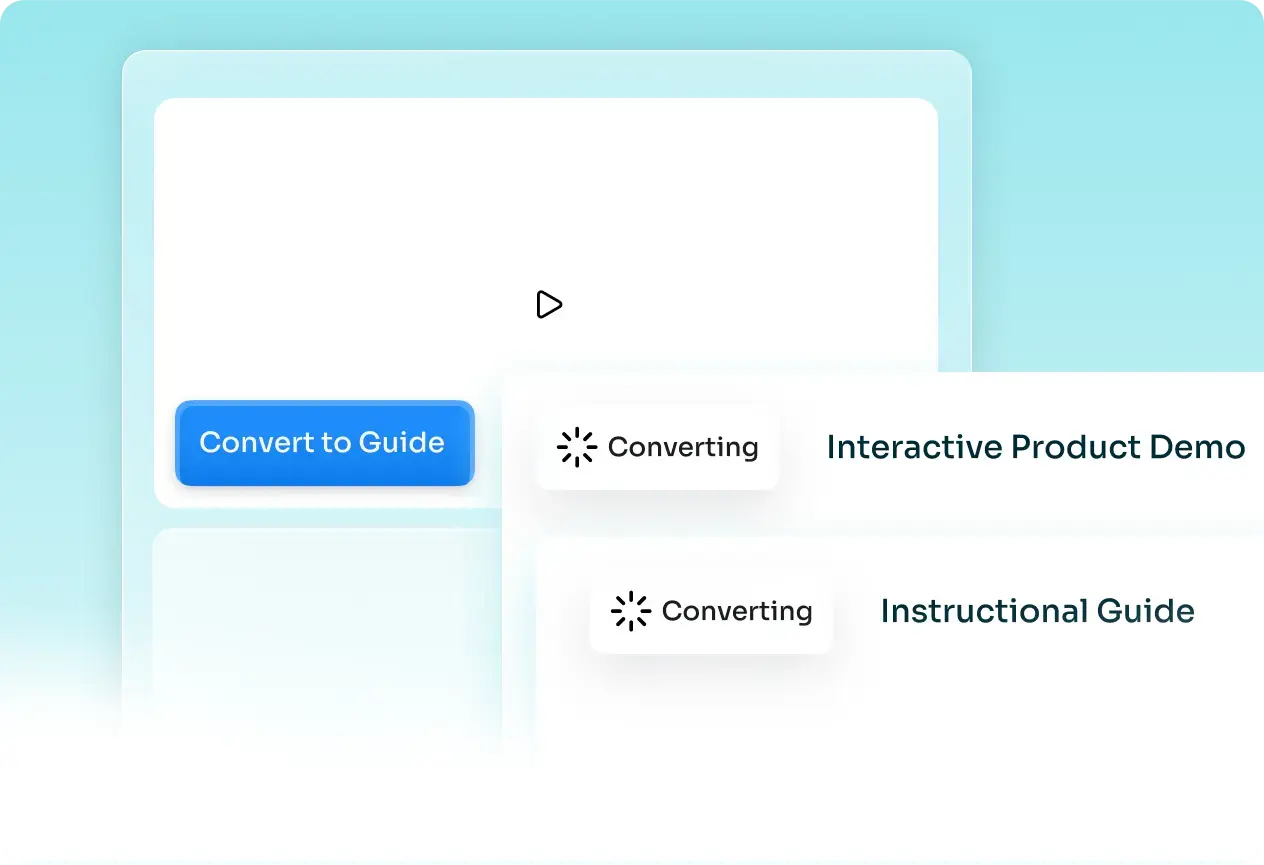
One recording serves a product demo on your site, a sales walkthrough, an onboarding flow, a training course, and a help-center article, as a polished video, a guide, an interactive demo, and an article. Camtasia exports one polished video file at a time.

Trainn vs Camtasia — Update one clip, not the whole project

Update one clip, not the whole project

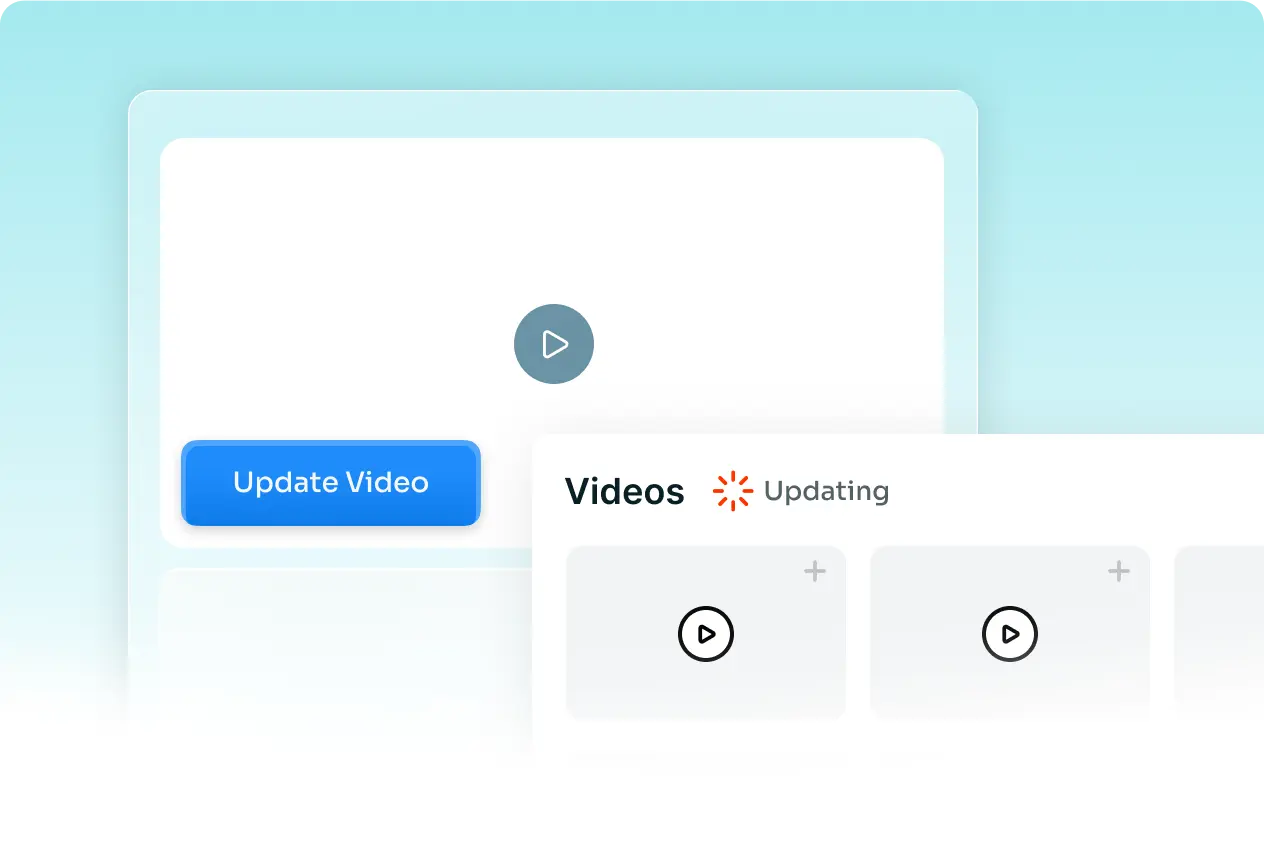
Swap the single clip that changed and it updates everywhere it is shared. No reopening the project, re-exporting, and re-uploading.

Trainn vs Camtasia — Host it and prove it worked

Host it and prove it worked

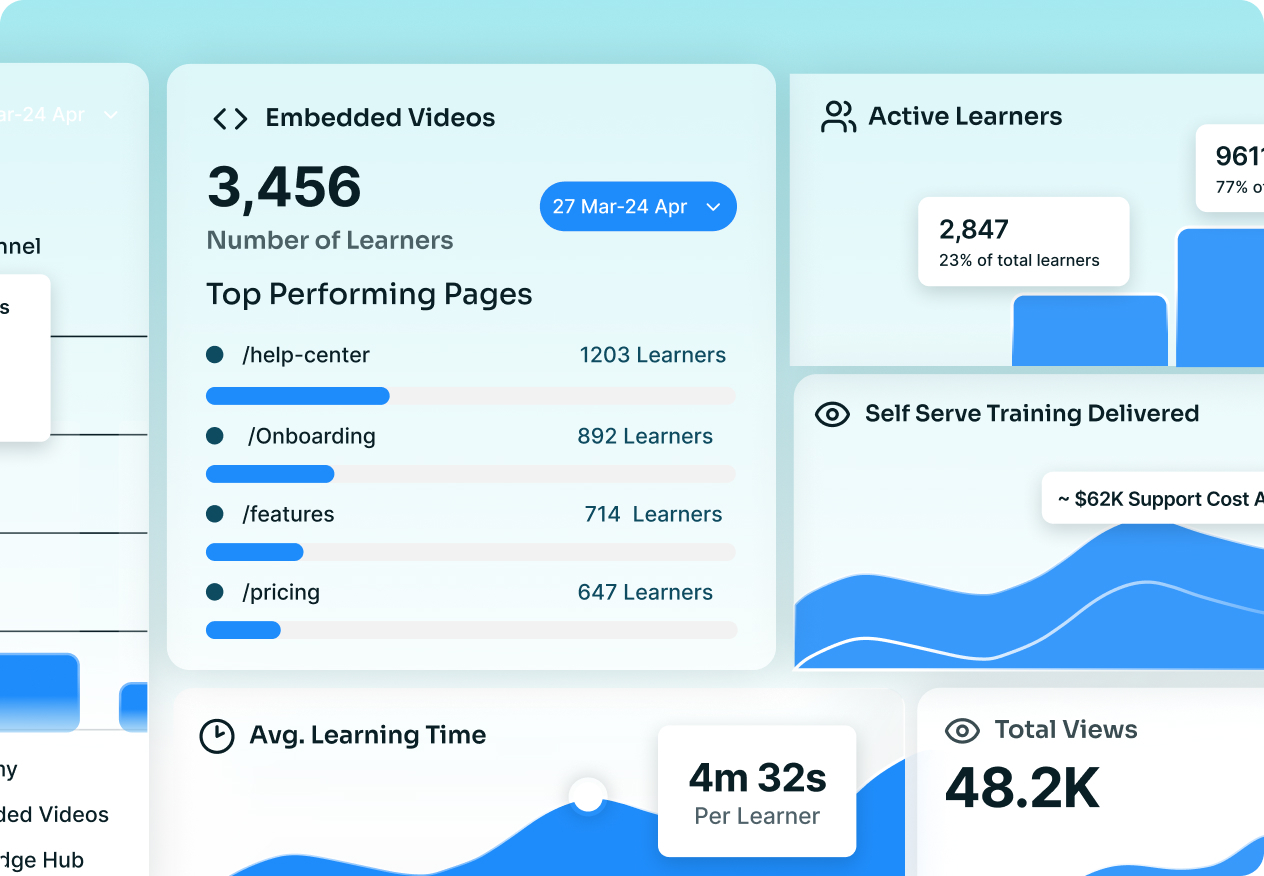
Deliver through a branded knowledge base, in-app, and a no-code academy, and see who watched and finished, plus Self-Serve Training Delivered and Cost Avoided. A desktop editor cannot tell you if anyone learned.

Customer Stories

What Customers Say

3x video output, year over year

"The tool is simple to use and gives excellent results on the first pass. We're seeing people who never made videos before making videos now."
Fa Lujan Waisberg — Trainn vs Camtasia customer story

Fa Lujan Waisberg

Sr. Manager, Strategic Programs, ServiceNow

First course live in two weeks, with no editing background

"In two weeks, I built and launched our first course, without any video editing background. Vendors had quoted months for the same work."
Eldho John — Trainn vs Camtasia customer story

Eldho John

Lead, Business Strategy and Growth, Neutrinos

100+ training videos in 45 days

"Since our customer base was growing, our 1:1 training for every new customer was not enough. We had to offer more resources for their success with BuildOps."
Sabina Rana — Trainn vs Camtasia customer story

Sabina Rana

Head of Customer Support, BuildOps

Frequently Asked Questions

What is Trainn? +

Trainn is an AI-powered product video and guide creation platform. Record a product workflow once and its AI turns it into a narrated video, an interactive walkthrough, and a step-by-step guide for demos, onboarding, training, and support, then delivers them through a knowledge base, in-app tutorials, or a branded academy. Analytics show who watched and completed.

Is Trainn a good alternative to Camtasia? +

Yes. Camtasia is a desktop editor where you cut video on a timeline and then host it elsewhere. Trainn does the editing with AI, turns one recording into a video, a guide, an interactive demo, and an article, and delivers and measures all of it in one place.

What's the difference between Trainn and Camtasia? +

Camtasia is a manual desktop timeline editor that exports a video file. Trainn is AI-first and runs in the browser: it edits for you, produces several formats from one recording, and hosts and tracks the result.

Do I need video editing skills to use Trainn? +

No. Trainn's AI video agent writes the narration, times the zooms and spotlights, and reviews the video, so anyone on the team can make a product video in minutes without editing experience.

How easy is it to switch from Camtasia to Trainn? +

Export your existing Camtasia videos and upload them to Trainn, which adds an AI voiceover, auto zooms and spotlights, and turns each into a product video plus a step-by-step guide. New content records in the browser, with nothing to install, so you are not rebuilding your library by hand.

When does Camtasia still make sense? +

For heavy, frame-by-frame timeline editing or offline desktop production, Camtasia is a capable editor. For creating product videos, demos, and guides at scale and delivering and measuring them, Trainn does the editing for you and hosts the result.

Does Trainn host and track my content? +

Yes. Trainn delivers through a branded knowledge base, in-app tutorials, and a no-code academy, and shows who watched, who finished, and where they dropped off, plus Self-Serve Training Delivered and Cost Avoided. Camtasia exports a video file and leaves hosting and tracking to you.

Is there a free trial? +

Yes. A 14-day free trial with no credit card. Paid plans start at $19/month.

Ready to Stop Editing on a Timeline?

See Trainn in a 20-minute demo. We'll show you how one recording becomes a video, a guide, an interactive demo, and an article, with the AI doing the editing, delivered and measured in one place.