


AI videos
Create AI Onboarding Videos That Show Your Actual Product
Generic AI video looks like a slideshow, not your product. Trainn's AI works from a real screen recording, so onboarding shows what customers will click.
The problem
Stop Fixing AI Videos That Miss Your Product
Most teams now use AI to make video, and many still spend hours fixing what it makes. Wyzowl's 2026 State of Video Marketing survey found 63% of video marketers have used AI tools to create or edit video.
For onboarding, generic AI output creates its own editing work. Reviewers of avatar-based tools describe inconsistent visuals and branding that lead to time spent regenerating or manually correcting content. An AI presenter talking over stock visuals does not show a new customer where to click in your product.
The real problem is editing dependency, in a new form: the gap between generic AI output and a SaaS-specific product walkthrough is filled by hand, one regeneration at a time.
The Solution
Trainn's AI Video Agent Builds Onboarding Videos From Your Real Product
Trainn's AI video agent creates onboarding videos from a screen recording of your actual product. It reads the recording as a workflow and generates the narration, steps, and highlights from what happens on screen. Because every scene comes from your real interface, customers see the product they will use. Your team does not have to fix generated scenes that don't match the product.
The features
Three Trainn Features That Help You Create AI Customer Onboarding Videos
Record a Video
Record the onboarding workflow once. Trainn writes the narration, groups clicks into teaching steps, and places zooms and spotlights on real product actions, not stock footage. Because every scene comes from your product, there is no stock footage to replace.
Generate AI Voiceover
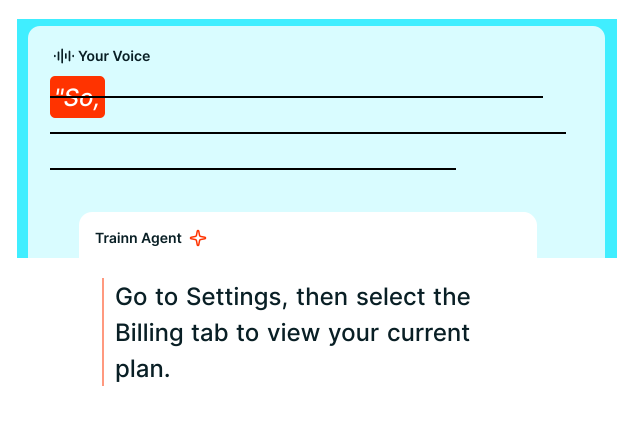
Trainn writes a script from on-screen actions and voices it in the style and accent you choose. The narration describes what the customer sees because it was generated from it. You can also speak while recording and have Trainn turn your narration into a clean AI voiceover.
Text-to-speech editor
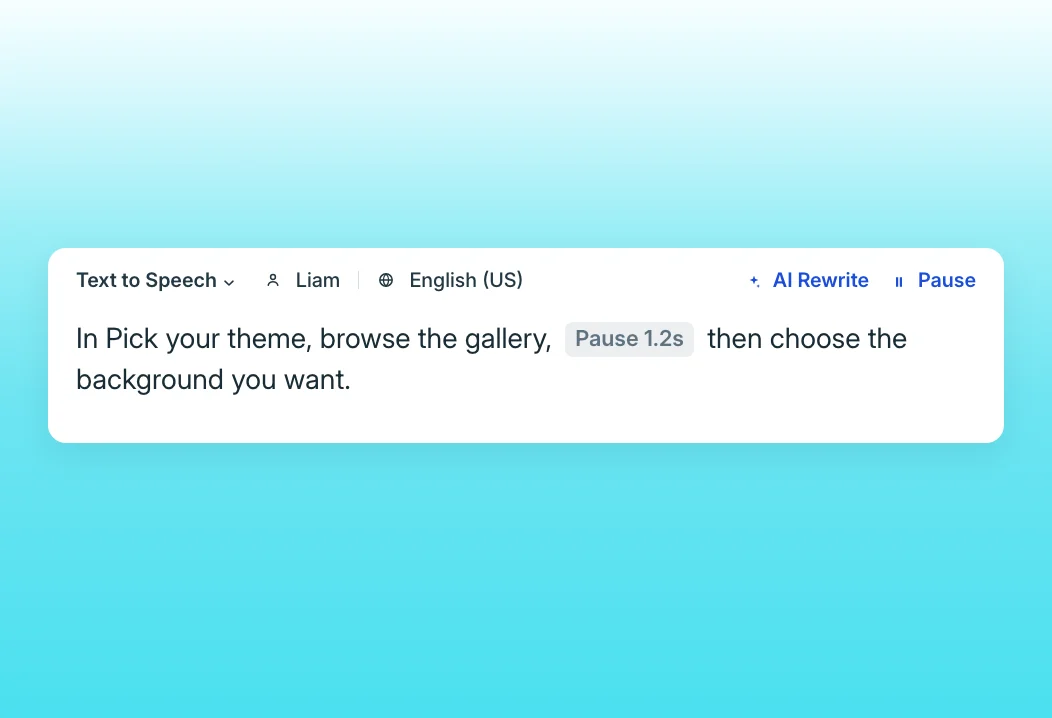
Change a term or a sentence by editing the script, and the voiceover regenerates for that clip only. No full re-render to fix one line. Speed, pauses, and custom pronunciations are set in the same editor.
“We didn't have a resource for customers to go and see training videos in one place. Now, we have Trainn.”
BuildOps created more than 100 onboarding videos in 45 days for one self-serve learning center. Each video came from a real product recording rather than from generated scenes the team had to correct by hand.
Who this is for

Onboarding managers
Produce AI onboarding videos that show the real product your customers just bought, not stock scenes.

Customer success managers
Replace repetitive kickoff walkthroughs with accurate AI-narrated videos you made from your own recordings.

Customer education leads
Scale onboarding content without a correction queue for generic AI output.
FAQ


