


AI videos
Build AI Customer Training Videos From Your Real Product
AI training video often fills the screen with stock visuals. Trainn's AI works from your product recording, so training shows the actual workflow.
The problem
Make AI Training Videos About Your Actual Product
AI has not yet changed customer training much. The State of Customer Education 2026 from Absorb and Lighthouse Research, covering more than 500 organizations, found only 29% of programs report significant or fundamental change from AI.
Part of the reason is what generic AI video produces. Reviewers training customers on technical products report AI creators adding irrelevant stock photos and videos when they need actual product visuals. Every generated scene that misses the product has to be replaced by hand, and every product update repeats the work.
That is the editing dependency in AI customer training: the AI drafts quickly, then a person spends hours making it about your product.
The Solution
Trainn's AI Video Agent Builds Customer Training From Your Real Interface
Trainn's AI video agent creates customer training videos from a screen recording of your product. Every scene shows your real interface from the start. Trainn generates the narration, steps, and highlights from the recording. When the product changes, you replace only the steps that changed, so the training stays accurate without being regenerated.
The features
Three Trainn Features That Help You Create AI Customer Training Videos
Record a Video
Record the workflow customers need to learn. Trainn generates the narration, steps, and zooms from the recording, so there is no stock footage to swap out. Zooms and spotlights land on real product actions, not generated imagery.
Create Slide
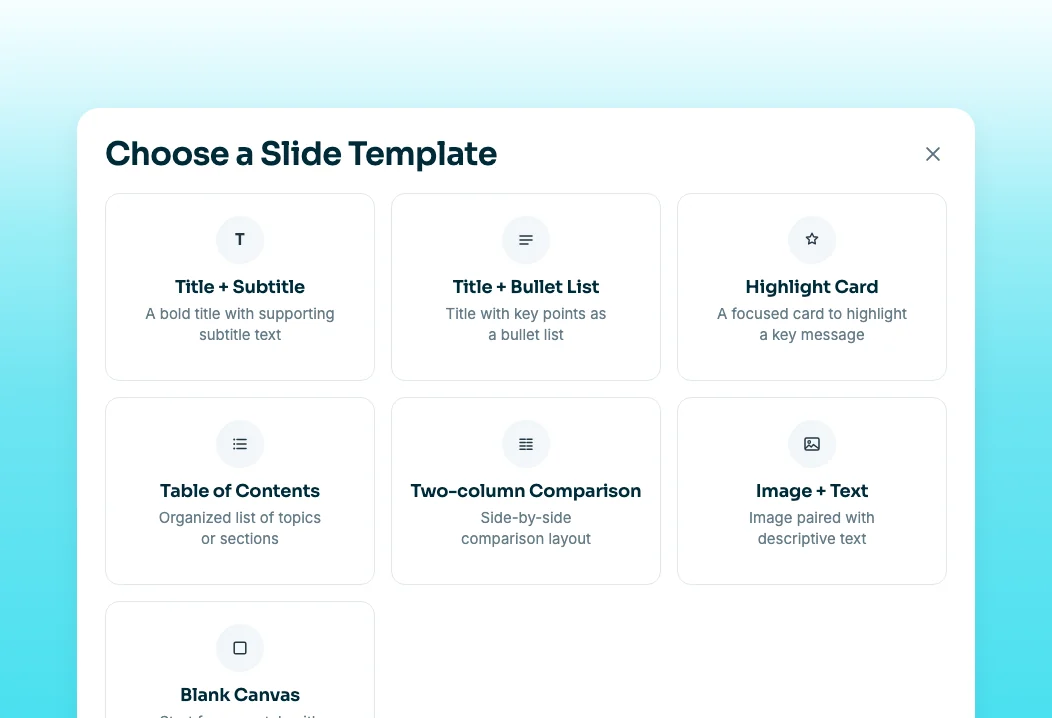
Add slides for the context a recording cannot show, such as tips, use cases, or a short comparison. Slides are voiced, so training flows from explanation to demonstration in one video. Slides can use custom fonts, images, and two-column layouts.
Clip-by-clip editor
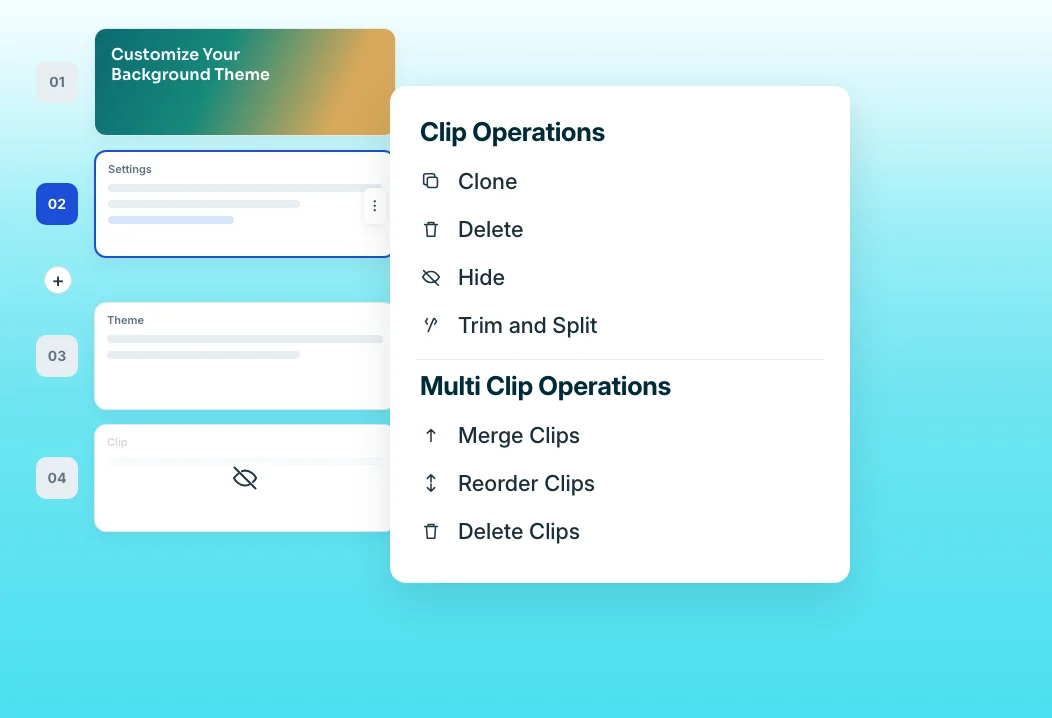
When the product changes, swap the affected clip instead of regenerating the whole lesson. Narration stays bound to each clip, so updates keep audio in sync.
“Our platform was fantastic, but users never used the platform features to the fullest and weren't able to cope with the new features we built.”
Neutrinos launched its first customer training course in two weeks, built by Eldho with no video editing background. The training came from recordings of the real platform, so customers learned the features as they actually appear.
Who this is for

Customer education managers
Generate AI training that shows your actual product, not stock scenes, and keep it current after every release.

Customer success managers
Give customers training on new features without producing each video by hand or correcting AI output.

Training leads with global customers
Deliver the same training in several languages from one recording, kept in sync automatically.
FAQ


