


Product demo videos
Give Every New Customer a Product Demo on Day One
Your best onboarding demo lives in a customer success manager's head. Trainn turns one screen recording of it into a finished video new customers can watch anytime.
The problem
Stop Making New Customers Wait for a Call
New customers learn fastest when they see the product working, yet most teams never produce onboarding demo videos at all. Wyzowl's 2026 State of Video Marketing survey of 266 marketers found only 23% had created customer onboarding videos.
The gap is not knowledge. The customer success manager who runs the kickoff call knows exactly which workflow to show first. What that person lacks is video production experience, and many say plainly that recording demos is a task they dislike as much as running another training call.
That is the skills gap: the person who knows the product best is the least equipped to turn it into a polished video. So onboarding stays live, one call per account, and every new customer waits for a calendar slot.
The Solution
Trainn Turns One Product Walkthrough Into an Onboarding Demo for Every New Customer
Trainn's AI video agent turns a screen recording of your product into a finished onboarding demo. The customer success manager or onboarding manager shows the workflow once, the same way they would on a kickoff call. Trainn adds the narration, zooms, and highlights that a video producer would normally add. With Trainn's product demo video maker, the person who knows the product best creates the demo without learning video editing.
The features
Three Trainn Features That Help You Create Product Demo Videos for Customer Onboarding
Record a Video
Record your screen once and Trainn writes the narration, groups clicks into clean teaching steps, and times the zooms and spotlights. The onboarding manager does what they already do well, demonstrate the product, and gets back a professional video with no editing on their end. Narration, zooms, and spotlights land on the clicks that matter, so new customers follow along at their own pace.
Turn Narration to AI Voiceover
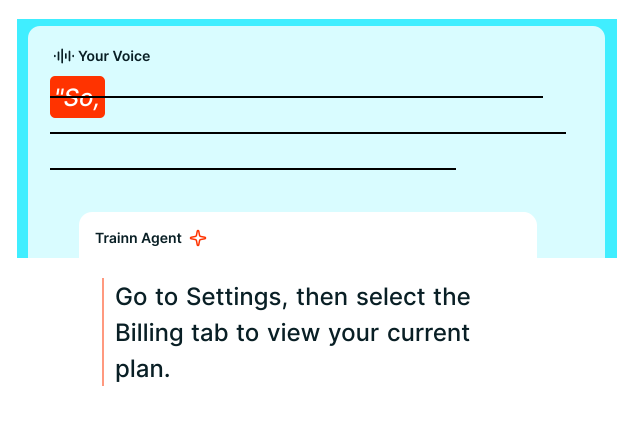
Speak naturally while you record. Trainn rewrites the narration for clarity, removes filler words and background noise, and returns a clean voiceover in the voice and language you pick. A customer success manager who worries about sounding polished stops re-recording takes. Pick the voice, accent, and language, and every customer success manager's demos sound like one onboarding program.
Collections
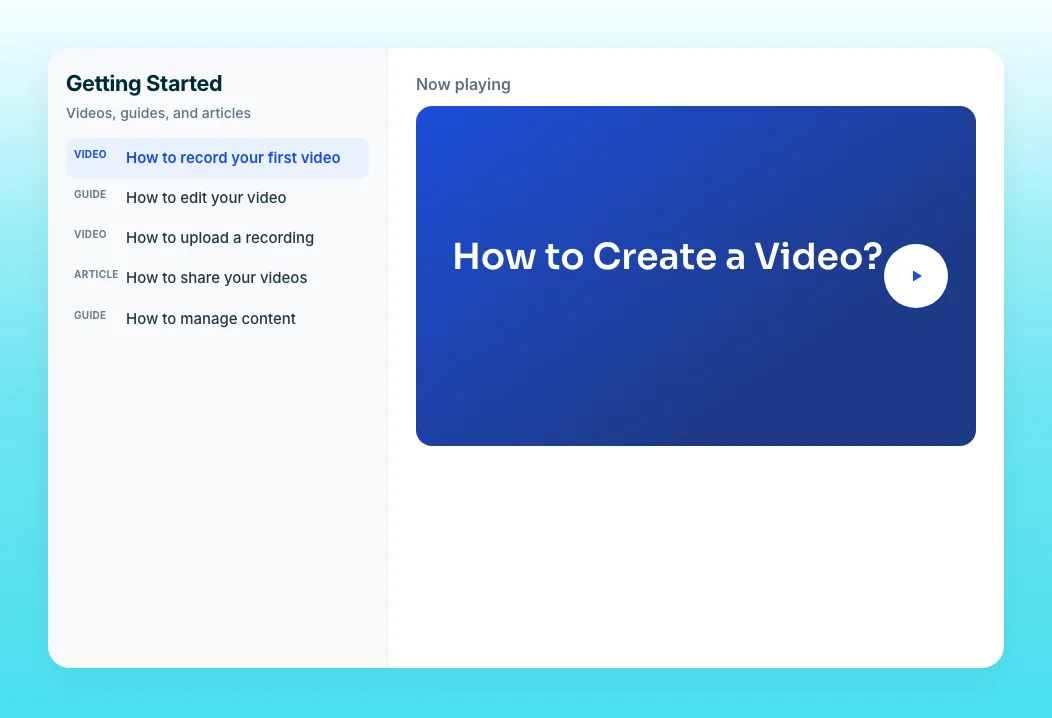
Group the welcome demo, the setup walkthrough, and the first-workflow video into one shareable module with a progress bar. New customers get a single onboarding link instead of a scattered list, and you can see how far each account got. Learner Groups let one collection serve different customer segments without building a separate page for each.
“In two weeks, I built and launched our first course, without any video editing background. Vendors had quoted months for the same work.”
Neutrinos launched its first course in two weeks, built by Eldho, who had no video editing background. He is the kind of product expert this page describes: deep platform knowledge and no production team behind him.
Who this is for

Customer success managers running kickoff calls
Record the demo you give every new account once, then send it before the first meeting so the call starts with questions instead of a walkthrough.

Onboarding managers
Build a repeatable day-one demo library for every segment you serve, without adding a video producer or an agency to the onboarding budget.

Founders still onboarding customers personally
Turn the product walkthrough you repeat every week into a narrated video that onboards new accounts while you focus on the business.
FAQ


