


Product demo videos
Turn More Trial Signups Into Activated Users
Trial users decide in days, not weeks. Trainn turns your screen recordings into short demos that walk them to the first win.
The problem
Make Short Trial Demos Easy to Produce
A free trial converts only when users reach real value before the clock runs out. The 1Capture Free Trial Conversion Benchmarks, published in August 2025 after analyzing more than 10,000 SaaS companies, put median B2B trial-to-paid conversion at 19%. Most trial users leave without seeing the one workflow that would have made them stay.
Growth teams know a short demo at the right moment helps. Many describe the same pattern: keeping trial users engaged past the first week is the hard part. The demos they do have are long, unfocused recordings, because cutting a five-minute capture down to the 60 seconds a trial user will watch takes real editing time.
That is the editing dependency in a trial: short demos convert, and short demos are the expensive ones to make.
The Solution
Trainn Turns Your Activation Workflow Into a Short Demo Trial Users Finish
Trainn's AI video agent turns a screen recording of your activation workflow into a short, narrated demo. Trainn splits the recording into steps, so your team keeps only the steps a trial user needs to reach first value. Trainn then adds the narration and zooms. With Trainn's product demo video maker, growth and product teams publish a focused activation demo without learning a timeline editor.
The features
Three Trainn Features That Help You Create Product Demo Videos for Free Trial Activation
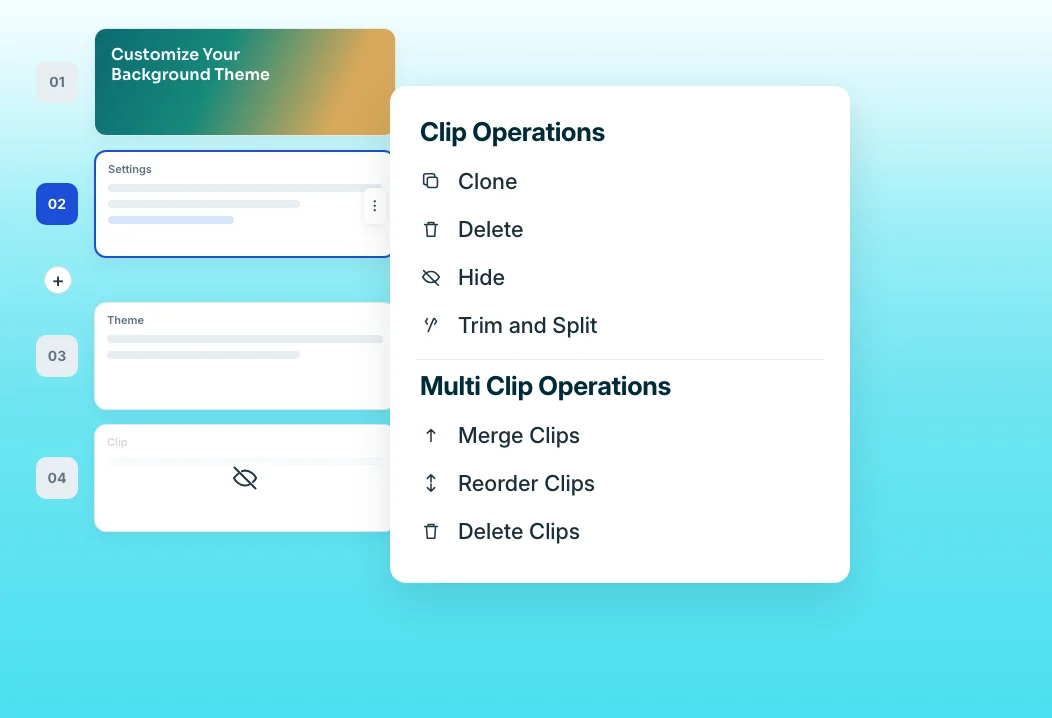
Clip-by-clip editor
Each on-screen action becomes its own clip with its narration attached. Delete the detours, merge the steps that belong together, and the activation demo drops to the length a busy trial user will finish. A 60-second demo that covers one milestone is far more likely to be finished than a full tour.
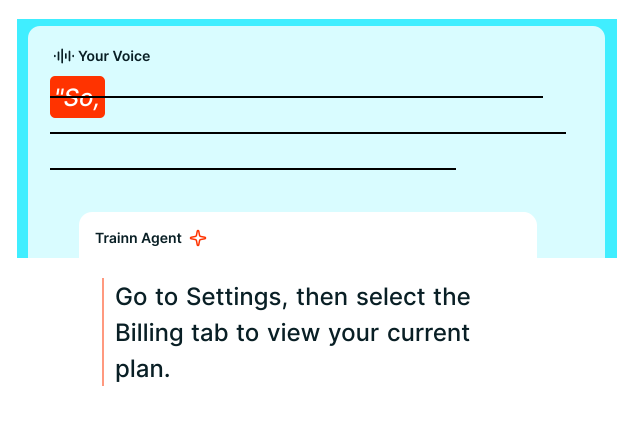
Generate AI Voiceover
Trainn writes the script from your clicks and generates the narration, so nobody rehearses a pitch while recording. The voiceover stays tied to each clip, so trimming a step never breaks the audio sync. Pick the voice and language once, and every activation demo sounds consistent.
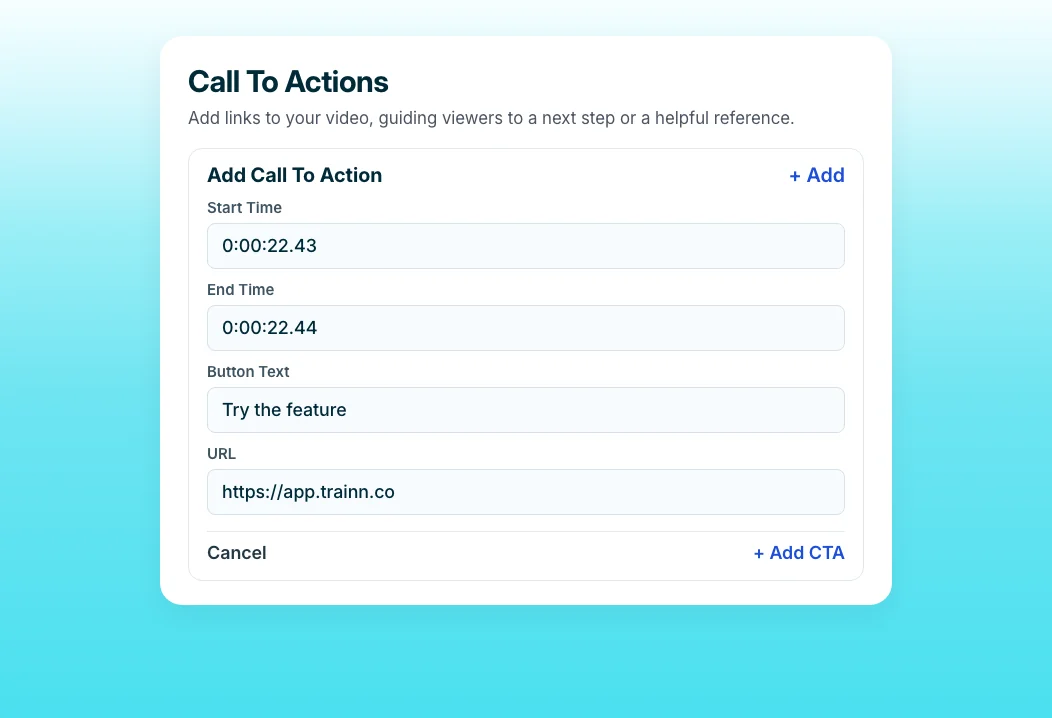
Call-to-Action
Add a button at the end of each demo that takes the user straight to the feature they just watched. The demo becomes the shortest path from watching to doing. CTAs do not pause playback, so users can act the moment they understand the step.
“People are feeling more pressed for time. Most customers love those quick 1-minute videos to learn the product.”
BuildOps created and published more than 100 videos in 45 days. Sabina's team built that library around one-minute videos because that is the length busy users finish. Trimming a recording to its essential steps is what makes that length practical.
Who this is for

Growth and PLG marketers
Ship a short, focused demo for every activation milestone in your trial, and test new versions without waiting on a video editor or an engineering sprint.

Product managers
Show trial users the one workflow that predicts conversion, in under two minutes, from a recording you can make between meetings.

Customer success managers for self-serve accounts
Send a stuck trial user the exact chapter for the step they missed, instead of booking a call they may not take.
FAQ


