


Customer onboarding videos
Onboard Every Role in an Enterprise Account Without Extra Calls
Enterprise accounts bring dozens of stakeholders to onboarding. Trainn lets your customer success manager record each role's workflow once and send it as a finished video.
The problem
Onboard the Stakeholders Who Never Joined the Call
Enterprise onboarding fails quietly with the people who were never on the call. Forrester's State of Business Buying 2026 found the typical B2B purchase involves 13 internal stakeholders and nine external participants. Every one of them needs to learn the product, and each role needs a different workflow.
The customer success manager can train the core team live. Admins, approvers, and end users in other regions get a recording of a call they did not attend, or nothing. Teams describe their pre-tool onboarding as manual and inconsistent, because producing role-specific video for every audience is work nobody on the customer success team is trained to do.
That is the skills gap at enterprise scale: the customer success manager knows exactly what each role needs to see and has no practical way to turn that knowledge into a separate, polished video for each one.
The Solution
Trainn Turns Each Role's Workflow Into Its Own Onboarding Video
Trainn's AI video agent turns a screen recording of each role's workflow into a finished onboarding video. The customer success manager who knows the account records each workflow once. Trainn adds the narration, highlights, and formatting automatically. With Trainn's onboarding video creator, one person builds a set of role-specific onboarding videos without a producer, an agency, or a second recording session.
The features
Three Trainn Features That Help You Create Enterprise Onboarding Videos
Record a Video
The customer success manager records the admin setup, the approver workflow, and the end-user flow as separate screen recordings. Trainn writes the narration, groups clicks into steps, and adds zooms, so each role gets a finished video from one recording. Each role's video stays focused on that role's workflow, so nobody sits through steps that do not apply to them.
Collections
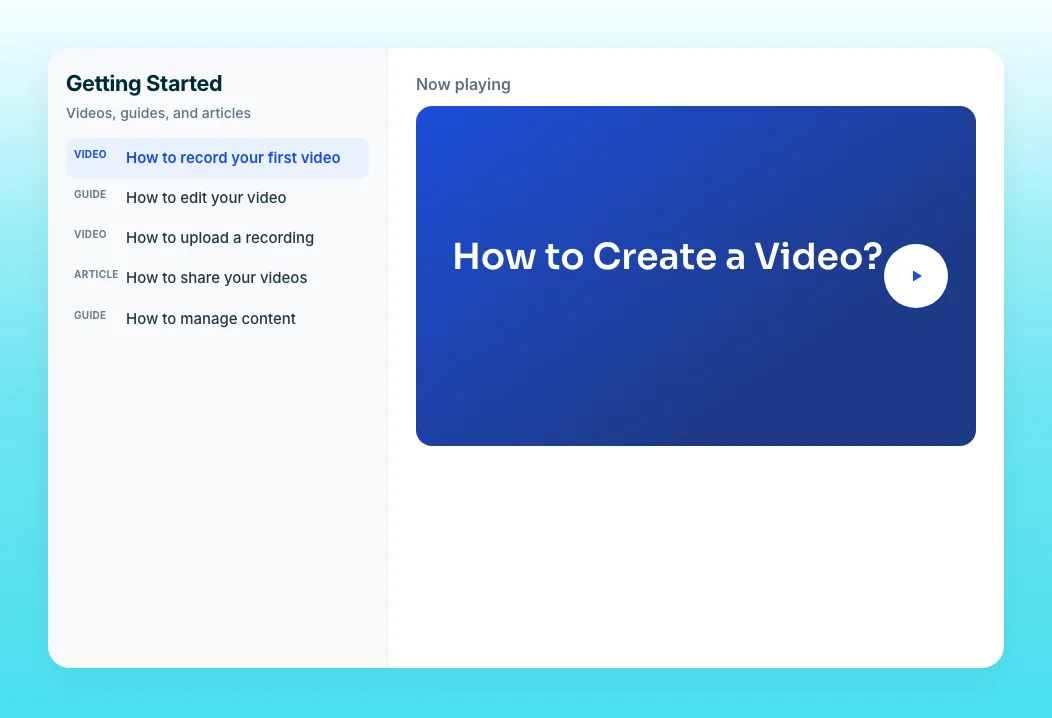
Group each role's videos into its own onboarding collection with a progress bar. Admins get the admin path, end users get theirs, and the customer success manager sees who in the account has started and who has not. Learner Groups let one collection be personalized by role or department without building a separate page per group.
Translations
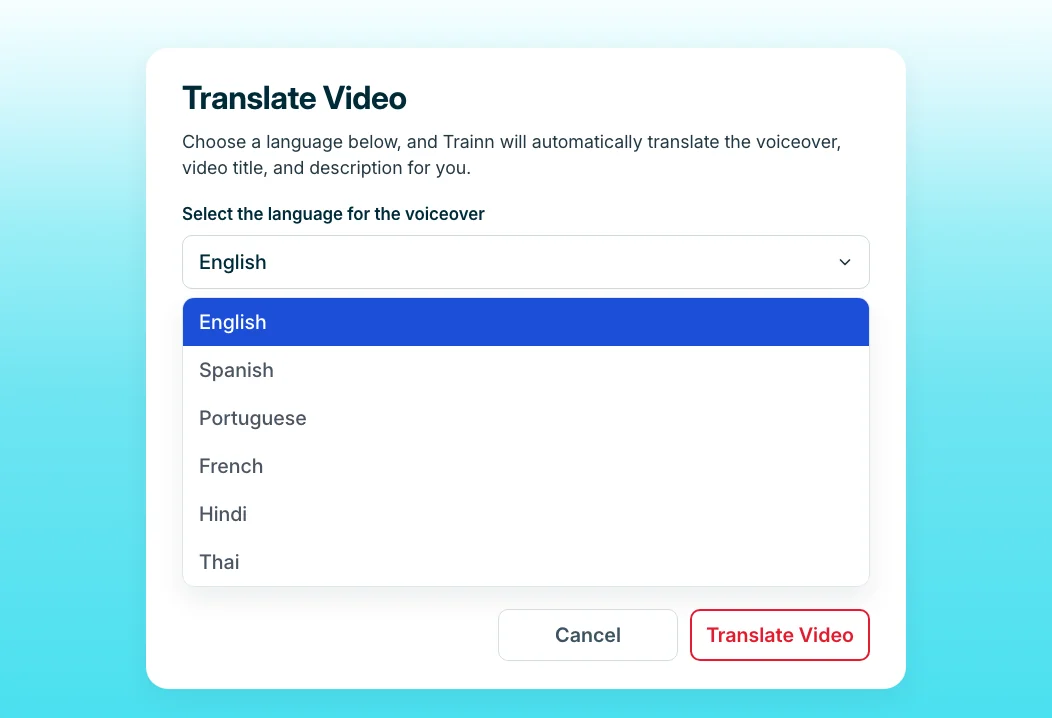
Enterprise accounts span regions. Translate a video, including voiceover, subtitles, and description, into another language from the original recording, so a regional team does not wait for an English-speaking session. Linked Videos keep every translation updated when you change the main video.
“Our customers are tech-savvy. If I inform them of the SpotDraft Training Academy, they honestly prefer going through the repository to sitting with me for a 1-hour training call. They'd rather watch the videos and come to me for questions.”
SpotDraft standardized every onboarding video to one voice and format after months of patchwork individual recordings. Each customer success manager now gets the same polished output, so stakeholders who skip the call still get consistent onboarding.
Who this is for

Enterprise customer success managers
Record each stakeholder group's workflow once and stop repeating the same onboarding call across time zones, departments, and new hires on the customer side.

Implementation managers
Send admins their setup video before the configuration session, so the session is spent on the account's specifics instead of basic navigation.

Customer onboarding leads
Give every enterprise account a role-based onboarding path you can track, so no stakeholder group is left with only a recording of a call they missed.
FAQ


