


Product demo videos
Add a Demo Video to Every Release Note
Customers skim changelogs and miss what changed. Trainn turns each release note into a short demo video, built and updated in minutes.
The problem
Stop Shipping Release Notes Nobody Notices
Most customers do not read release notes, so most improvements go unnoticed. A 2026 UserTesting survey of 4,000 adults found 78% of US respondents avoid software updates unless they have to. A text changelog entry asks for attention customers are not giving.
A 30-second demo next to each entry changes that, but release notes are a recurring artifact. Teams that ship every other week need a fresh video for every changelog, and each one needs narration, emphasis, and an update when the product interface shifts again before the next release.
That cadence is where the editing dependency bites. One video is a task. A video for every release note, kept current, is a job nobody on the team was hired to do.
The Solution
Trainn Gives Every Release Note a Demo Video on the Day It Publishes
Trainn's AI video agent turns a screen recording of a shipped change into a finished demo video. Each step of the demo stays editable on its own. The release note gets its video on the day it publishes. With Trainn's product demo video maker, the next product interface change is a quick swap of one step, not a new production.
The features
Three Trainn Features That Help You Create Demo Videos for Release Notes
Record a Video
Record the changed workflow once, and Trainn adds narration, teaching steps, zooms, and spotlights. The person writing the changelog entry can produce its video in the same sitting. Narration is generated from the on-screen actions, so nobody scripts a voiceover for each entry.
Clip-by-clip editor
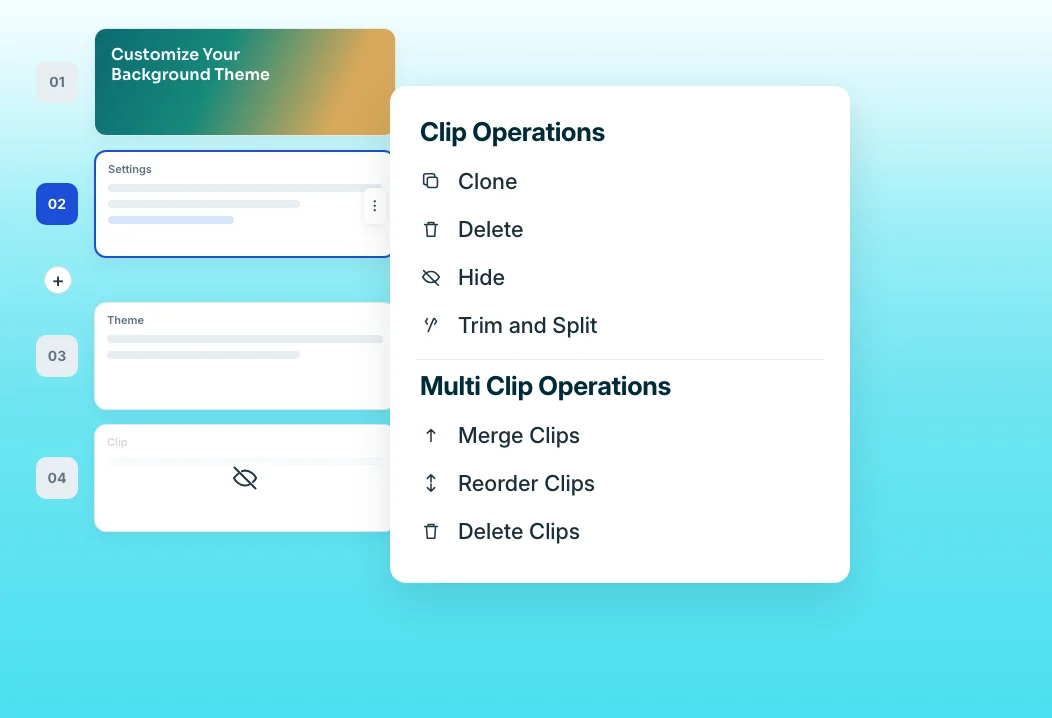
When the next release moves a button, swap only the clip that changed and record its narration again. The rest of the video stays as it is, so updates take minutes, not a full re-record. Each clip keeps its own narration, so a small product interface change never forces a full re-sync.
Share Links
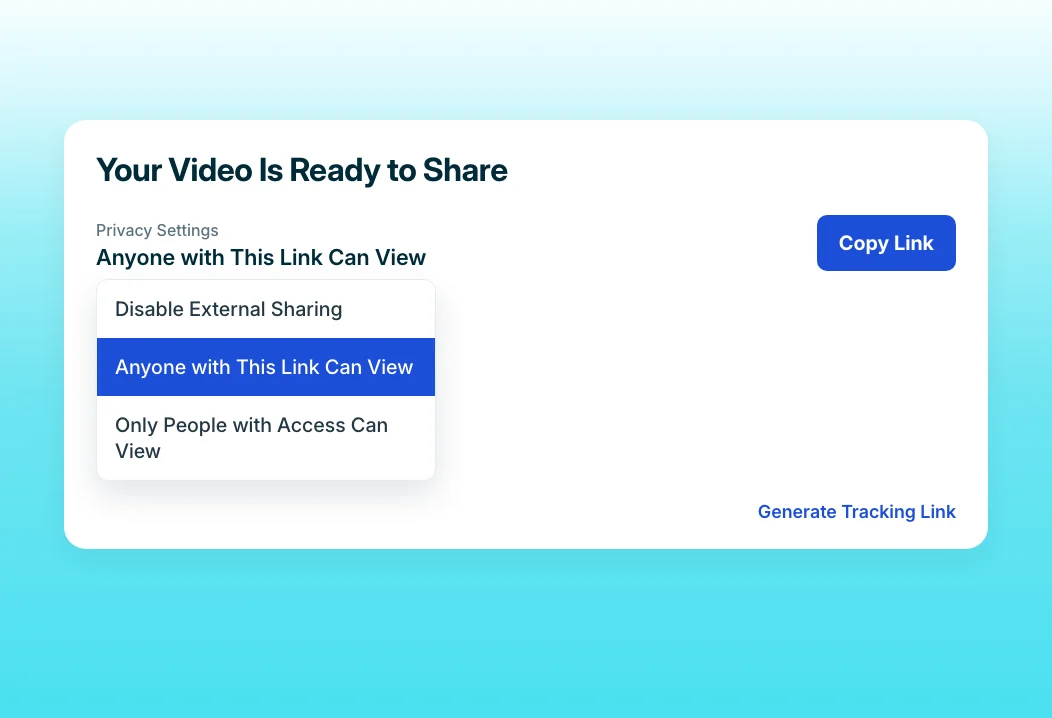
Embed one link in the changelog. Every later edit updates the video wherever that link lives, so the release note never points customers at an outdated screen. Embedded copies in the changelog, help center, and in-app panel all update from that one link.
“The dealbreaker was the update on-the-go feature. When a new feature is out, you can just update a couple of slides on the video, push the video live in 10 minutes, and customers can benefit from the video right away. Educating 12,000 customers in real-time felt easy.”
Posist's team can update a video and push it live in about 10 minutes when a new feature ships. Posist serves 12,000 customers in more than 50 countries, and clip-level updates with shared links mean every release reaches them with a current video the same day.
Who this is for

Product managers who own the changelog
Attach a short demo to every release note entry without asking for production help, so customers see each change instead of reading about it.

Product marketing managers
Repurpose each release video for the in-app announcement, the newsletter, and social from one link, so the release story stays consistent everywhere.

Customer education leads
Keep help content in step with every release by swapping the clips that changed, not re-recording videos customers already rely on.
FAQ


