


Product training videos
Make Professional Product Training Videos Without a Video Team
Most product training is made by people with no video background. Trainn produces the finished video from a screen recording, so you do not need one.
The problem
Make Training Video Without Hiring a Video Team
Most teams make video in-house, often with nobody trained to make it. Wyzowl's 2025 State of Video Marketing survey found 55% of video marketers create their content in-house, 31% mix in-house and outsourced work, and only 14% outsource entirely.
Inside SaaS companies, that in-house person is usually a customer success manager, a support lead, or a product manager. As one solo operator described it, "honestly, I don't know what I'm doing as far as dealing with video creation." The recording is easy. Everything after it, narration, emphasis, cuts, and consistency, is where non-video people stall.
That is the skills gap: the company needs training video, and the people who know the product were never trained to produce it.
The Solution
Trainn Does the Video Producer's Job From Your Screen Recording
Trainn's AI video agent turns a screen recording into a professional training video. Trainn generates the narration, framing, and finishing touches that a video producer would normally edit by hand. Anyone who can show the product on screen can create the video. Trainn's training video creator lets teams without a video producer publish training that looks consistent and professional.
The features
Three Trainn Features That Help You Create Professional Product Training Videos Without a Video Team
Record a Video
Record your screen once and Trainn writes the narration, groups clicks into teaching steps, and times every zoom and spotlight. The result is a finished training video, not a raw capture waiting for an editor. There is no timeline to learn before the first video is usable.
Generate AI Voiceover
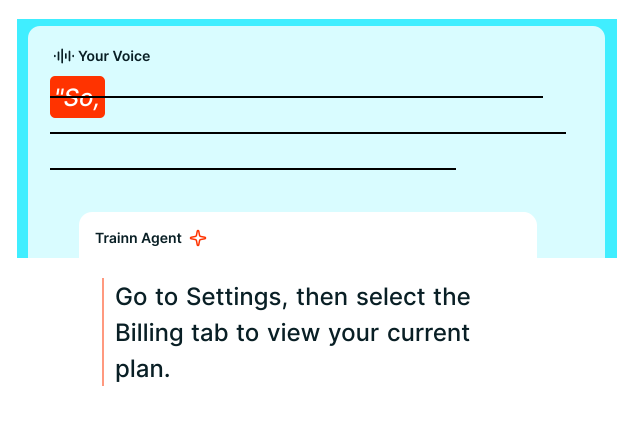
Nobody has to narrate while demonstrating. Trainn writes a script from the on-screen actions and voices it, and the text can be edited later like a document. You choose the voice, accent, and language, and can add custom pronunciations for product terms.
Advanced Editing
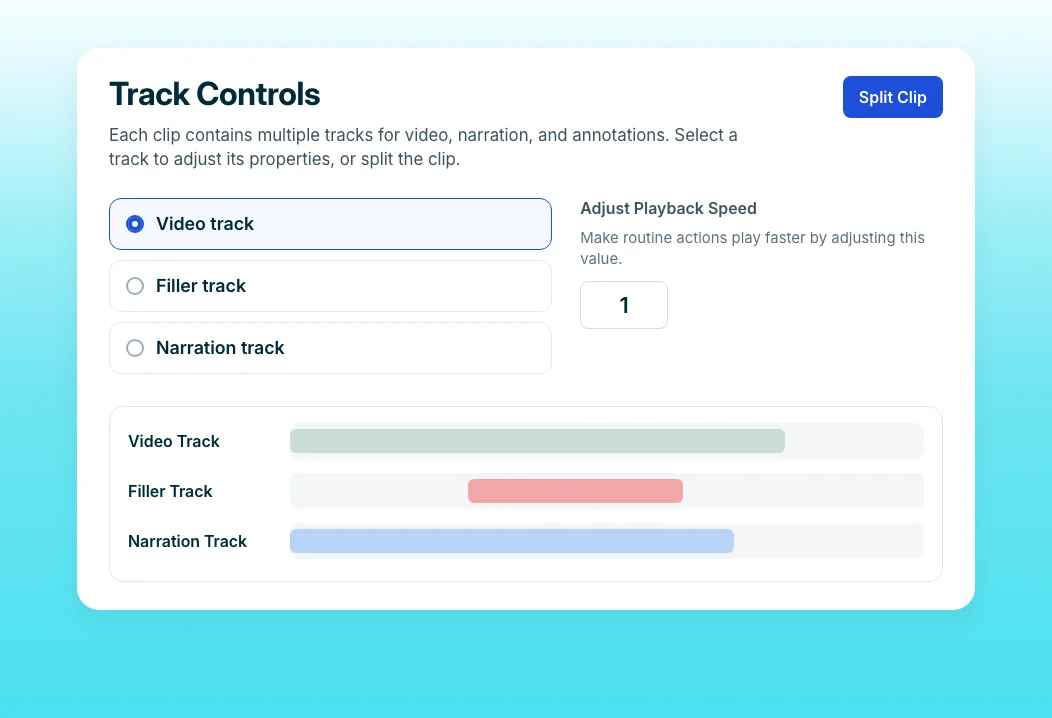
When something needs adjusting, drag to slow a sequence, trim a pause, or realign narration with the video. The editor works for beginners, so small fixes never require handing the file to someone else. Trim, split, and clone clips the same way, without exporting to another tool.
“When we put Trainn in front of people who had little to no experience creating videos, we saw them being able to create them fairly easily.”
More than 200 ServiceNow technical writers now create procedural videos directly, with no video background. Trainn's output arrives 80 to 85 percent complete straight from recording, so the writers do not need a video team to finish it.
Who this is for

Customer success managers
Create the training videos your customers keep asking for, with no editing experience and no request to another team.

Support leads
Turn the answers you repeat every week into polished training videos in an afternoon, then link them in replies.

Founders and small-team operators
Build a training library without a studio, an agency, or a video hire, using the screen recordings you can make today.
FAQ


