


Step-by-step guides
Replace Text-Only Help Docs With Visual Step-by-Step Guides
Customers skim text help docs and still get lost. Trainn turns a screen recording into a visual guide with a screenshot for every step.
The problem
Make Visual Help Guides as Easy as Text
Text-only help content leaves most customers looking elsewhere. Gartner's 2025 survey of 5,801 customers found only 22% start, stay in, and resolve their issue entirely within a company's own channels.
A paragraph that says "open Settings, then Integrations, then select the connector" asks customers to translate words into clicks. Visual guides solve that, and teams avoid them because of the work: reviewers of guide tools describe the relief of no longer taking screenshots, pasting them, and typing out every step.
That is the editing dependency behind text-only docs: visual guides are better, and building them by hand costs more than writing another paragraph.
The Solution
Trainn Turns a Text-Only Help Article Into a Visual Guide From One Recording
Trainn's step-by-step guide generator creates a visual guide from a screen recording of the workflow. Each step gets a screenshot, a title, and a description, with the exact click highlighted. Converting a text-only help article into a visual guide takes one recording. Nobody spends an afternoon taking and captioning screenshots.
The features
Three Trainn Features That Help You Create Visual Step-by-Step Guides That Replace Text-Only Help Docs
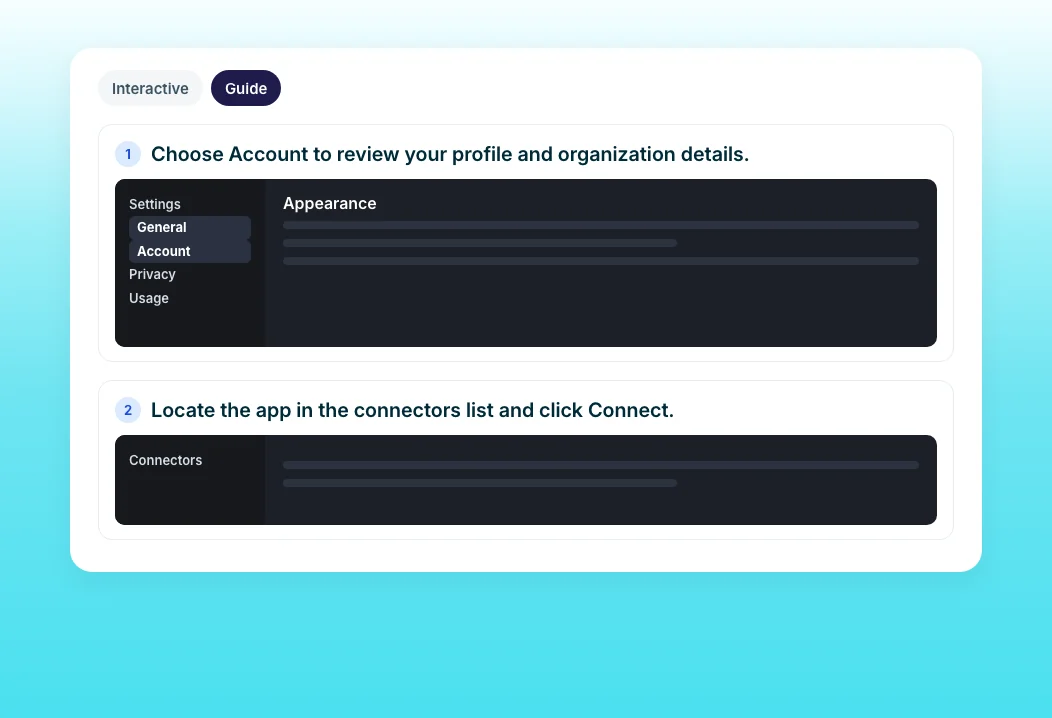
Create a Guide
Record the task, and Trainn captures a screenshot per step with an AI-written title and description, plus zooms and spotlights on each action. A text article becomes a visual guide in one recording. You can also build from uploaded screenshots when a feature has nothing to record yet.
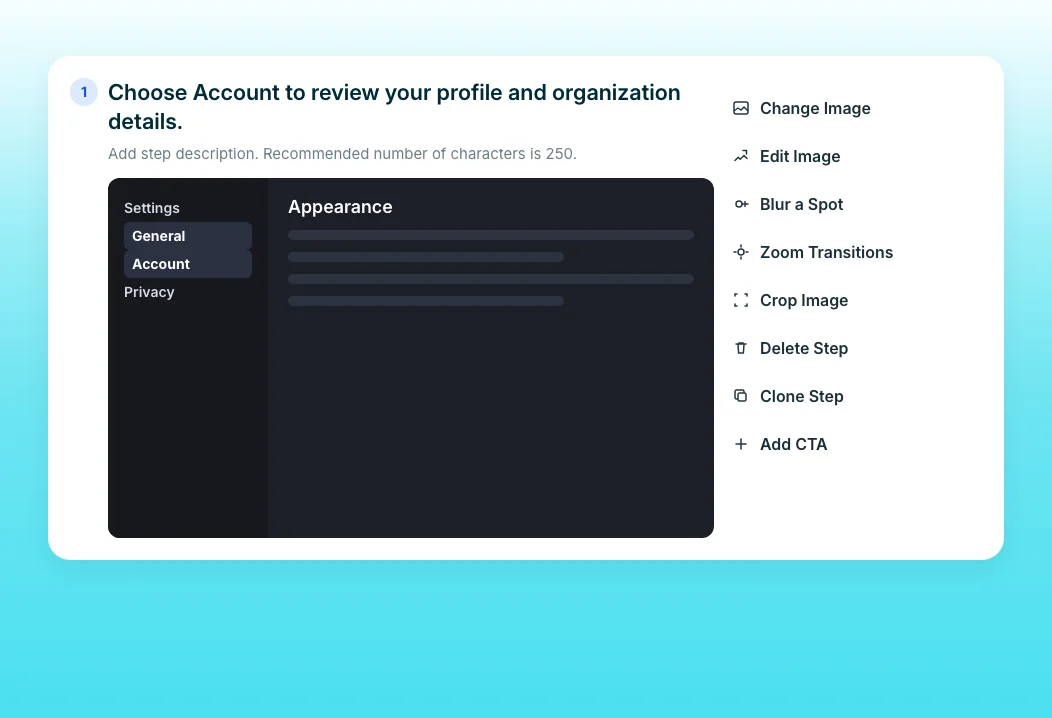
Guide Step Editor
Adjust any step after generation: edit the description, swap a screenshot, blur sensitive data, or merge steps. The guide stays exactly as precise as the original article. Updates sync to every place the guide is shared.
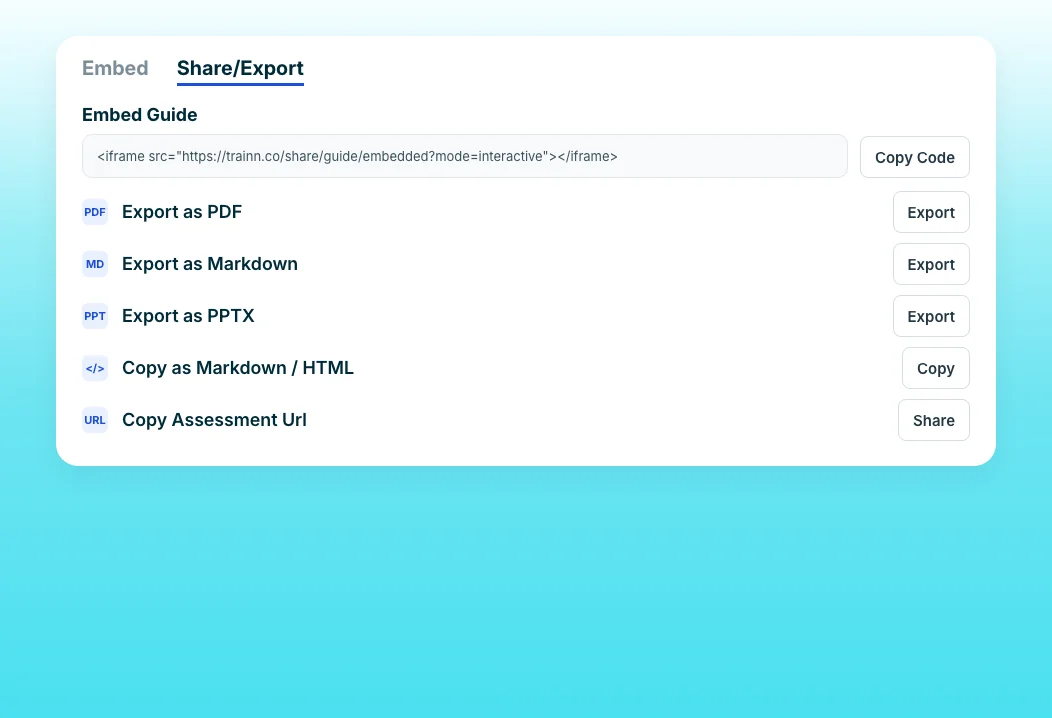
Guide Export & Sharing Formats
Publish the guide back where the text article lived. Embed it in your help center, or export it as Markdown or HTML for your documentation tool. PDF and PPTX exports cover offline and slide-based audiences too.
“That really moved the needle in our internal discussions with leadership, increasing our investments in Trainn in 2026.”
More than 200 ServiceNow technical writers now create procedural videos themselves. Once they started using Create a Guide alongside their documentation, writers adapted guides to customer needs on their own, and that adoption expanded the team's investment.
Who this is for

Technical writers
Convert your most-read text articles into visual guides from one recording each.

Support content managers
Replace walls of text with guides customers can follow click by click.

Customer education managers
Publish visual guides in your help center without taking or captioning screenshots by hand.
FAQ


