


Step-by-step guides
Deflect Repeat Tickets With Guides That Stay Current
Help articles only deflect tickets when they match the product. Trainn generates step-by-step guides you can fix one step at a time.
The problem
Stop Outdated Guides From Driving Up Tickets
Most help centers deflect far fewer tickets than teams expect. HappySupport's June 2026 benchmark puts median ticket deflection from a traditional knowledge base at 18%. Customers who find a guide with an outdated screenshot file the ticket anyway.
Support teams know the cause. Building a guide by hand means a screenshot and a caption for every step, and keeping it current means doing that again after each release. Reviewers of screenshot-guide tools single out editing limitations as the recurring frustration: capture is fast, and fixing a guide later is not.
That is the editing dependency in self-service: guides decay faster than teams can repair them, so deflection falls release by release.
The Solution
Trainn Turns a Screen Recording Into a Step-by-Step Guide Customers Can Follow on Their Own
Trainn's step-by-step guide generator turns a screen recording into a step-by-step guide with a screenshot and description for each step. Each step stays editable on its own. After a release, the support team fixes only the steps that changed. The corrected guide then updates everywhere it is embedded, so customers keep finding the right answer without opening a ticket.
The features
Three Trainn Features That Help You Create Step-by-Step Guides for Support Deflection
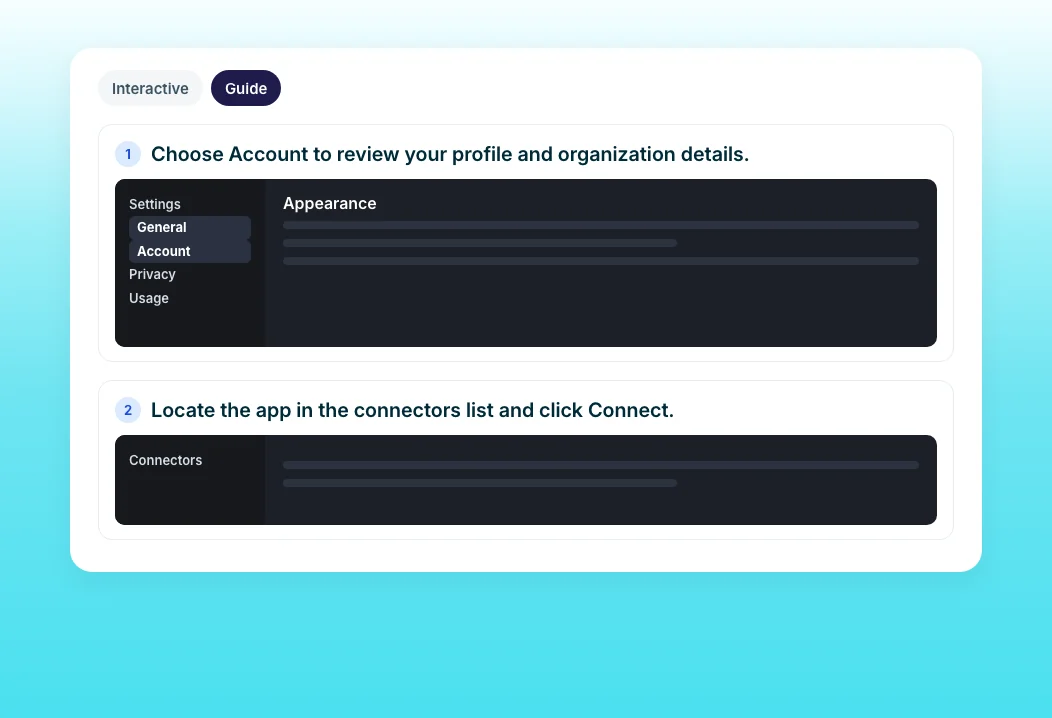
Create a Guide
Record the resolution once. Trainn detects each action, captures a screenshot per step, and writes a title and description, with zooms and spotlights on the exact click. A deflection guide is ready without manual screenshots. Teams with no workflow to record can build a guide from uploaded screenshots instead.
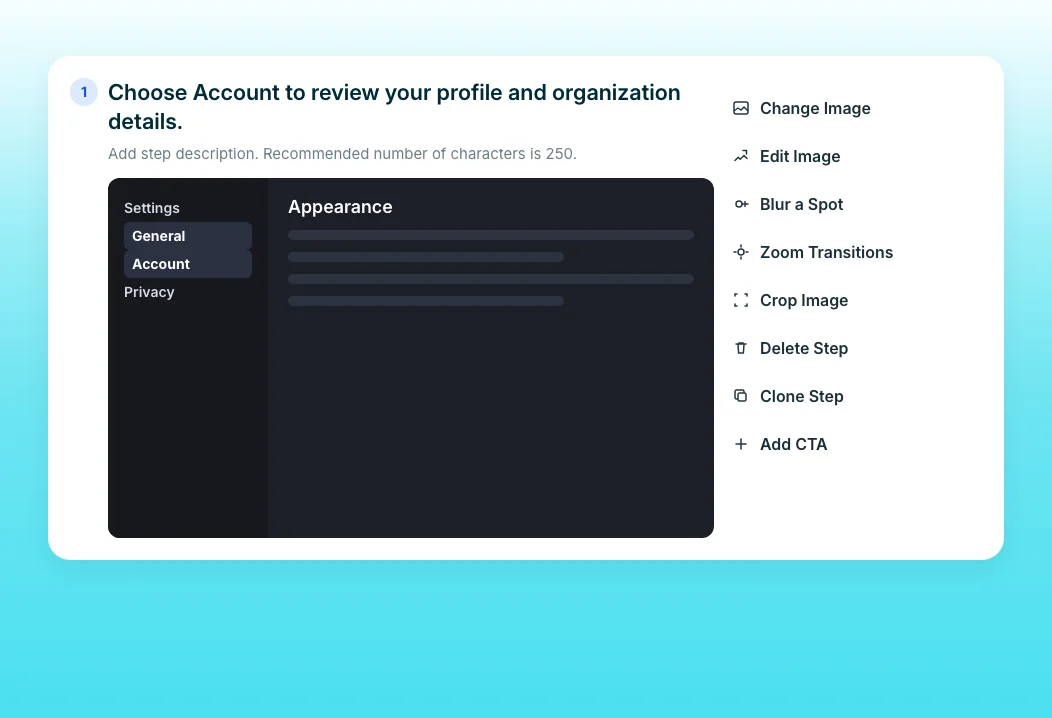
Guide Step Editor
When a button moves, swap that one screenshot and edit its text. Reorder, merge, or delete steps without rebuilding the guide, and every shared copy syncs. Sensitive fields in any screenshot can be blurred in the same step.
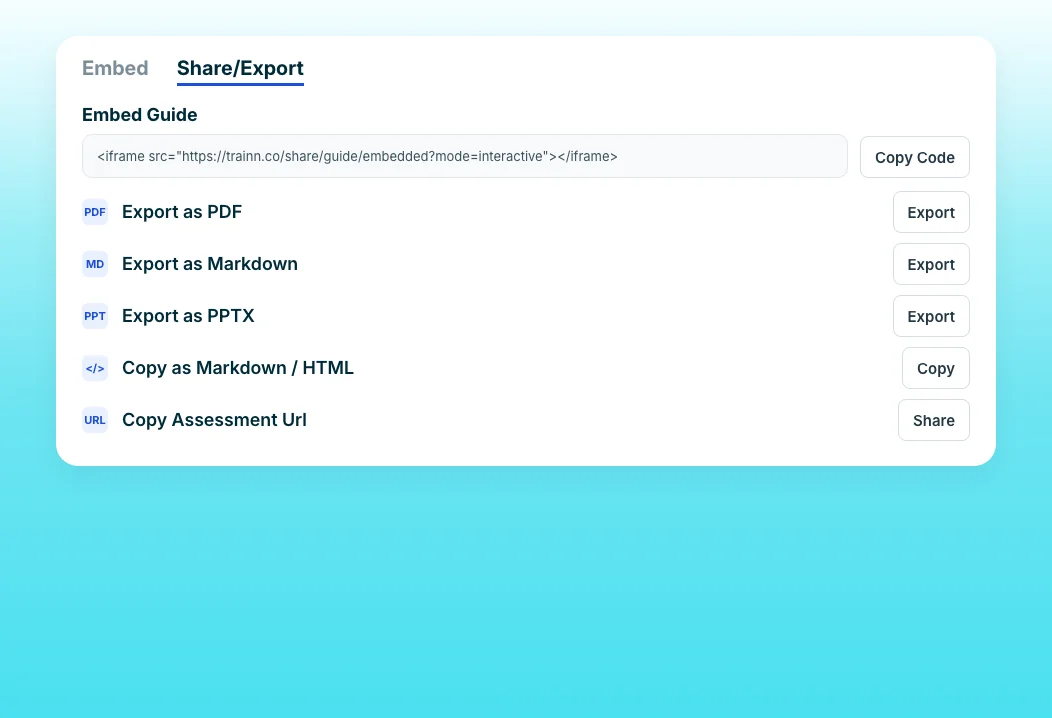
Guide Export & Sharing Formats
Embed the guide in your help center without code, link it in ticket macros, or export it as Markdown, HTML, or PDF. One guide serves every channel customers check before filing a ticket. Guides can also export as PPTX or images for internal training.
“We started discovering that technical writers really enjoy using guides. They were discovering how to use them to fit customer needs.”
ServiceNow's technical writers cut production time in half while maintaining thousands of support documentation pages on a monthly release cycle. Create a Guide gives them step-by-step guides from the same recordings they already make.
Who this is for

Support managers
Turn top ticket drivers into guides customers find before they file, embedded where they already look.

Knowledge base owners
Repair outdated guides one step at a time after each release instead of rebuilding articles.

Support agents
Answer a repeat question with a guide link instead of typing the steps again.
FAQ


