


Step-by-step guides
Give New Customers Onboarding Guides They Can Follow Alone
New customers stall on setup steps nobody documented. Trainn turns your onboarding walkthrough into step-by-step guides in minutes.
The problem
Take Customer Onboarding Off the Calendar
Self-serve onboarding content shortens the road to value. OnRamp's State of Customer Onboarding 2025 found 65% of companies using digital onboarding cut time-to-value by at least 25%.
The guides themselves are the bottleneck. Onboarding teams build client-facing guides for setup steps, configuration changes, and first workflows, and each one is a manual screenshot-and-caption job. When the product updates, every affected onboarding guide needs the same rebuild, so many teams fall back on live calls instead.
That is the editing dependency in onboarding documentation: the guides would scale onboarding, and the effort to create and maintain them keeps onboarding on the calendar.
The Solution
Trainn Turns Your Onboarding Call Walkthrough Into a Guide Customers Can Follow Alone
Trainn's step-by-step guide generator creates onboarding guides from a screen recording of the walkthrough your team already gives on calls. Trainn captures each step and writes its description, and every step stays editable on its own. When the product changes, you update only the affected steps. New customers always follow a guide that matches the current product.
The features
Three Trainn Features That Help You Create Step-by-Step Guides for Customer Onboarding
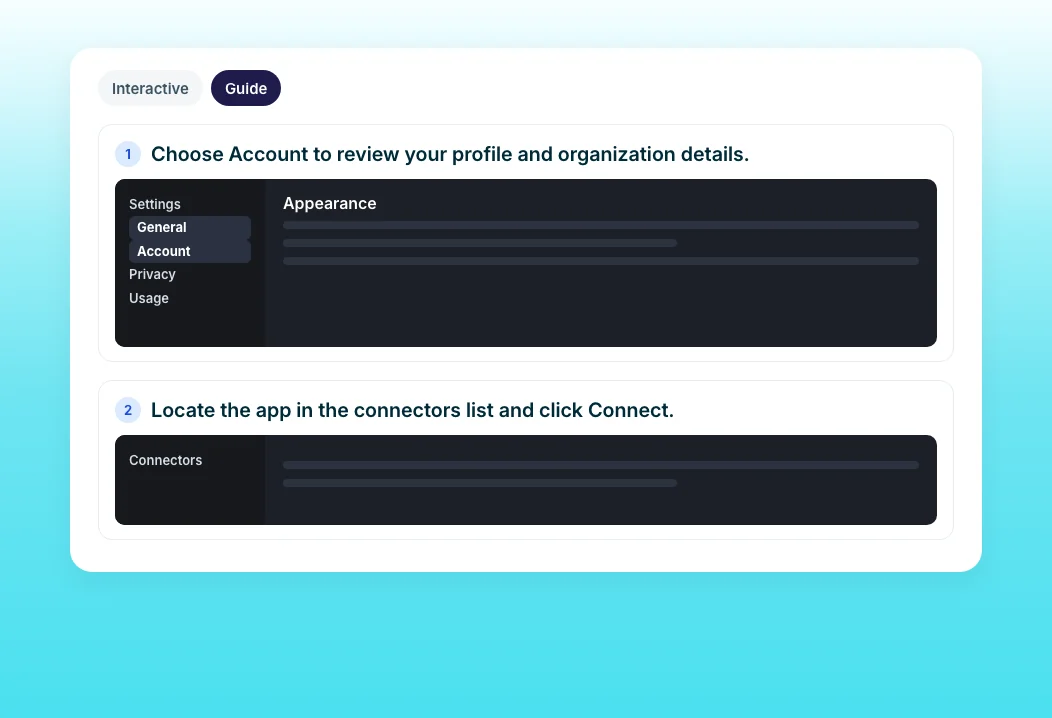
Create a Guide
Record the onboarding walkthrough once. Trainn captures a screenshot and description for every step, with the exact action highlighted, so customers follow setup without a call. Guides can also be built from uploaded screenshots for steps without a live workflow.
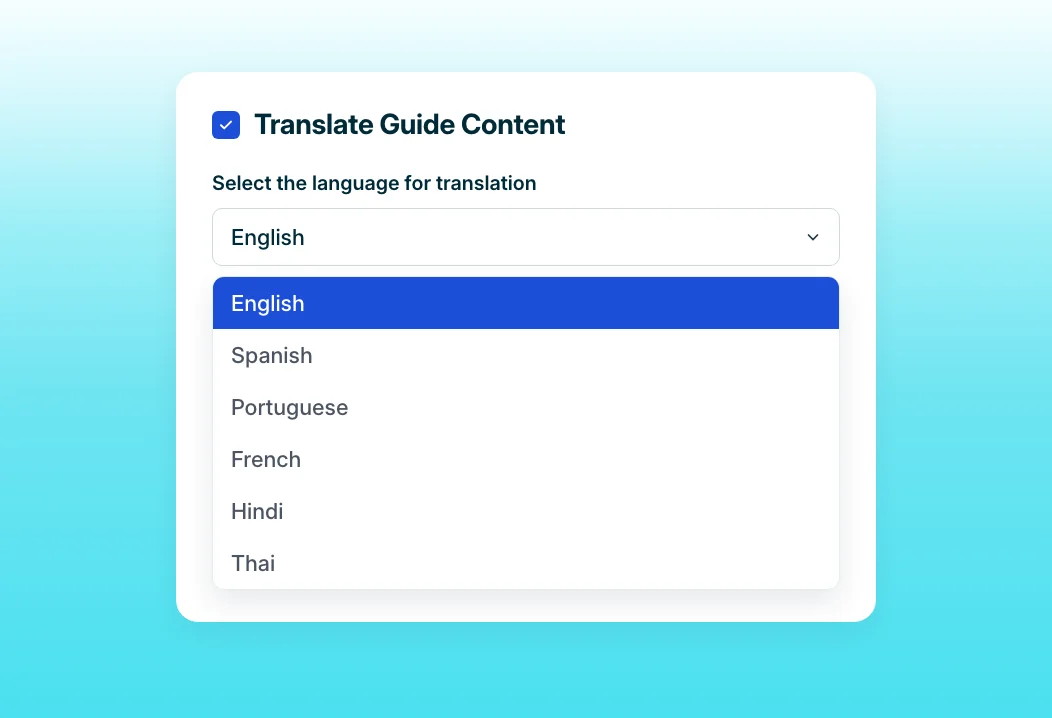
Guide Translations
Translate a full onboarding guide into another language in one click. Customers in every region start from the same accurate instructions. Translated guides stay paired with the original as you update it.
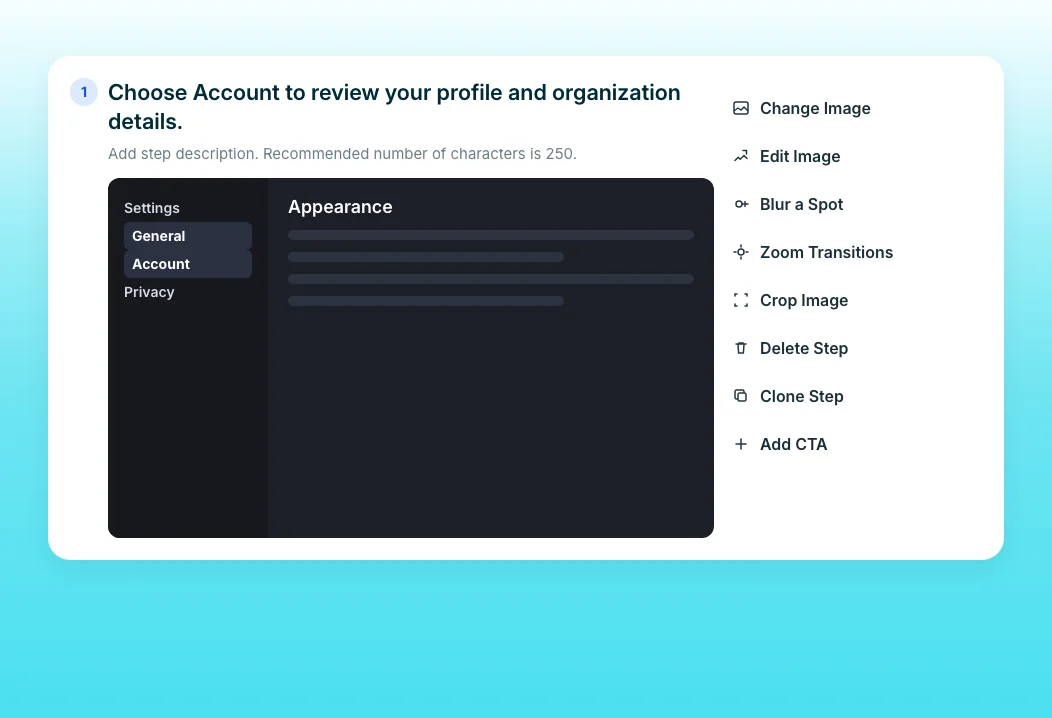
Guide Step Editor
After a release, fix only the steps that changed. The guide syncs everywhere it is shared, so new customers never onboard from outdated screenshots. Blur sensitive data in any step's screenshot.
“When I have a customer with a large team, I train the core team and members who are able to attend the 1st call. For others, I send an onboarding document with Trainn videos embedded in it.”
SpotDraft standardized all of its videos to one voice and format. Chalormee's onboarding document is the self-serve path this page describes: customers who miss the call still get every step, and Create a Guide builds that document from one recording.
Who this is for

Onboarding managers
Hand every new customer a step-by-step guide for each setup task, in their language.

Customer success managers
Send a guide to the stakeholders who missed the kickoff call, and see when they open it.

Implementation specialists
Document each configuration step once and stop repeating it live.
FAQ


