


Video tutorials
Turn Your Experts' Software Know-How Into Training Tutorials
The people who know your tools best rarely make training videos. Trainn turns their screen recordings into tutorials new team members can follow.
The problem
Let Experts Teach Without Doing Production Work
Teams know their people need more skills than current training delivers. LinkedIn's 2025 Workplace Learning Report found nearly half of learning and talent professionals say employees lack the skills needed to carry out business strategy.
For software workflows, the gap is rarely knowledge. The operations lead who configured the CRM and the analyst who built the reporting workflow know exactly how it works. What they lack is a way to share it without recording themselves, writing a script, and learning a video editor. Reviewers describe valuing tools that turn existing material into video without recording themselves or doing complicated editing.
That is the skills gap: the subject-matter expert can teach the workflow, and the production work stops them from doing it.
The Solution
Trainn Turns an Expert's Software Know-How Into a Training Tutorial
Trainn's AI video agent turns a subject-matter expert's screen recording into a narrated, step-by-step training tutorial. The expert performs the software task once while recording. Trainn adds the narration and splits the task into steps. With Trainn's tutorial video creator, the expert's knowledge becomes reusable training without waiting in a learning and development production queue.
The features
Three Trainn Features That Help You Create Employee Software Training Tutorials
Record a Video
The expert completes the task as usual while Trainn records. Trainn writes the narration, groups clicks into steps, and adds zooms, returning a finished tutorial. The expert's real clicks become the lesson, so the tutorial reflects how the work is actually done.
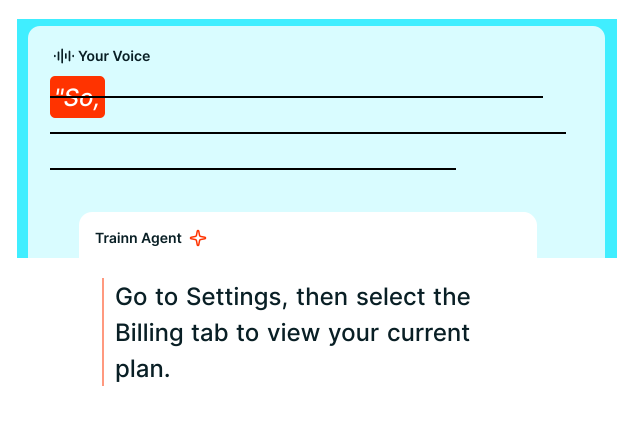
Generate AI Voiceover
Experts who dislike narrating do not have to. Trainn writes the script from the on-screen actions and voices it. The script can be edited like a document afterward, and the narration regenerates.
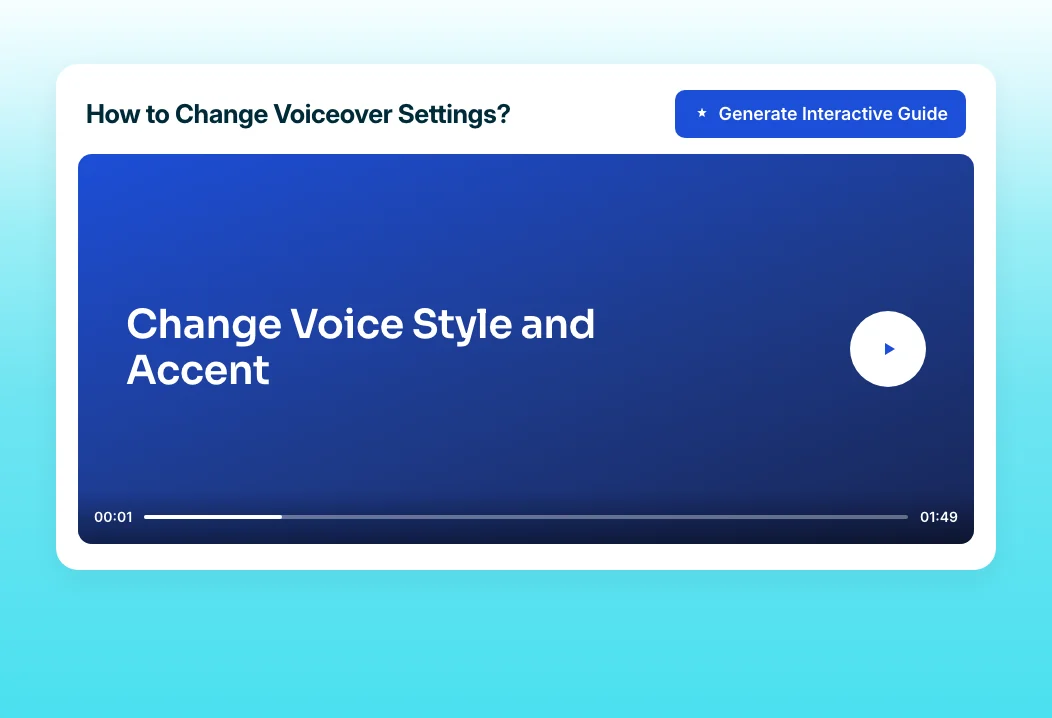
Turn Video into a Guide
Create a written step-by-step guide from the same tutorial for employees who want a quick reference instead of a video. Guides export as PDF or Markdown for internal wikis.
“We only have 15 people on our multimedia team, and we support over 200 technical writers who are writing thousands of doc pages.”
ServiceNow tripled its procedural video output by letting more than 200 technical writers create videos themselves. Trainn gave the writers finished output from their own recordings, so subject-matter experts no longer waited on a small multimedia team.
Who this is for

Operations and systems owners
Record how your team's tools work once, and stop answering the same how-to questions in chat every week.

Team leads
Give new teammates a tutorial for every core workflow from their first week, recorded by the people who do the work.

Learning and development managers
Collect tutorials from subject-matter experts across the company without producing each one yourself.
FAQ


