


Video tutorials
Publish Software Walkthrough Tutorials Without the Editing Marathon
Recording a walkthrough takes minutes. Trainn removes the hours of editing that usually follow, so tutorials ship the day you record them.
The problem
Stop the Edit From Holding Back Your Walkthroughs
Software walkthroughs fail when they run long, and keeping them short takes editing. TechSmith's Video Viewer Trends research found 60% of viewers will not watch an instructional video that runs 20 minutes or longer. A walkthrough has to be cut tight to get watched.
That cutting is the expensive part. Creators of technical walkthroughs say keeping viewers engaged is hard and the editing process usually takes forever. A ten-minute recording becomes an afternoon of trimming pauses, adding zooms, and re-syncing narration.
The real problem is editing dependency. The walkthrough exists the moment you stop recording, and it does not ship until someone finishes the edit.
The Solution
Trainn Turns a Screen Recording Into a Finished Software Walkthrough
Trainn's AI video agent turns a screen recording into a finished software walkthrough tutorial. Trainn writes the narration, groups the clicks into steps, and adds zooms and pacing from the recording itself. If something still needs adjusting, you change one step at a time instead of working on a timeline. Trainn's tutorial video creator removes the editing session that usually follows every recording.
The features
Three Trainn Features That Help You Create Software Walkthrough Tutorials

Auto-Spotlight & Zoom
Trainn spotlights every meaningful click and zooms on the action, skipping misclicks and scrolling. The emphasis that takes hours to keyframe by hand is done before you open the editor. Every effect can still be repositioned or retimed if one lands in the wrong place.
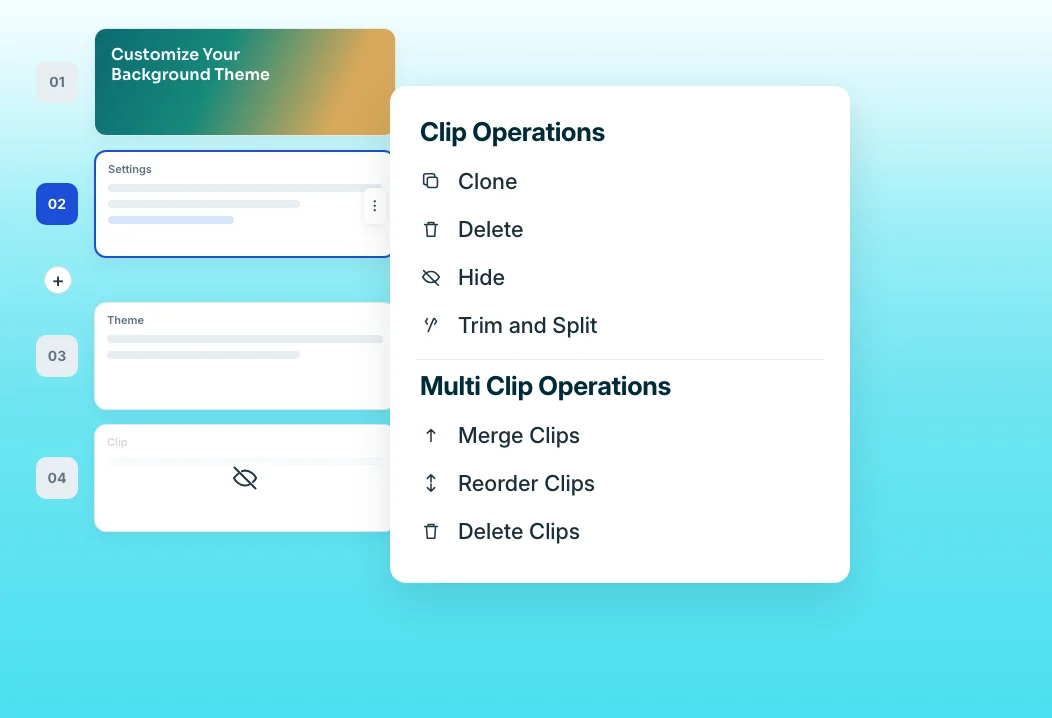
Clip-by-clip editor
Every step is its own clip with its narration attached. Hide, merge, or reorder steps to tighten a walkthrough without re-syncing audio across a timeline. Record a new sequence into the same video when a step needs a better take.
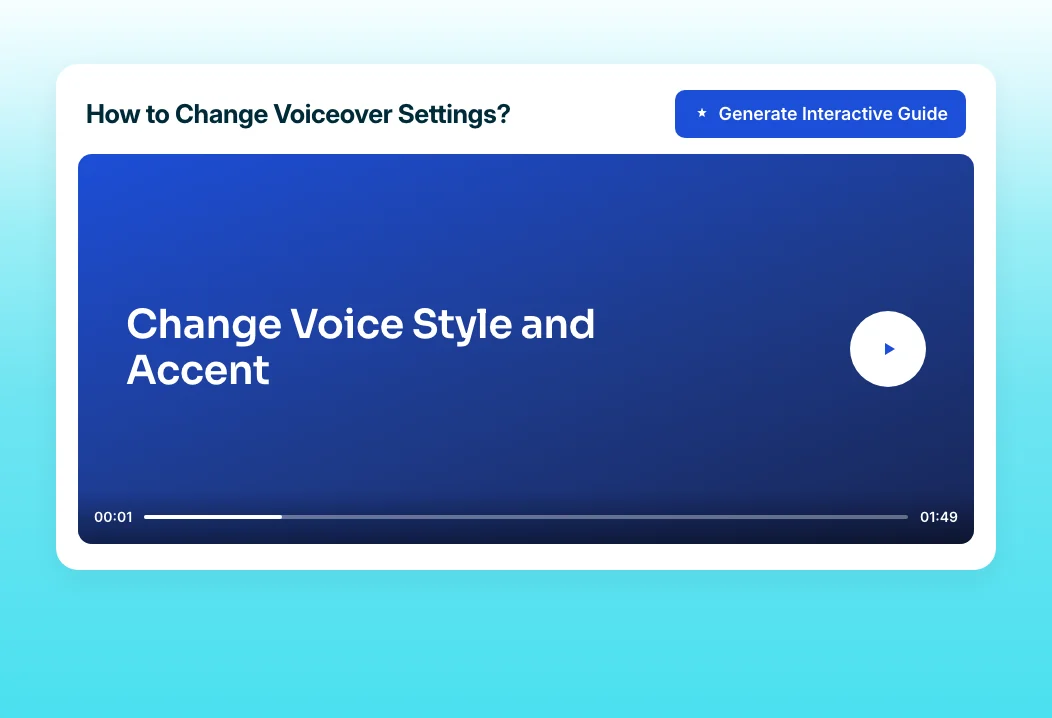
Turn Video into a Guide
Convert the finished walkthrough into a step-by-step written guide with one click. Viewers who prefer skimming get the same walkthrough as text and screenshots without a second recording. The guide and the video are separate outputs, so editing one never breaks the other.
“Loom just couldn't help with editing videos. Once you are done, the video is closed, and you can't do anything more.”
SpotDraft's team spent four months working around Loom's limits before switching to Trainn. Now every SpotDraft video shares one voice and format, and a walkthrough stays editable after it is recorded.
Who this is for

Customer education managers
Publish a walkthrough library without a dedicated editor, and keep each tutorial short enough that customers finish it.

Technical writers
Add a short walkthrough video to documentation pages in the same afternoon you write them, plus a matching guide.

Support engineers
Turn a complex resolution into a walkthrough customers can replay instead of a long written reply.
FAQ


