


Video tutorials
Keep Product Onboarding Tutorials Accurate Every Time Your Product Changes
Onboarding tutorials go stale with every release. Trainn lets you fix the one step that changed instead of recording the whole tutorial again.
The problem
Stop Moved Buttons From Breaking Onboarding Tutorials
New users abandon onboarding steps they cannot follow. Userpilot's product metrics benchmark found average onboarding checklist completion sits at 19%. When a tutorial shows a button that has moved, completion drops further.
Teams on fast-moving products ask the same question: how do you keep onboarding walkthroughs current on a platform that changes every month without redoing them each time? The usual answer is that you cannot. A product interface change means recording the entire tutorial and narration again, so outdated tutorials stay live.
That is the editing dependency in onboarding: the cost is not the first tutorial, it is every update after it.
The Solution
Trainn Keeps Onboarding Tutorials Accurate by Updating One Step at a Time
Trainn's AI video agent turns a screen recording into an onboarding tutorial made of separate, editable steps, each with its own narration. When the product interface changes, you replace only the steps that changed. The corrected tutorial then updates everywhere it is already shared. Trainn's tutorial video creator means a product release no longer leaves onboarding tutorials out of date.
The features
Three Trainn Features That Help You Create Product Onboarding Tutorials
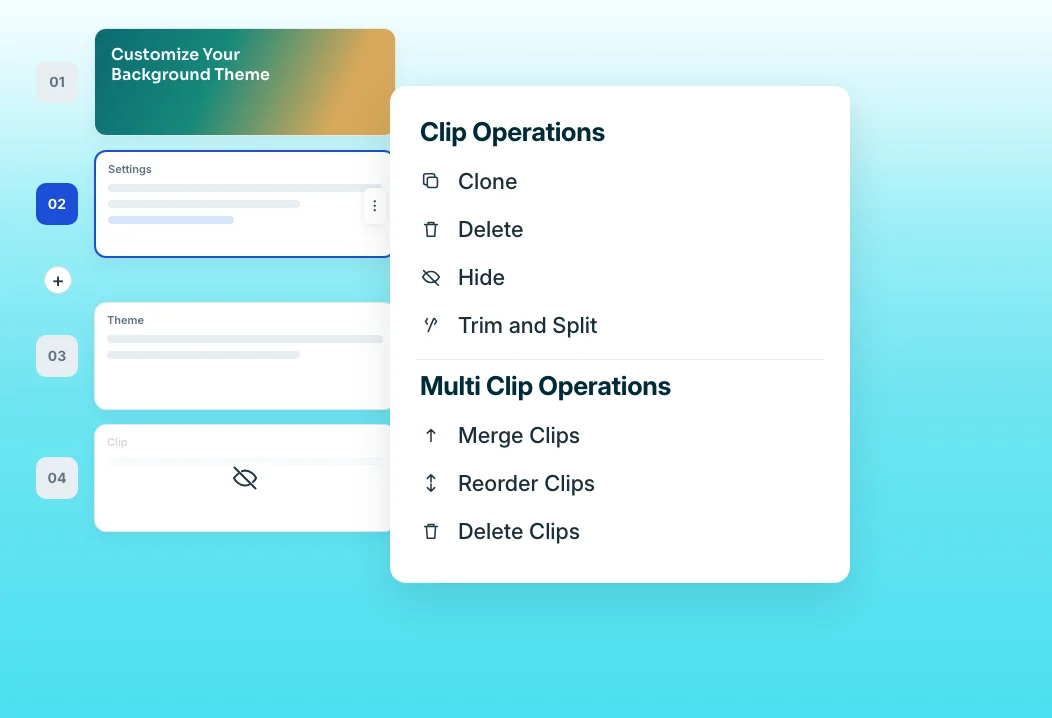
Clip-by-clip editor
Trainn splits a recording into clips, one action and its narration each. When a menu moves, swap that one clip and record a new line of narration, instead of re-recording the full tutorial. You can also record a new sequence into the same video when a whole section changes.
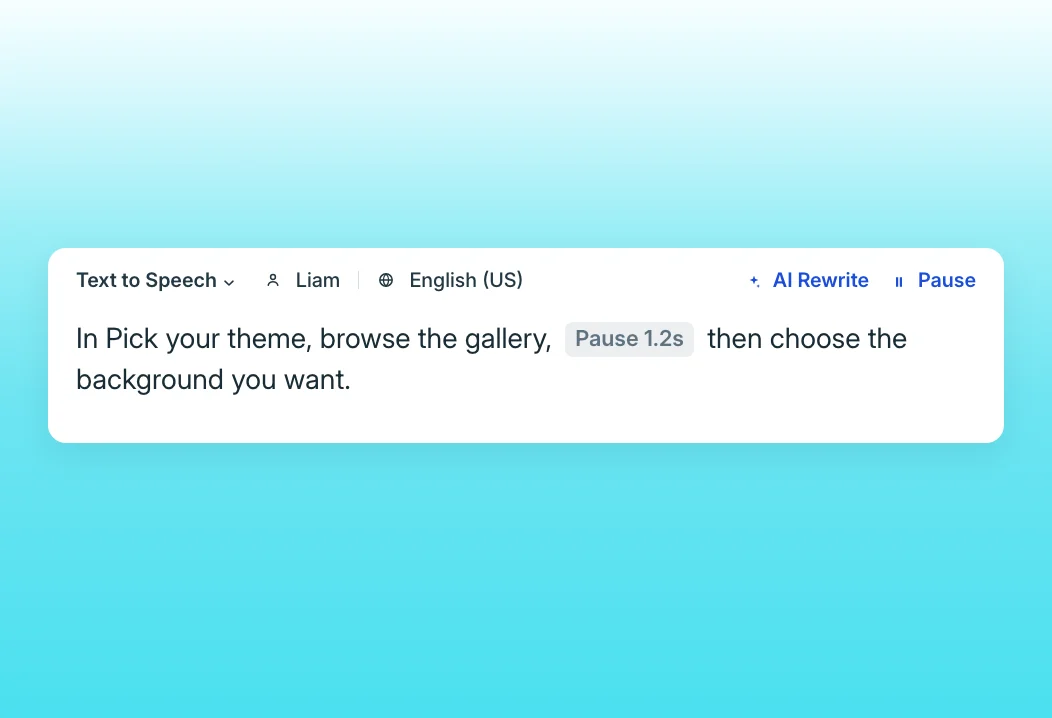
Text-to-speech editor
Rename a feature or fix a term by editing the script. Trainn regenerates the voiceover without anyone recording their voice again. Pronunciations and pauses can be set in the script, so terms sound right every time.
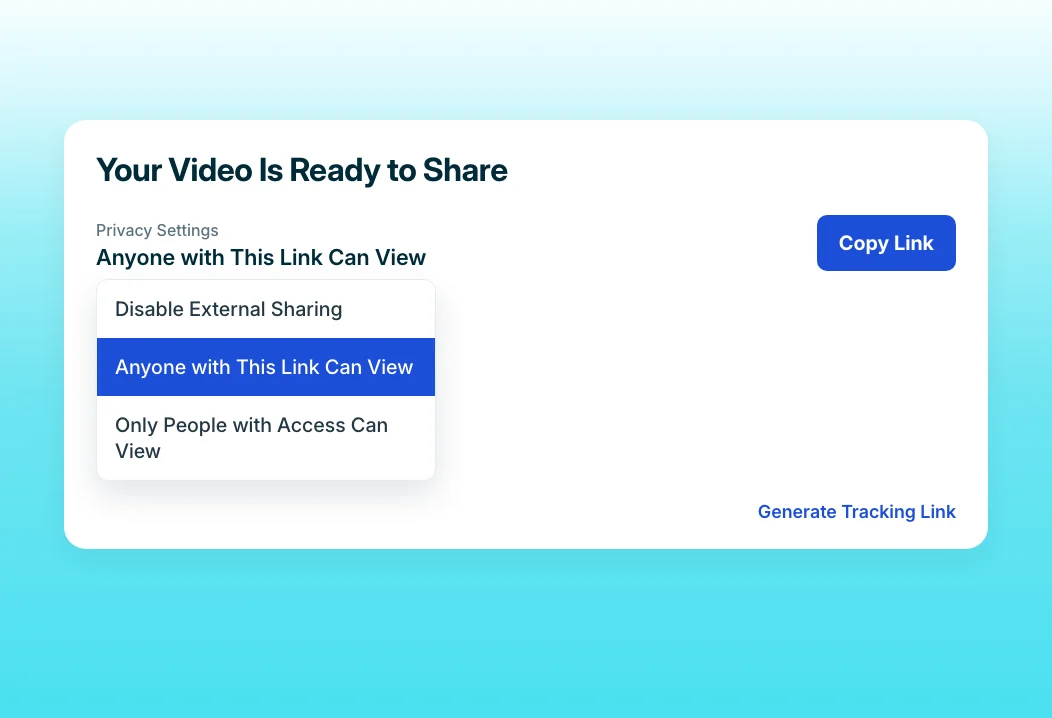
Share Links
Each tutorial has one link in your onboarding emails and checklist. Every update shows up there automatically, with nothing to re-send. Restricted links can limit a tutorial to named learner groups when needed.
“The teams were faced with some really big questions: How do we educate our customers about our product or whenever there is a new release? How do we keep up with it?”
BuildOps produced more than 100 videos in 45 days while releasing new features rapidly. When the product changes, the team replaces the affected clips instead of rebuilding tutorials, which keeps that library current.
Who this is for

Product managers on fast-moving products
Ship product interface changes without leaving stale onboarding tutorials behind, because the affected steps take minutes to replace.

Customer education managers
Maintain a large tutorial library without re-recording it every quarter, and keep every link customers rely on pointing at the current product.

Onboarding specialists
Point new users to tutorials you know match the product they see today.
FAQ


